
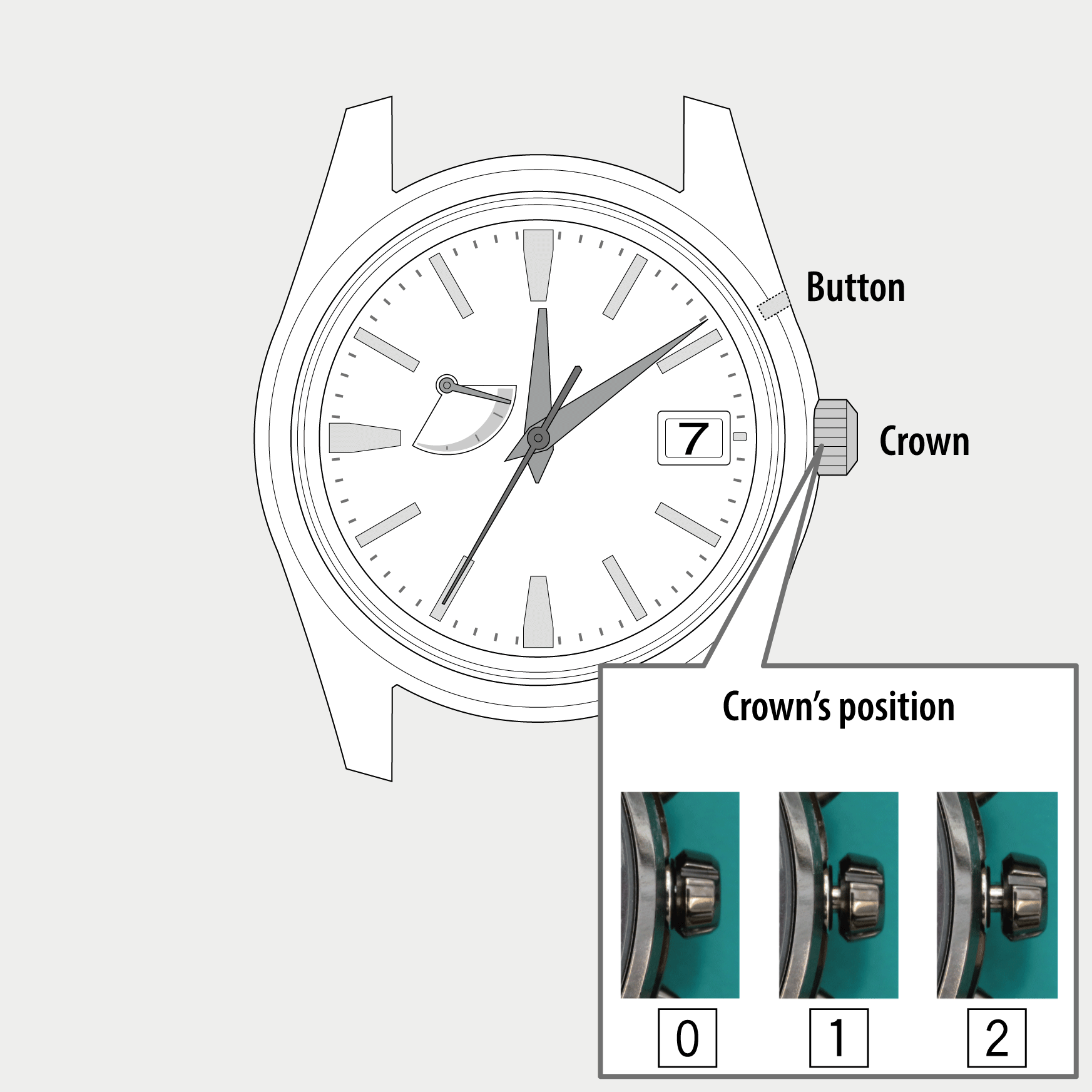
 Cal. No. A010
 Refine your search
A010
Adjusting the time and calendar
Adjusting the calendar
!
The calendar of this watch does not have to be adjusted manually until February 28, 2100 unless it was set incorrect or the watch was stopped. (Perpetual calendar)
- Pull the crown out to position 1.
- Rotate the crown to adjust the date.
- Press and hold the button for 2 seconds.
- Press the button repeatedly to set the year and month.
- Push the crown in to position 0 to finish the procedure.
The hour hand moves in 1-hour increments.
!
The date indication and hour hand move synchronously.
!
Change of date indication shows it just became 0:00 AM.
Take care the time set is AM or PM.
!
Make sure to move the hour hand in fully 1 hour.
If it is left halfway, it may move incorrectly.
The second hand indicates the current year and month setting.
!
Release the button as the second hand start to move.
To set to as the month and as the year, move the second hand to point second(s).
!
Each time you press the button, the second hand moves in 1-second increments.
!
See “Month and year setting” when you want to set other month and year than above or to find further information.
The watch returns to normal indication.