Movement No.H060
To set the time and
date manually


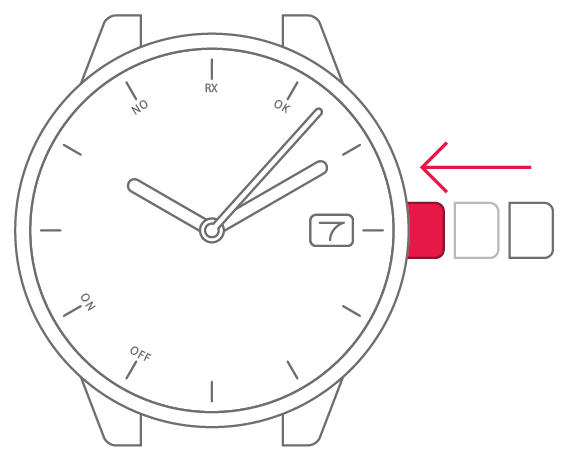
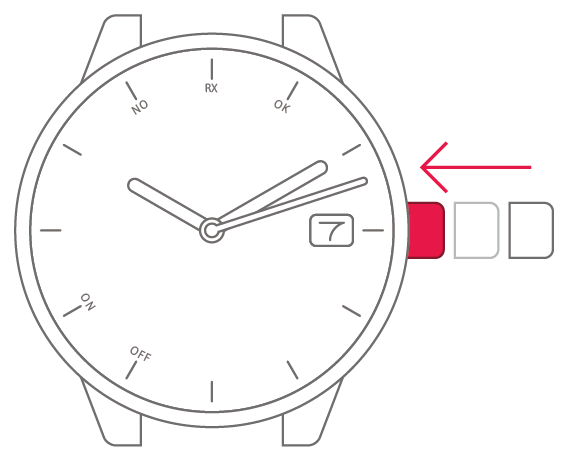
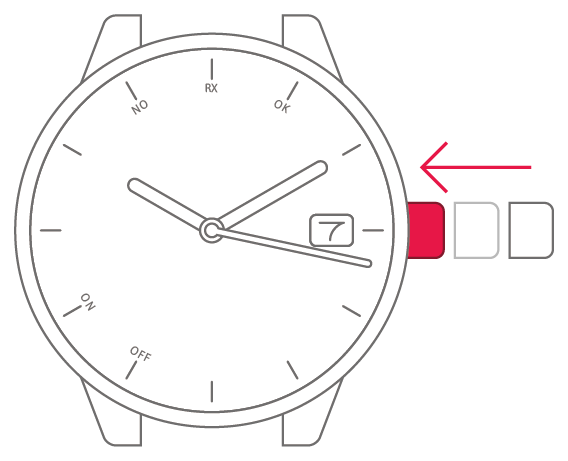
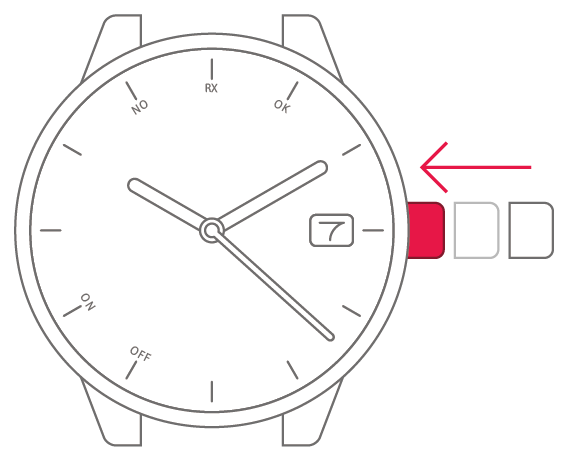
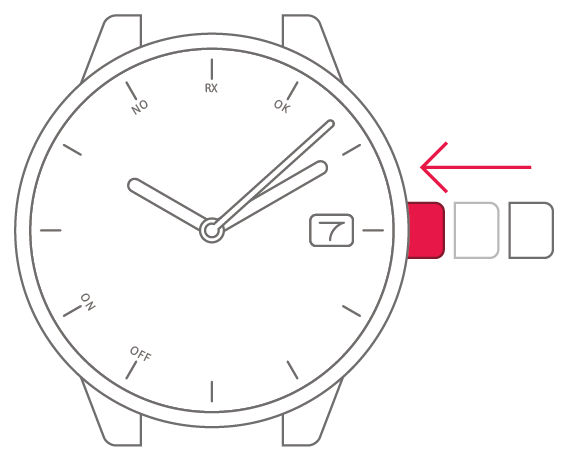
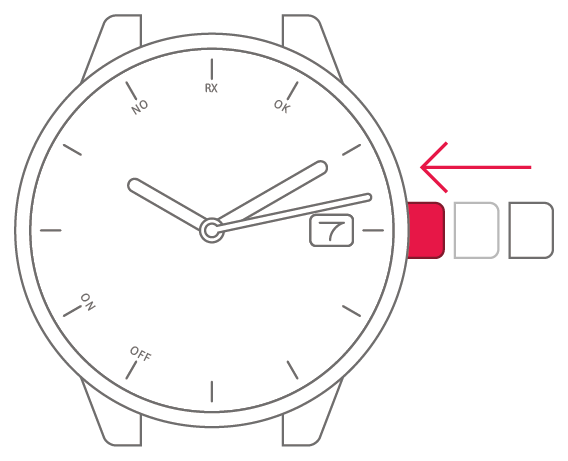
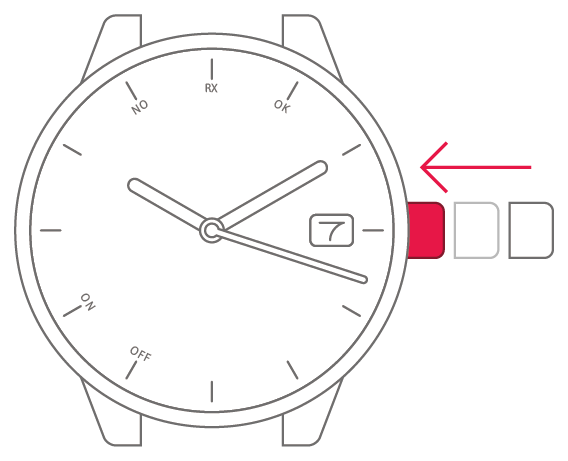
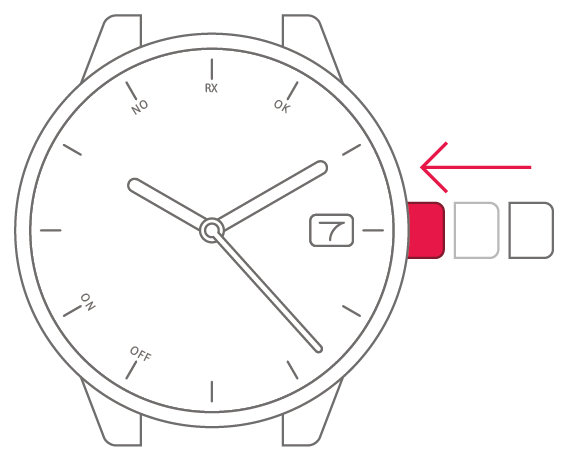
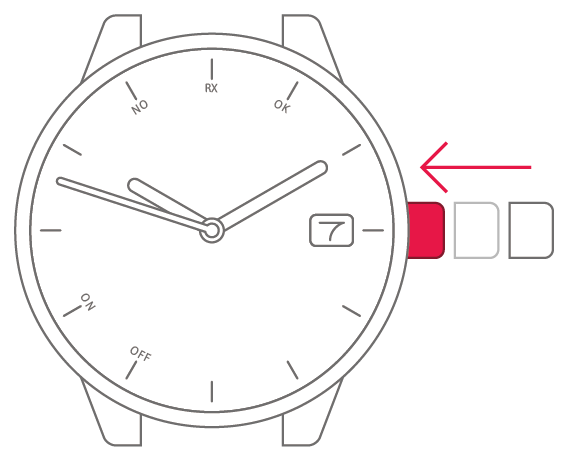
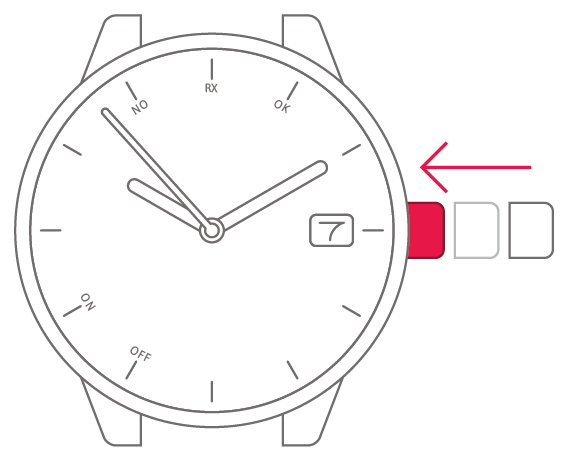
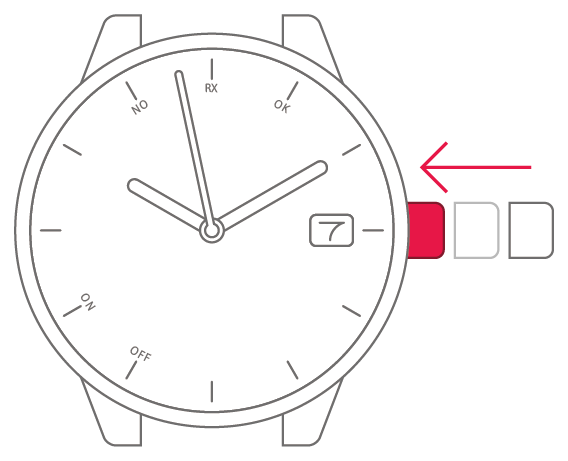
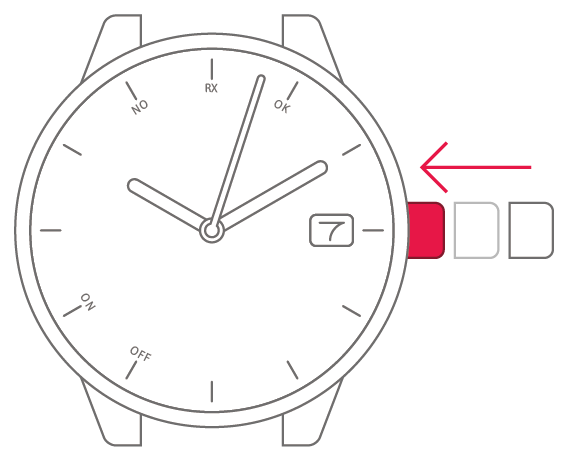
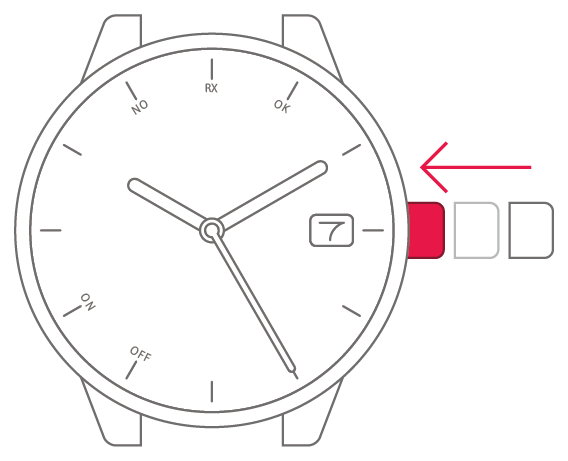
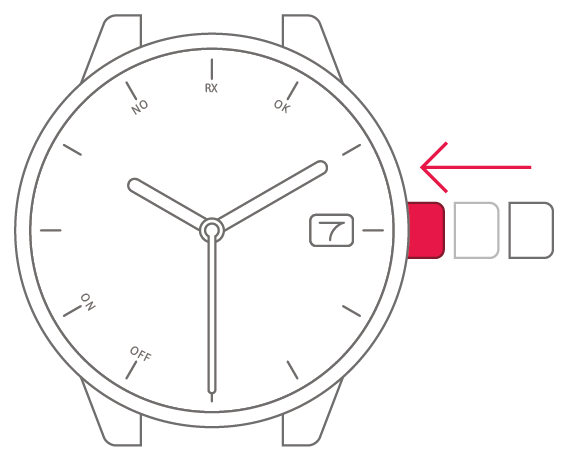
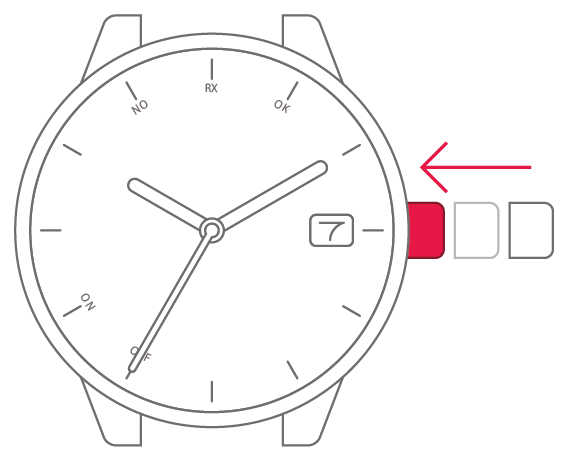
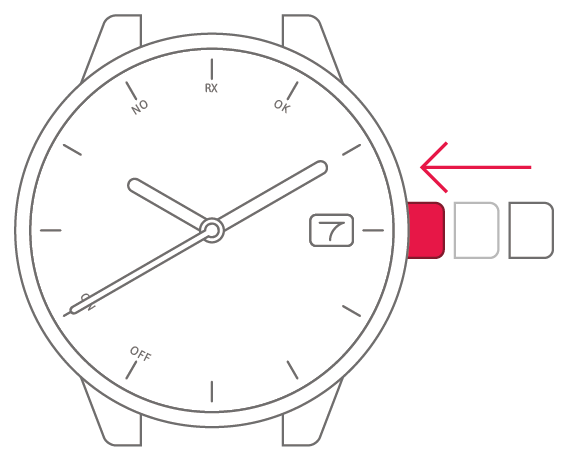
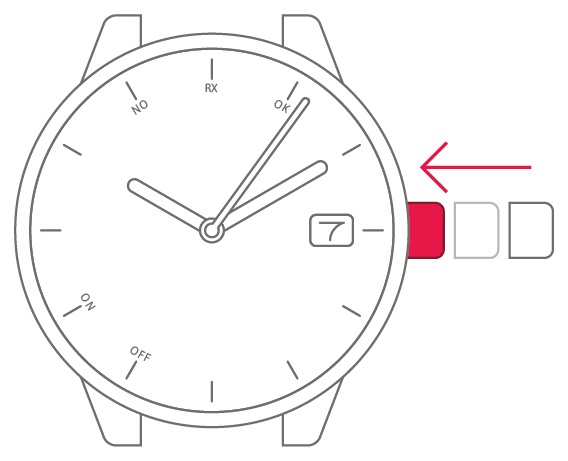
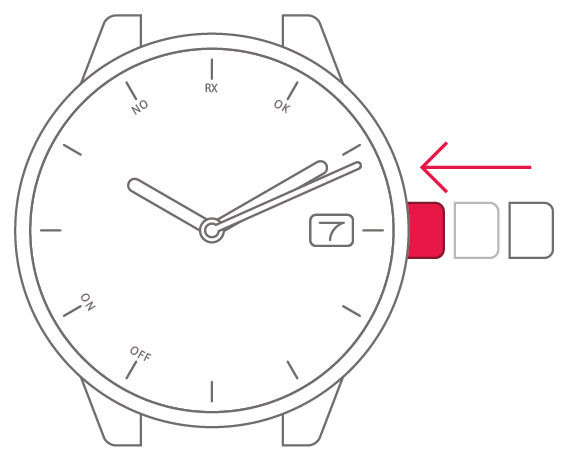
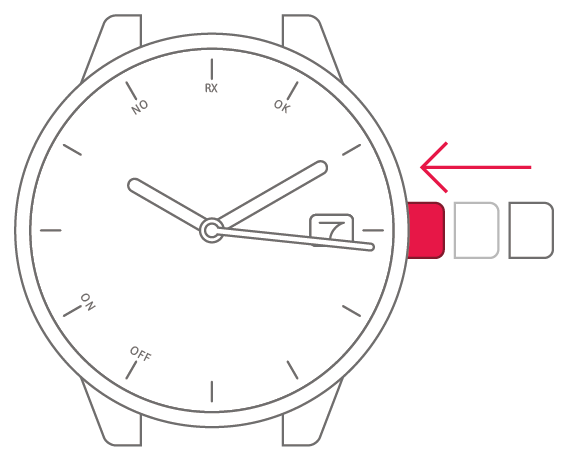
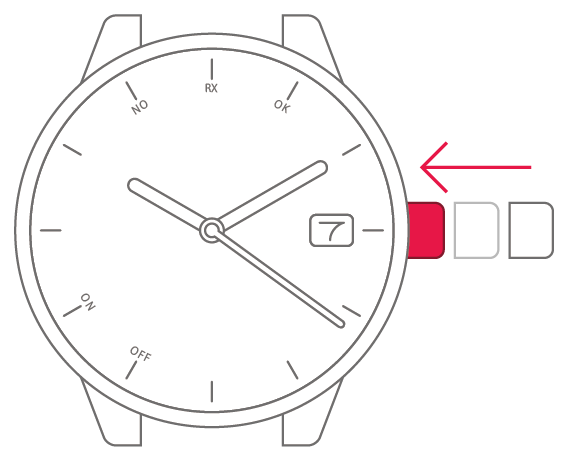
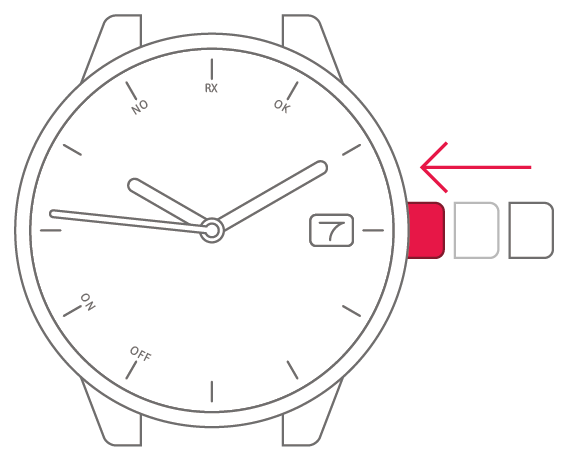
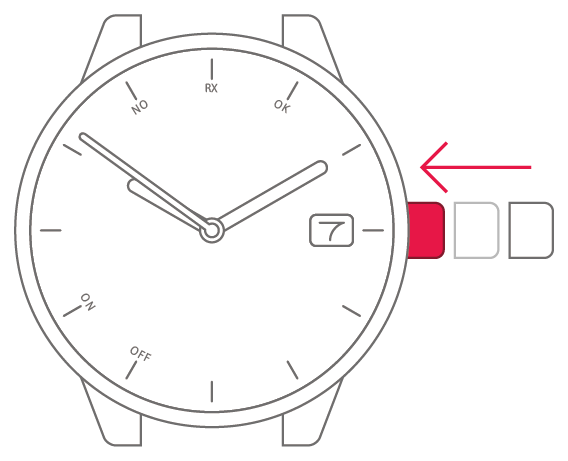
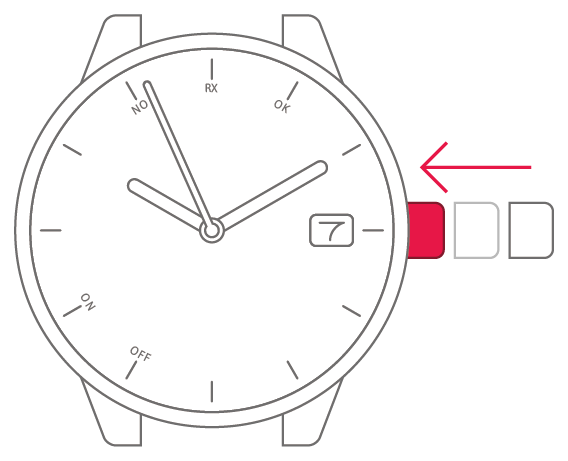
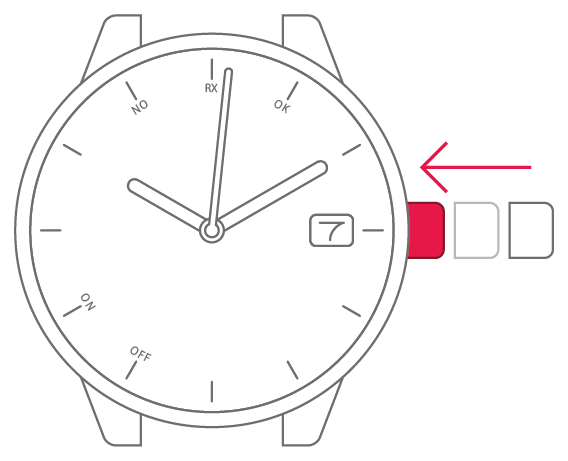
View in illustrations

1
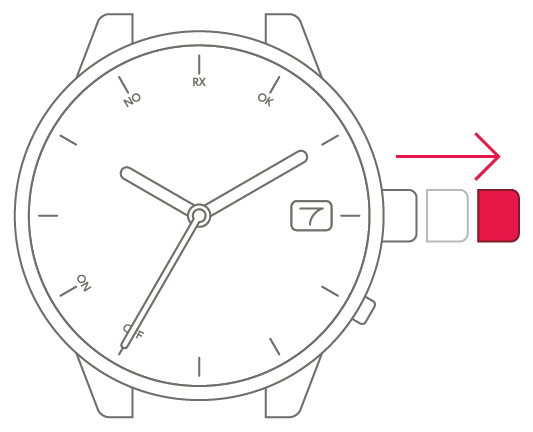
Pull the crown out 2 steps.

2
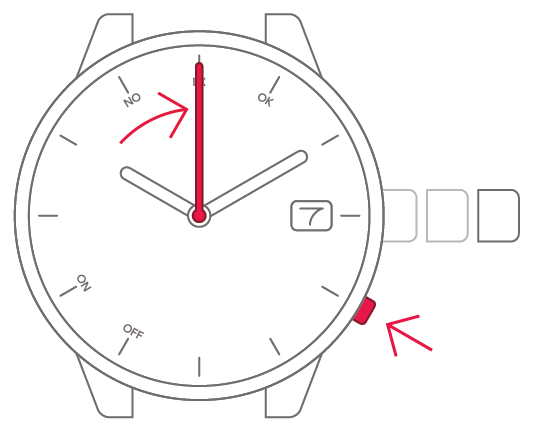
Press and release the lower-right
button. The second hand points
to 0 seconds.

3
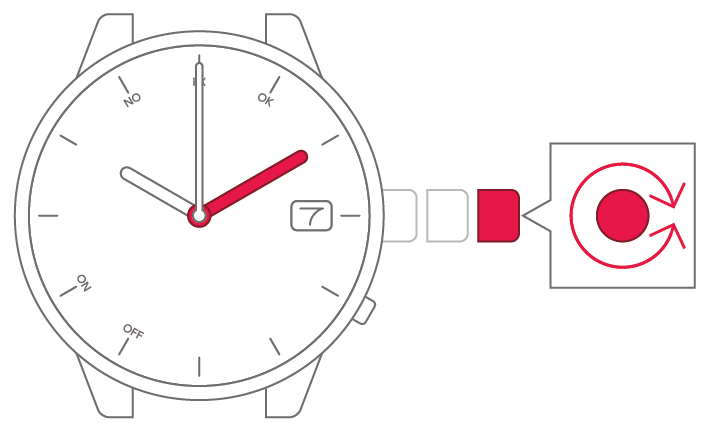
Turn the crown to set the
minutes.
4
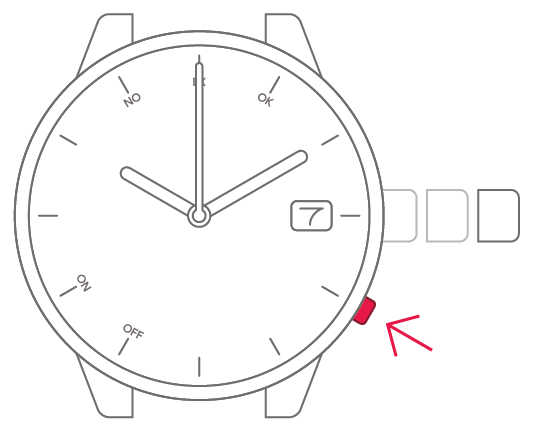
Press and release the lower-right
button.
5
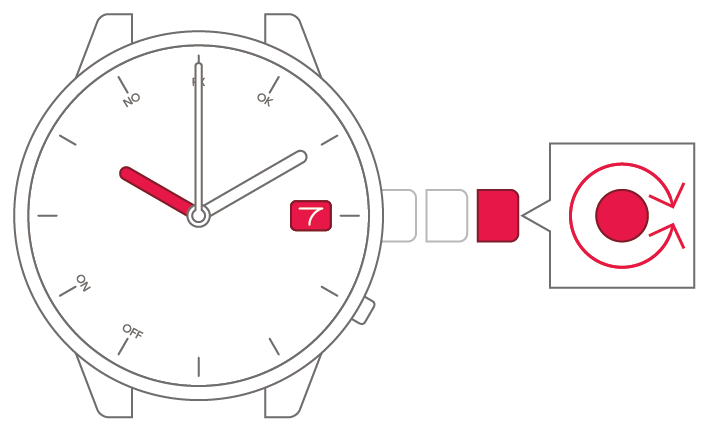
Turn the crown to set the time
and date.
6
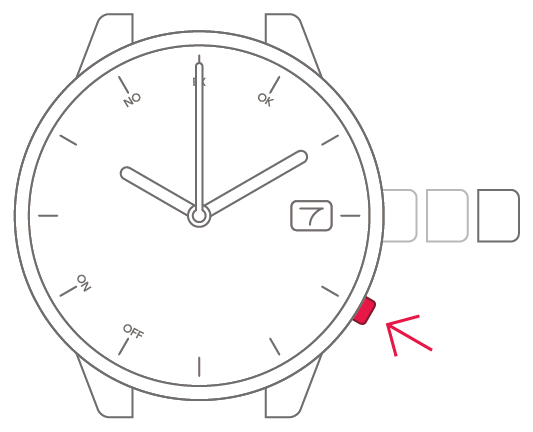
Press and release the lower-right
button.
7
Select the current year and
month.
● Your selection appears in step 8.
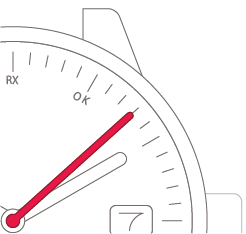
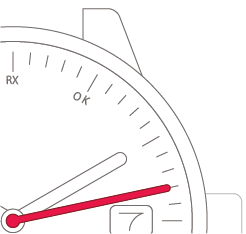
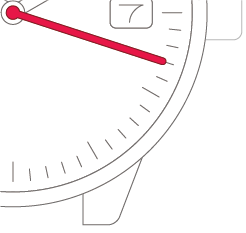
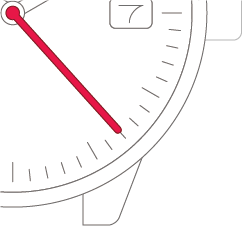
8
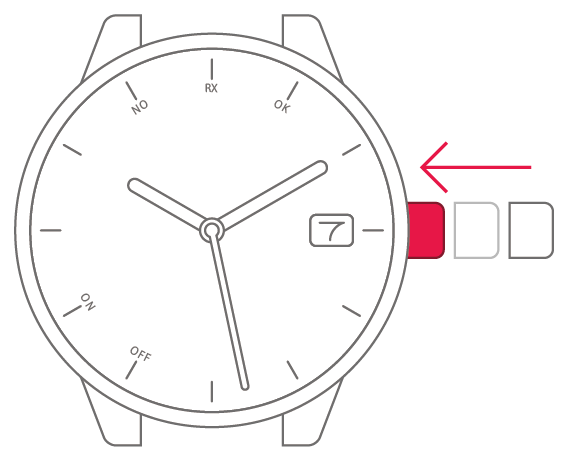
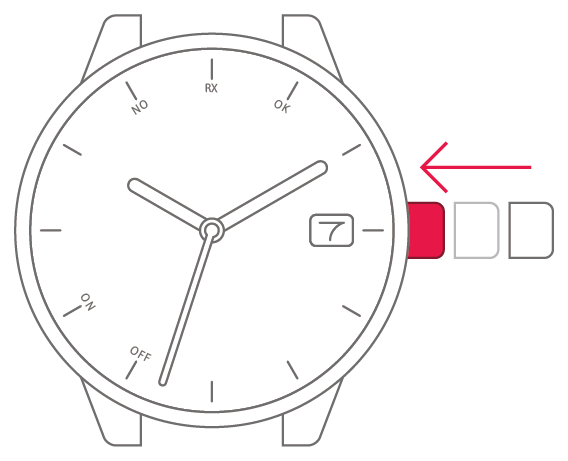
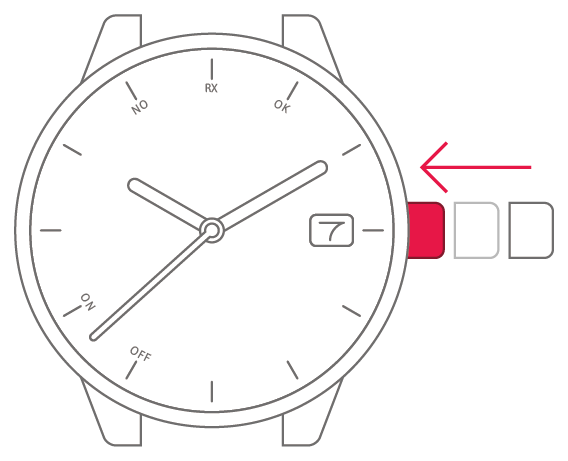
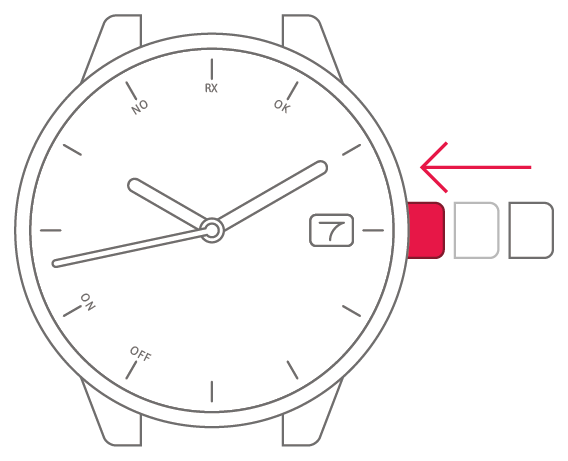
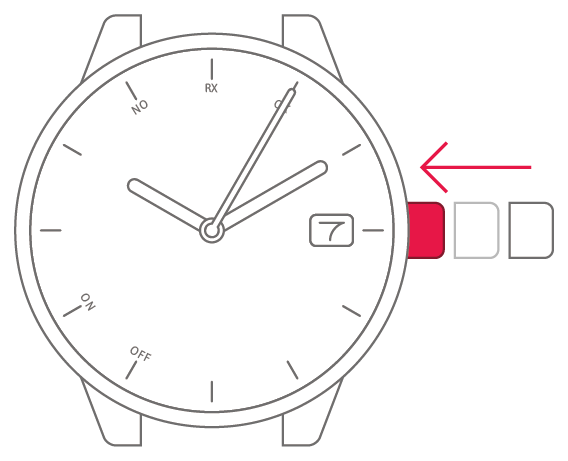
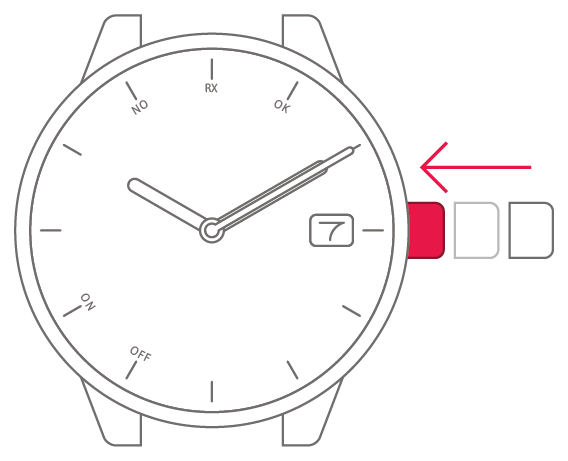
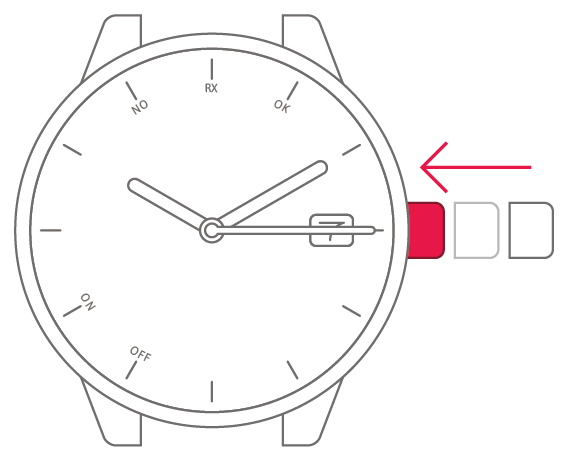
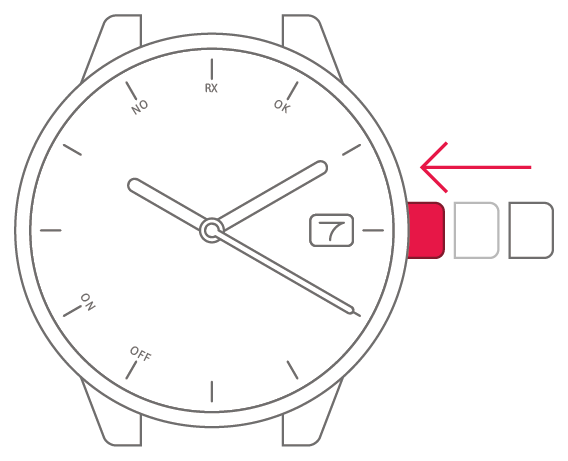
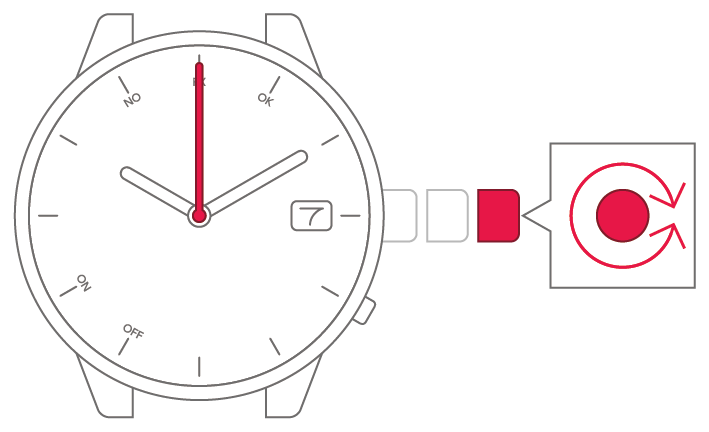
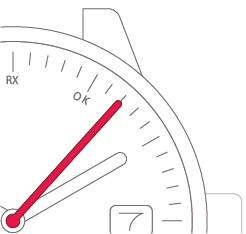
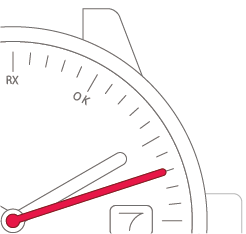
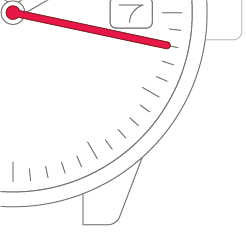
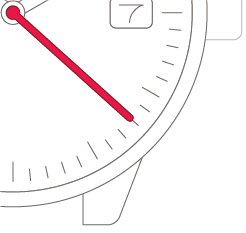
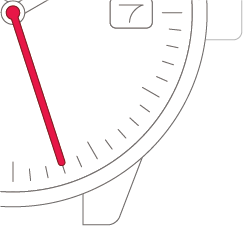
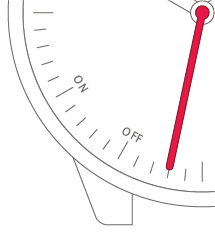
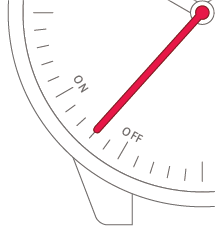
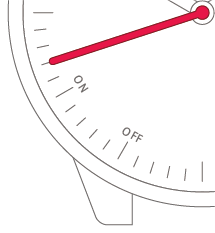
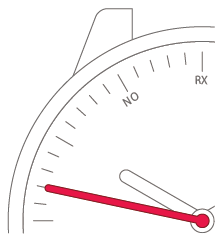
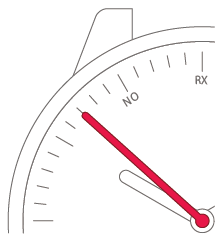
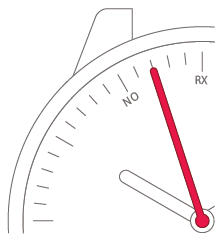
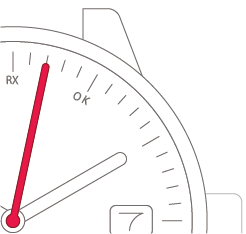
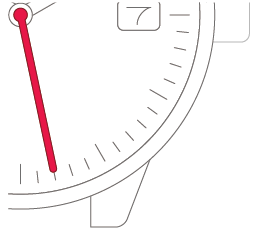
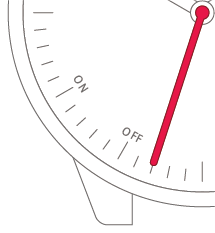
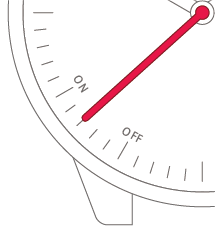
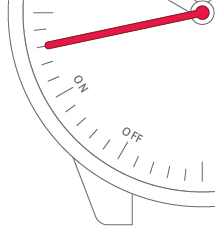
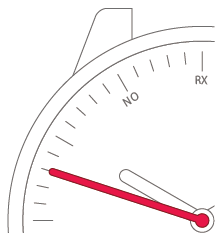
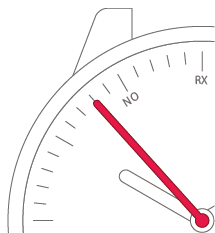
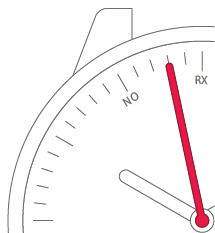
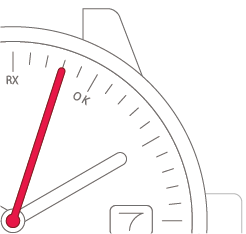
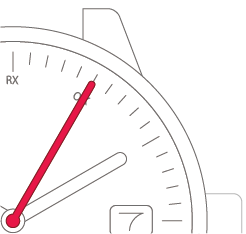
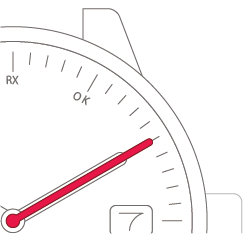
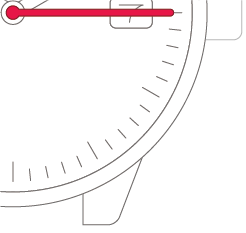
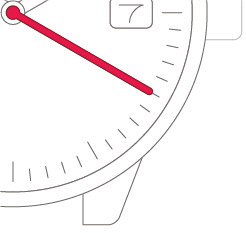
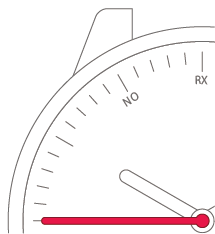
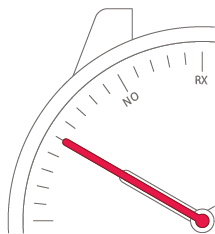
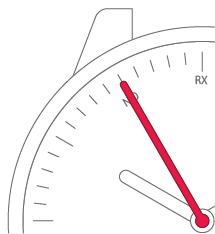
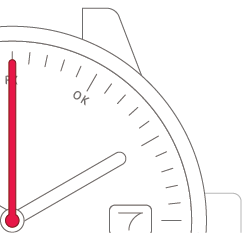
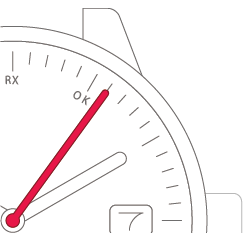
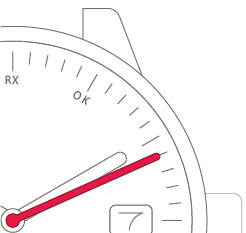
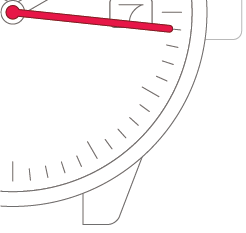
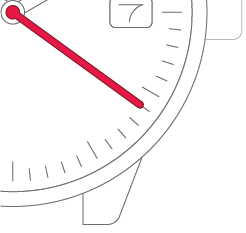
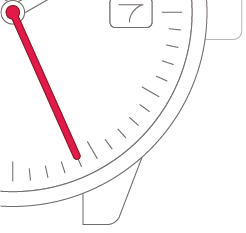
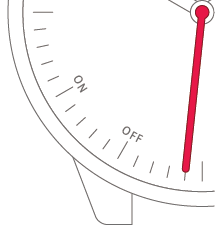
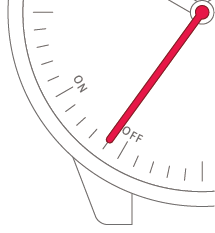
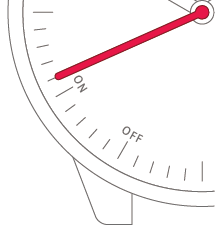
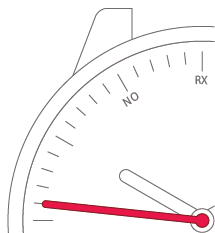
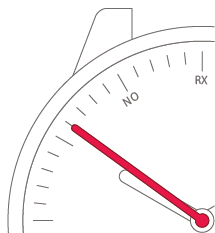
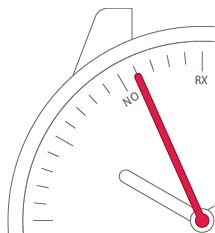
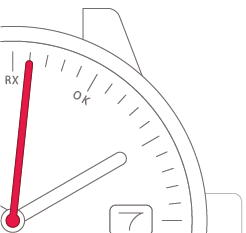
Turn the crown to move the
second hand.
-
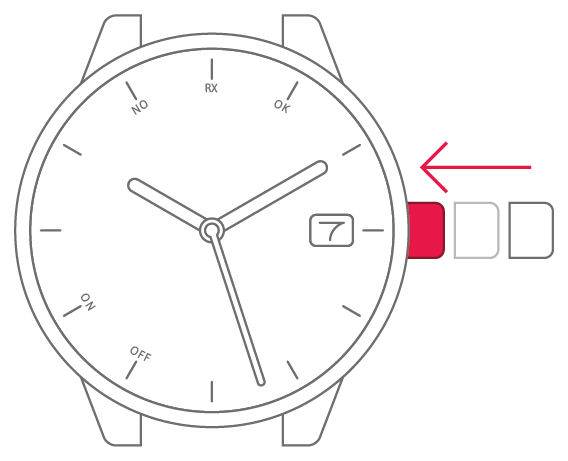
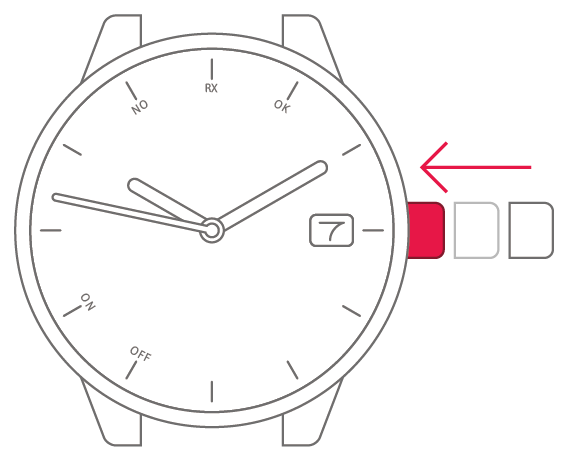
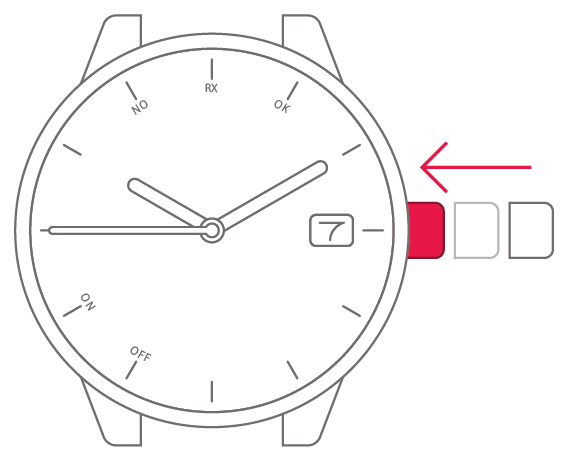
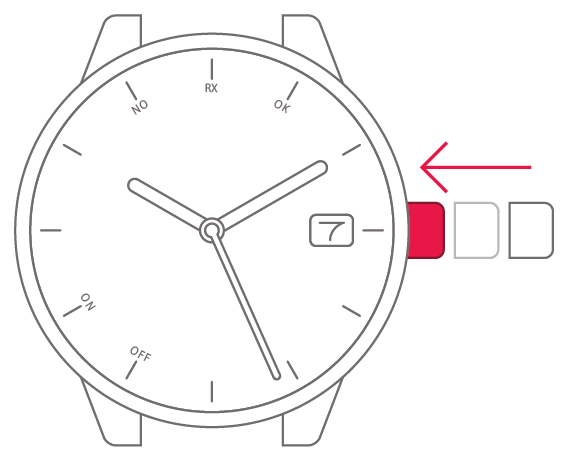
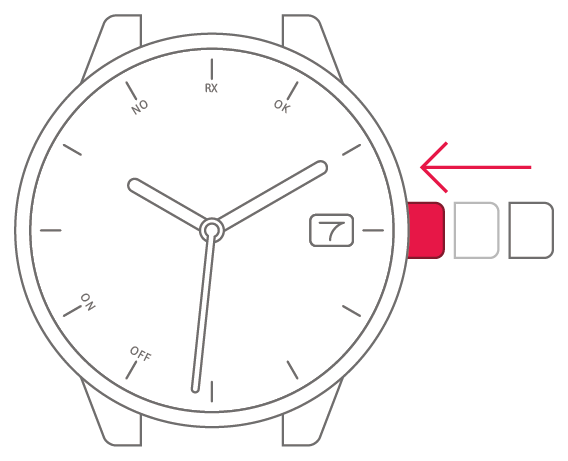
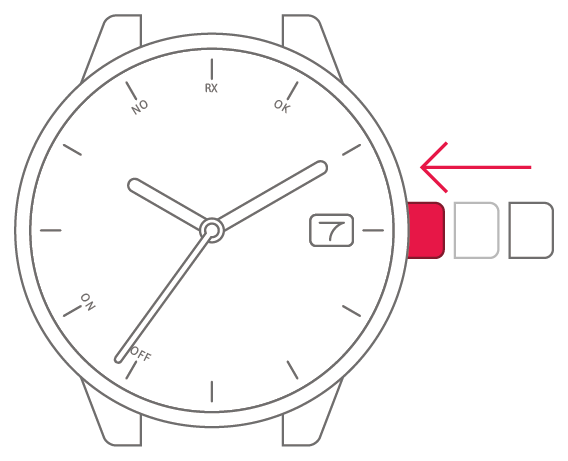
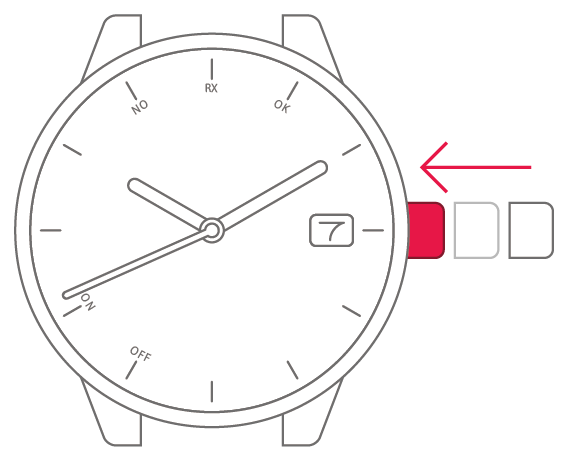
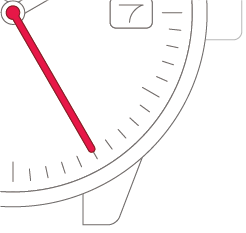
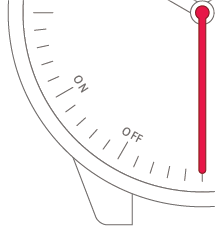
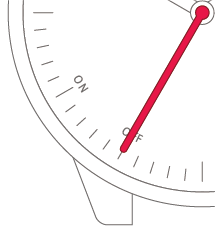
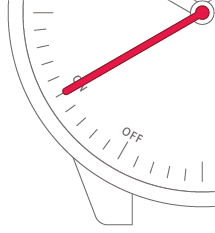
Set the second hand to
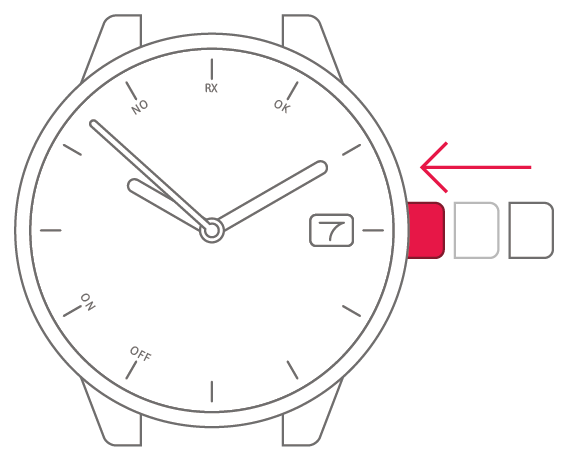
the "7 seconds position".Set the second hand to
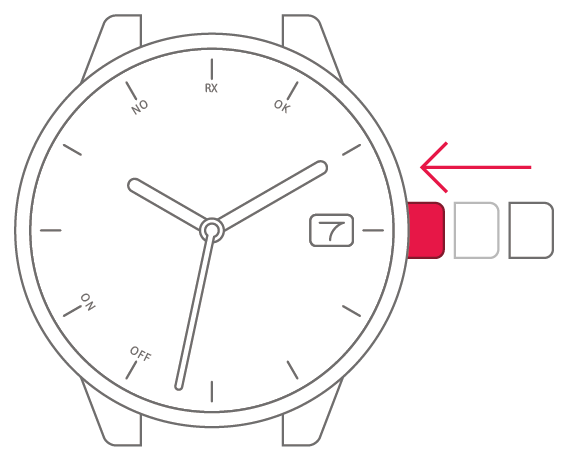
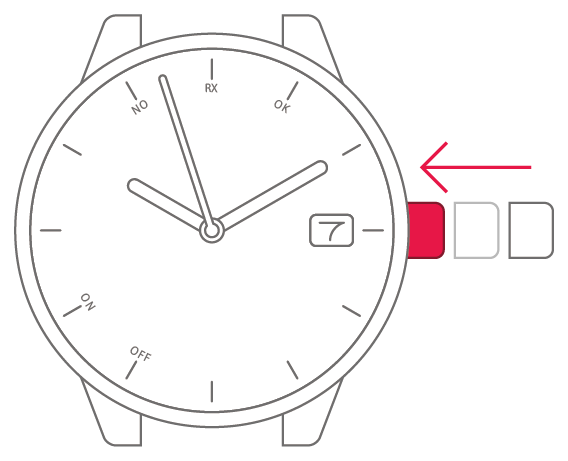
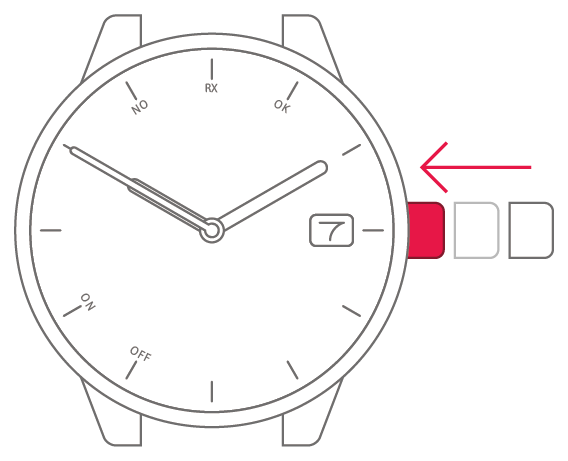
the "12 seconds position".Set the second hand to
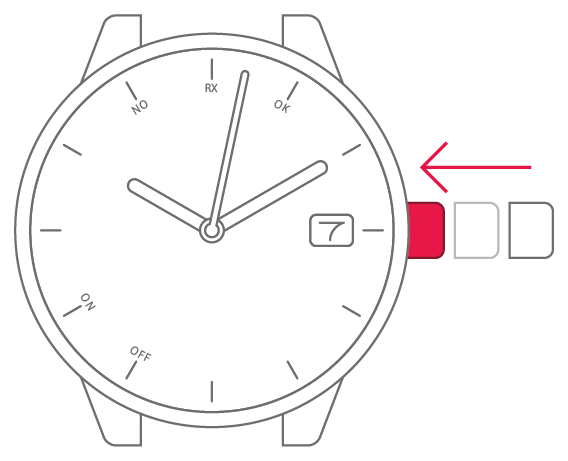
the "17 seconds position".Set the second hand to
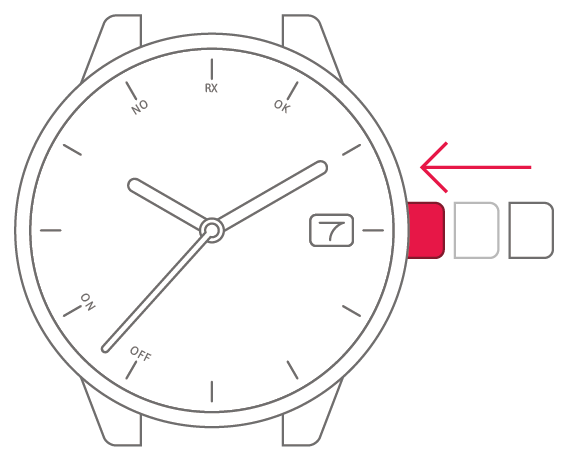
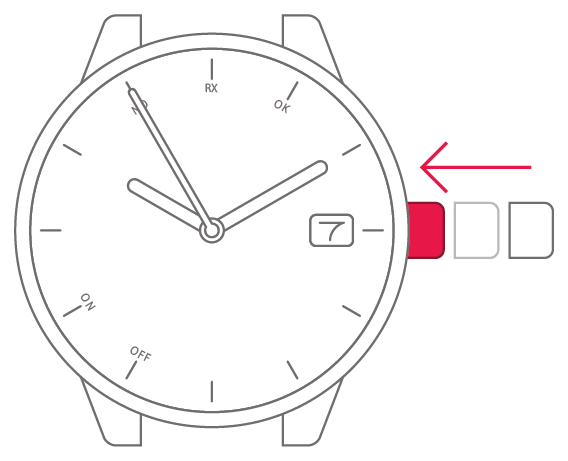
the "22 seconds position".Set the second hand to
the "27 seconds position".Set the second hand to
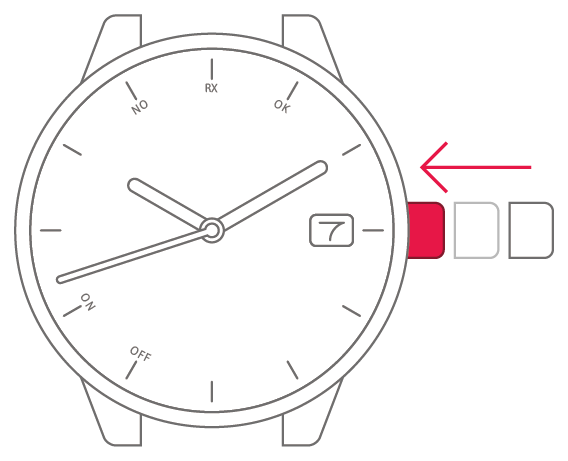
the "32 seconds position".Set the second hand to
the "37 seconds position".Set the second hand to
the "42 seconds position".Set the second hand to
the "47 seconds position".Set the second hand to
the "52 seconds position".Set the second hand to
the "57 seconds position".Set the second hand to
the "2 seconds position".Set the second hand to
the "8 seconds position".Set the second hand to
the "13 seconds position".Set the second hand to
the "18 seconds position".Set the second hand to
the "23 seconds position".Set the second hand to
the "28 seconds position".Set the second hand to
the "33 seconds position".Set the second hand to
the "38 seconds position".Set the second hand to
the "43 seconds position".Set the second hand to
the "48 seconds position".Set the second hand to
the "53 seconds position".Set the second hand to
the "58 seconds position".Set the second hand to
the "3 seconds position".Set the second hand to
the "5 seconds position".Set the second hand to
the "10 seconds position".Set the second hand to
the "15 seconds position".Set the second hand to
the "20 seconds position".Set the second hand to
the "25 seconds position".Set the second hand to
the "30 seconds position".Set the second hand to
the "35 seconds position".Set the second hand to
the "40 seconds position".Set the second hand to
the "45 seconds position".Set the second hand to
the "50 seconds position".Set the second hand to
the "55 seconds position".Set the second hand to
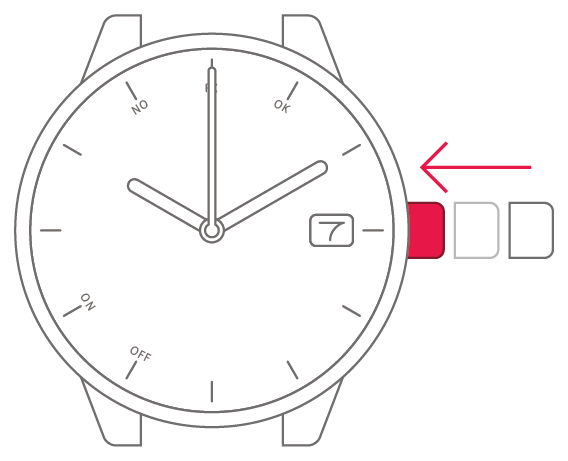
the "0 seconds position".Set the second hand to
the "6 seconds position".Set the second hand to
the "11 seconds position".Set the second hand to
the "16 seconds position".Set the second hand to
the "21 seconds position".Set the second hand to
the "26 seconds position".Set the second hand to
the "31 seconds position".Set the second hand to
the "36 seconds position".Set the second hand to
the "41 seconds position".Set the second hand to
the "46 seconds position".Set the second hand to
the "51 seconds position".Set the second hand to
the "56 seconds position".Set the second hand to
the "1 second position".Set the second hand to
the "7 seconds position".Set the second hand to
the "12 seconds position".Set the second hand to
the "17 seconds position".Set the second hand to
the "22 seconds position".Set the second hand to
the "27 seconds position".Set the second hand to
the "32 seconds position".Set the second hand to
the "37 seconds position".Set the second hand to
the "42 seconds position".Set the second hand to
the "47 seconds position".Set the second hand to
the "52 seconds position".Set the second hand to
the "57 seconds position".Set the second hand to
the "2 seconds position".Set the second hand to
the "8 seconds position".Set the second hand to
the "13 seconds position".Set the second hand to
the "18 seconds position".Set the second hand to
the "23 seconds position".Set the second hand to
the "28 seconds position".Set the second hand to
the "33 seconds position".Set the second hand to
the "38 seconds position".Set the second hand to
the "43 seconds position".Set the second hand to
the "48 seconds position".Set the second hand to
the "53 seconds position".Set the second hand to
the "58 seconds position".Set the second hand to
the "3 seconds position".Set the second hand to
the "5 seconds position".Set the second hand to
the "10 seconds position".Set the second hand to
the "15 seconds position".Set the second hand to
the "20 seconds position".Set the second hand to
the "25 seconds position".Set the second hand to
the "30 seconds position".Set the second hand to
the "35 seconds position".Set the second hand to
the "40 seconds position".Set the second hand to
the "45 seconds position".Set the second hand to
the "50 seconds position".Set the second hand to
the "55 seconds position".Set the second hand to
the "0 seconds position".Set the second hand to
the "6 seconds position".Set the second hand to
the "11 seconds position".Set the second hand to
the "16 seconds position".Set the second hand to
the "21 seconds position".Set the second hand to
the "26 seconds position".Set the second hand to
the "31 seconds position".Set the second hand to
the "36 seconds position".Set the second hand to
the "41 seconds position".Set the second hand to
the "46 seconds position".Set the second hand to
the "51 seconds position".Set the second hand to
the "56 seconds position".Set the second hand to
the "1 second position".Set the second hand to
the "7 seconds position".Set the second hand to
the "12 seconds position".Set the second hand to
the "17 seconds position".Set the second hand to
the "22 seconds position".Set the second hand to
the "27 seconds position".Set the second hand to
the "32 seconds position".Set the second hand to
the "37 seconds position".Set the second hand to
the "42 seconds position".Set the second hand to
the "47 seconds position".Set the second hand to
the "52 seconds position".Set the second hand to
the "57 seconds position".Set the second hand to
the "2 seconds position".Set the second hand to
the "8 seconds position".Set the second hand to
the "13 seconds position".Set the second hand to
the "18 seconds position".Set the second hand to
the "23 seconds position".Set the second hand to
the "28 seconds position".Set the second hand to
the "33 seconds position".Set the second hand to
the "38 seconds position".Set the second hand to
the "43 seconds position".Set the second hand to
the "48 seconds position".Set the second hand to
the "53 seconds position".Set the second hand to
the "58 seconds position".Set the second hand to
the "3 seconds position".Set the second hand to
the "5 seconds position".Set the second hand to
the "10 seconds position".Set the second hand to
the "15 seconds position".Set the second hand to
the "20 seconds position".Set the second hand to
the "25 seconds position".Set the second hand to
the "30 seconds position".Set the second hand to
the "35 seconds position".Set the second hand to
the "40 seconds position".Set the second hand to
the "45 seconds position".Set the second hand to
the "50 seconds position".Set the second hand to
the "55 seconds position".Set the second hand to
the "0 seconds position".Set the second hand to
the "6 seconds position".Set the second hand to
the "11 seconds position".Set the second hand to
the "16 seconds position".Set the second hand to
the "21 seconds position".Set the second hand to
the "26 seconds position".Set the second hand to
the "31 seconds position".Set the second hand to
the "36 seconds position".Set the second hand to
the "41 seconds position".Set the second hand to
the "46 seconds position".Set the second hand to
the "51 seconds position".Set the second hand to
the "56 seconds position".Set the second hand to
the "1 second position".Set the second hand to
the "7 seconds position".Set the second hand to
the "12 seconds position".Set the second hand to
the "17 seconds position".Set the second hand to
the "22 seconds position".Set the second hand to
the "27 seconds position".Set the second hand to
the "32 seconds position".Set the second hand to
the "37 seconds position".Set the second hand to
the "42 seconds position".Set the second hand to
the "47 seconds position".Set the second hand to
the "52 seconds position".Set the second hand to
the "57 seconds position".Set the second hand to
the "2 seconds position".
9
Match the time to a time signal
or other source and then push
the crown back in to complete
the process.