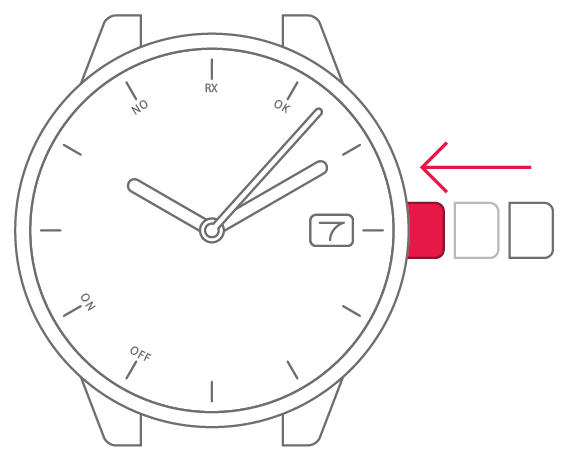
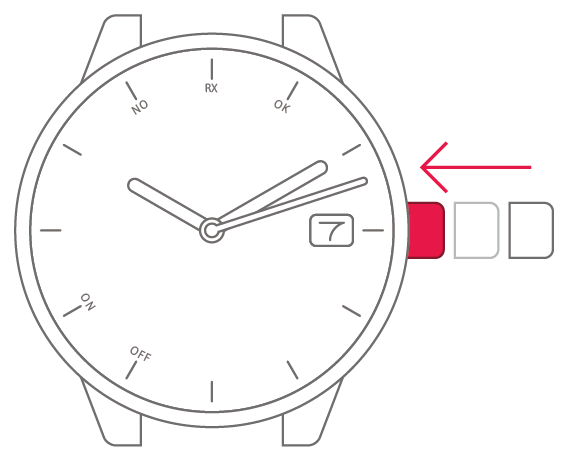
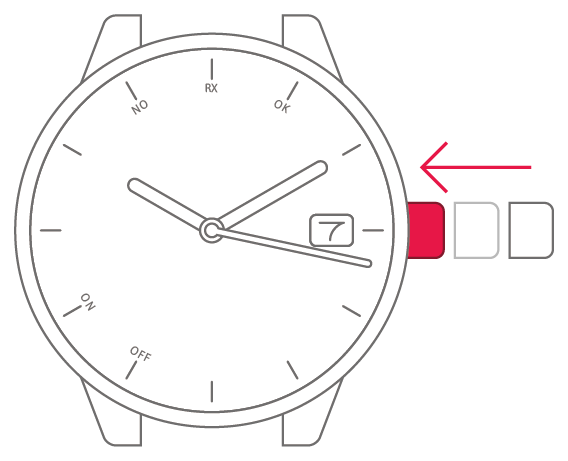
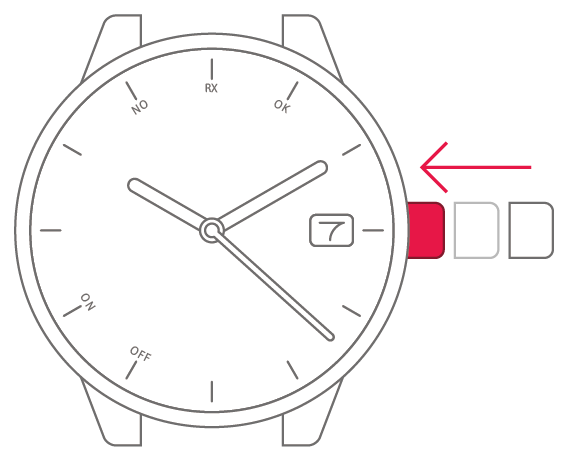
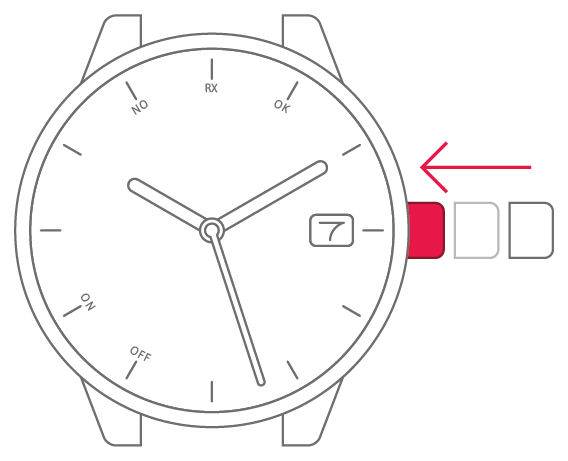
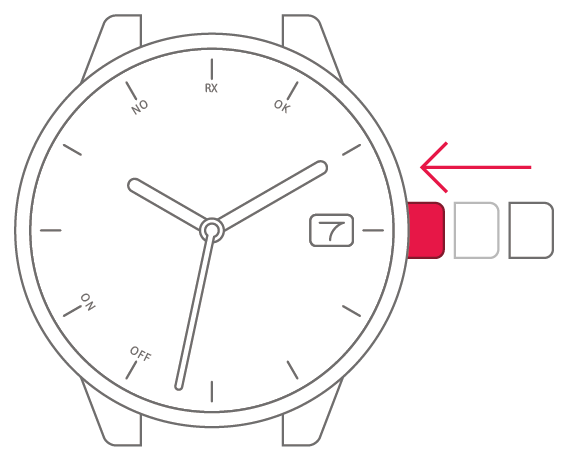
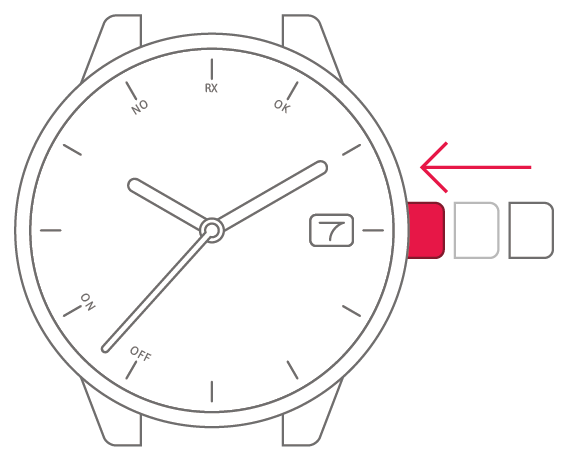
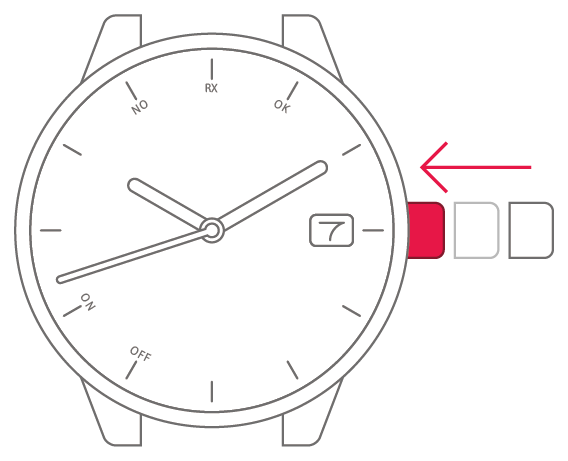
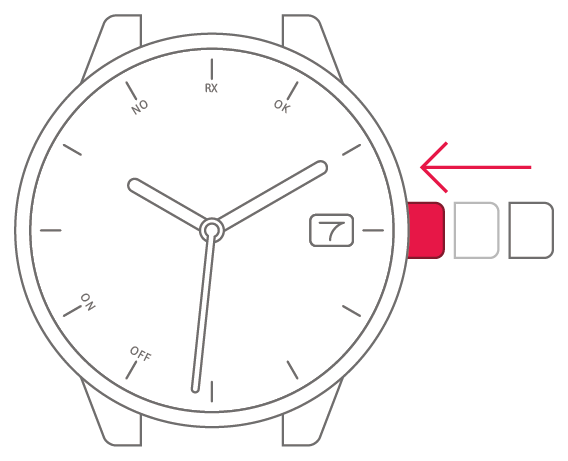
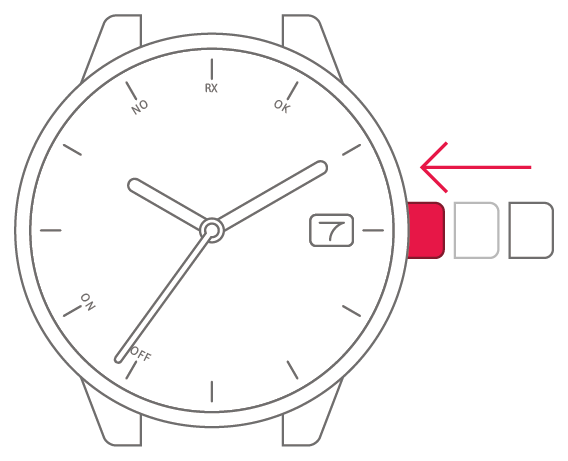
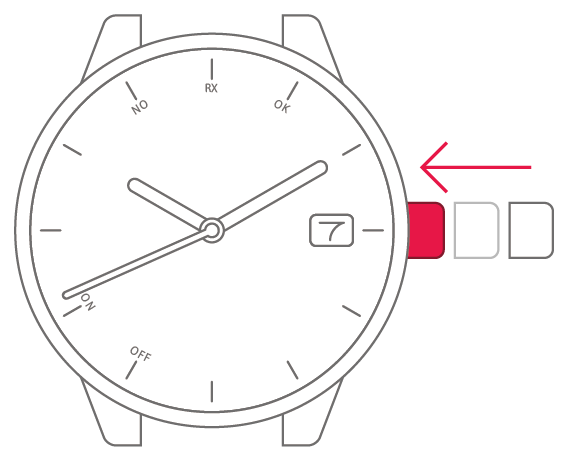
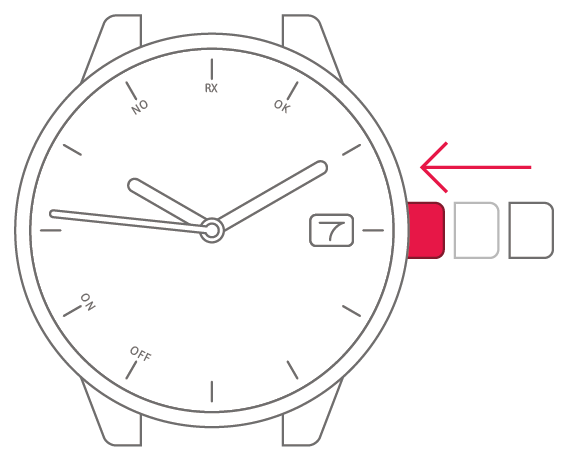
Movement No.H060
The time and date
are incorrect

To set the watch to the
correct time for your region
To set the watch to the
correct time for your region



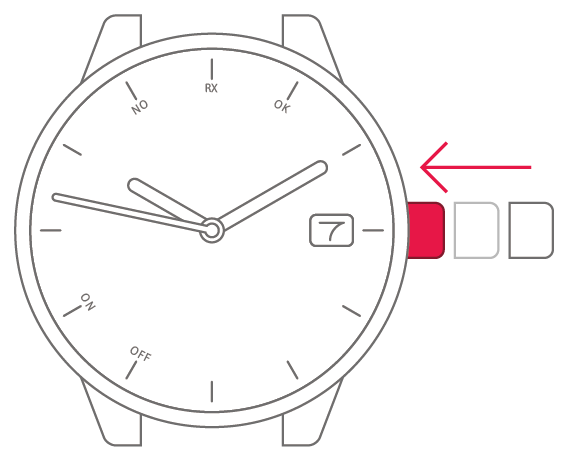
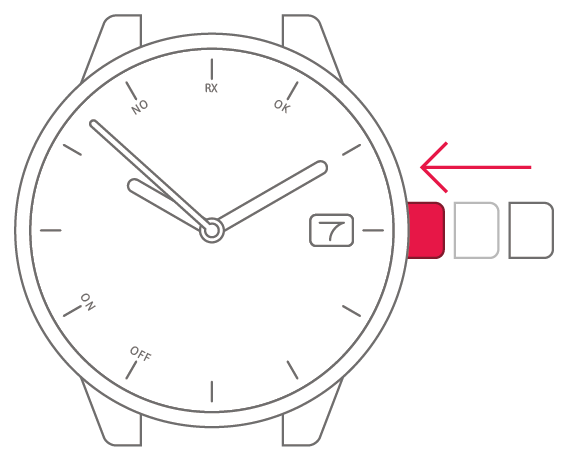
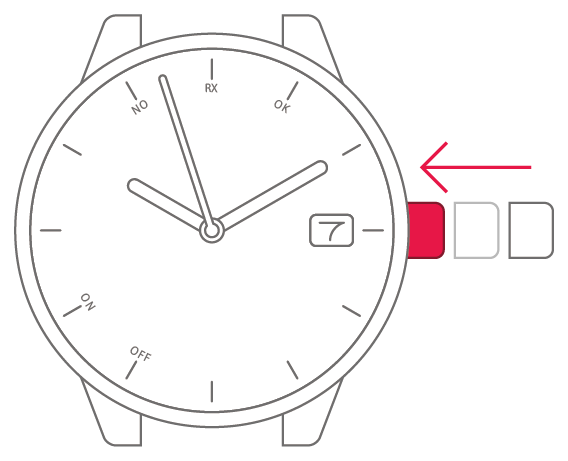
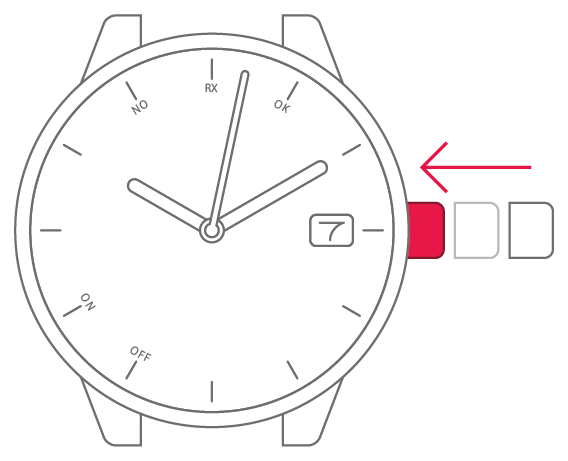
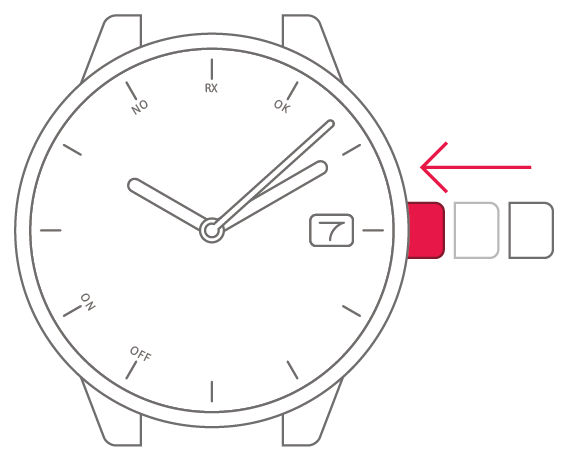
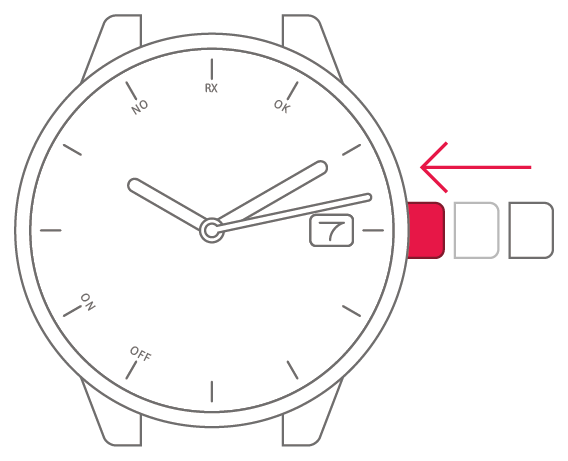
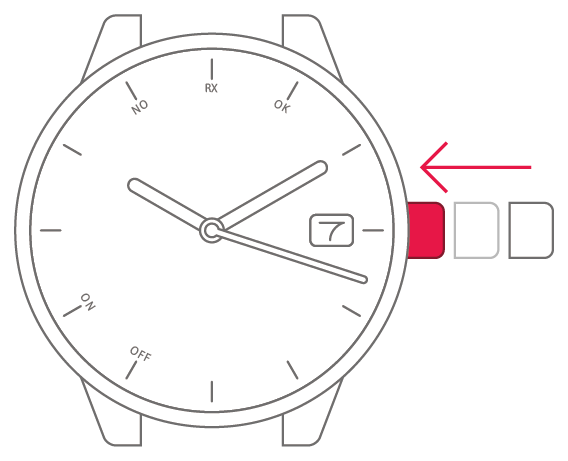
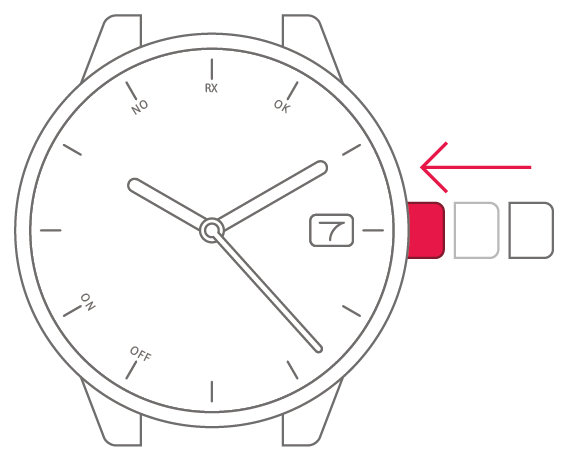
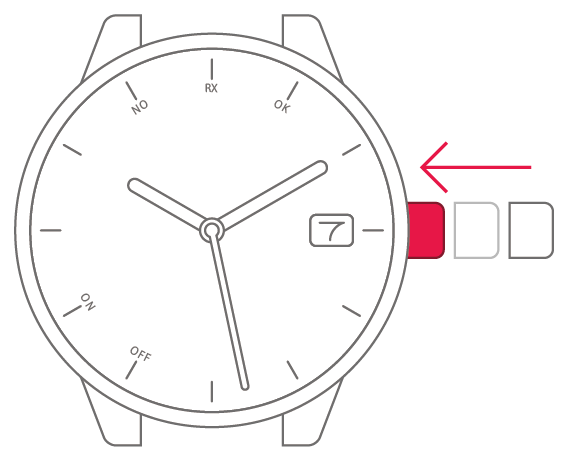
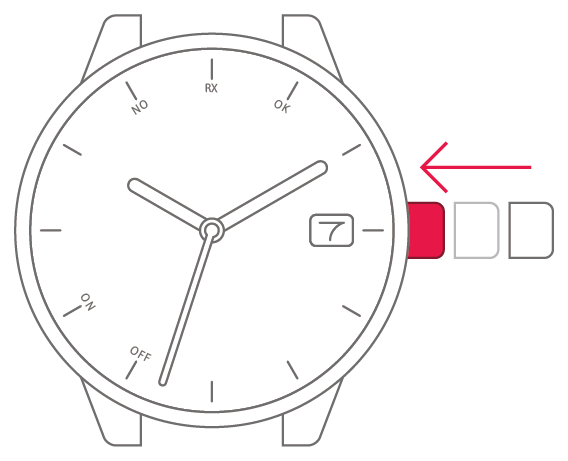
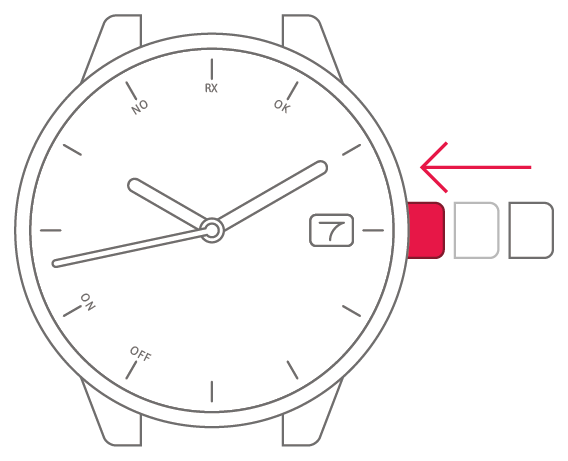
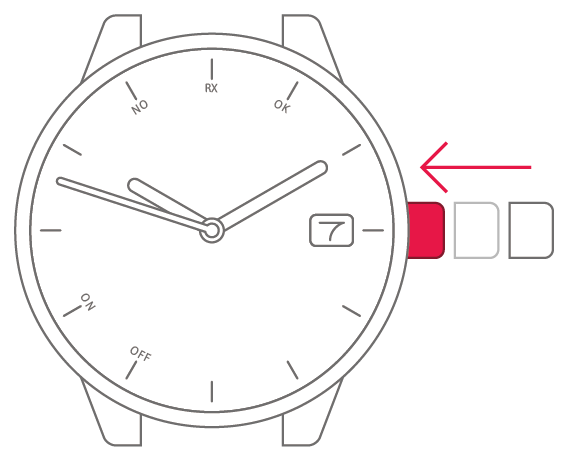
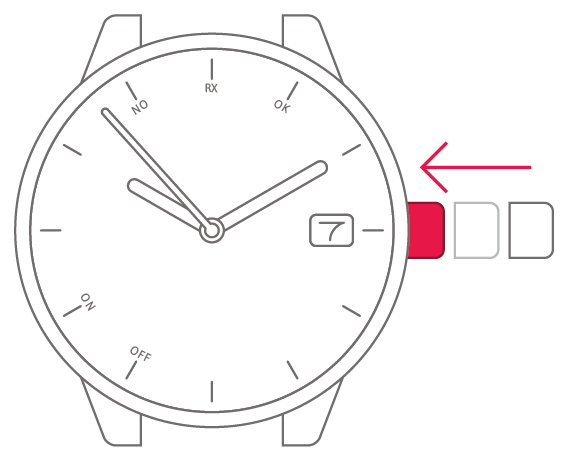
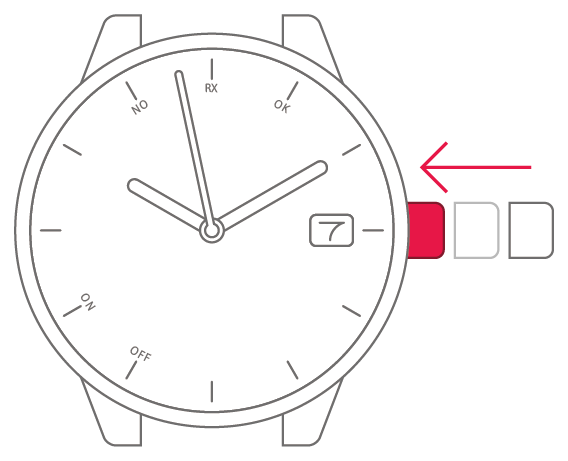
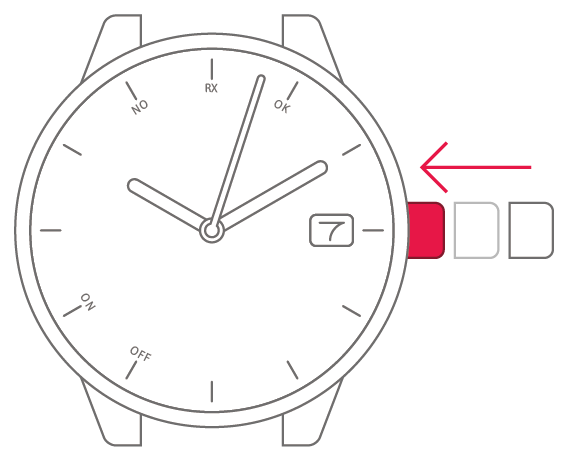
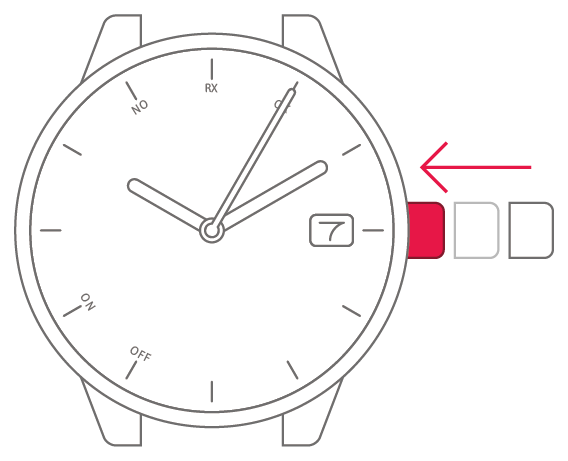
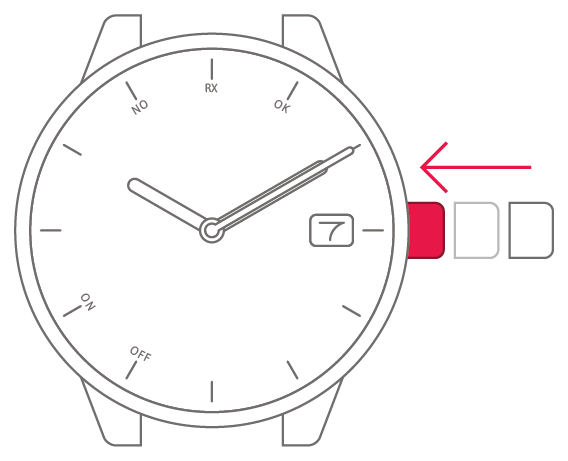
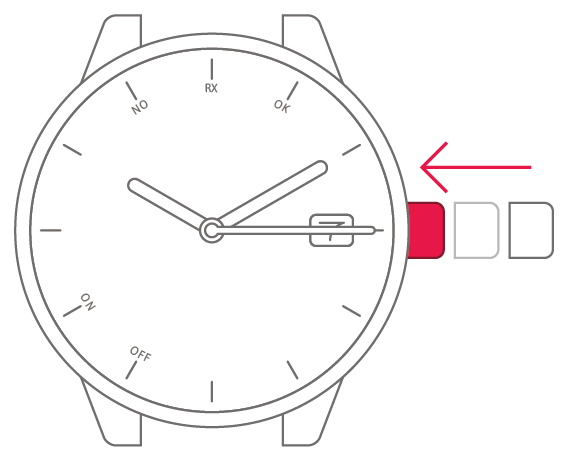
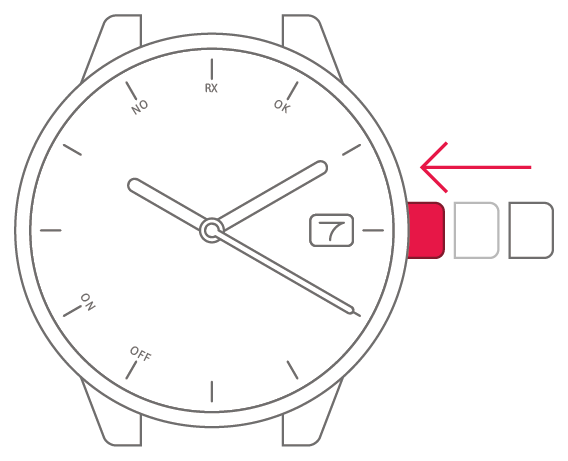
View in illustrations
1
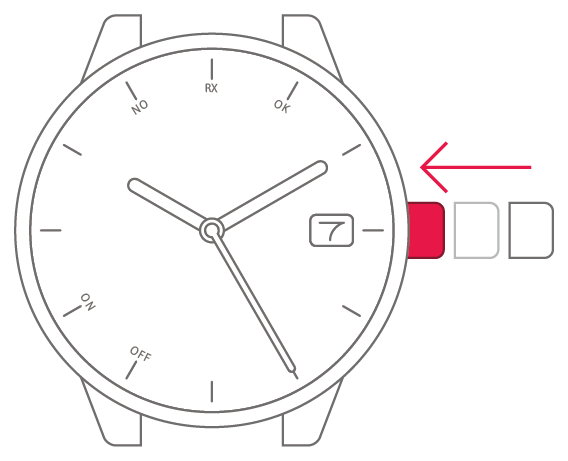
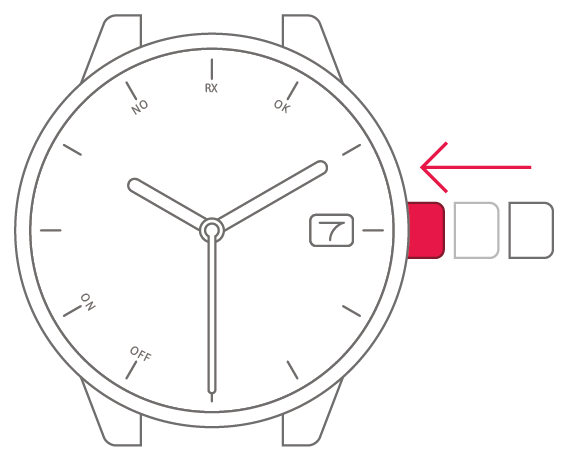
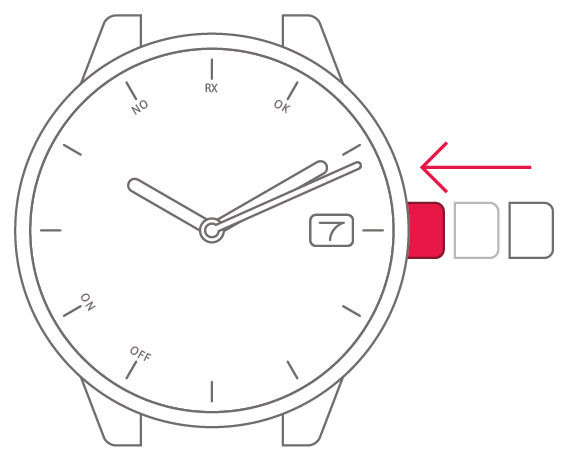
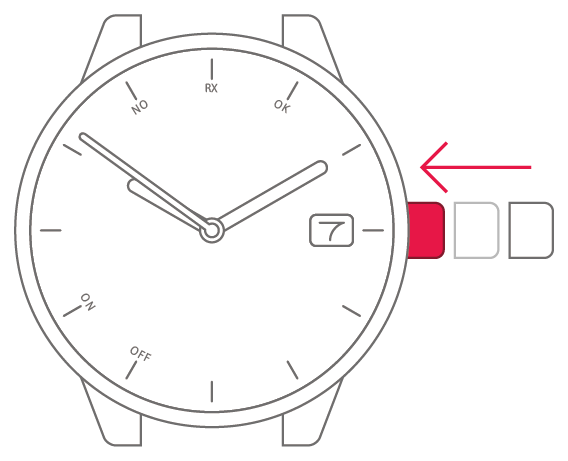
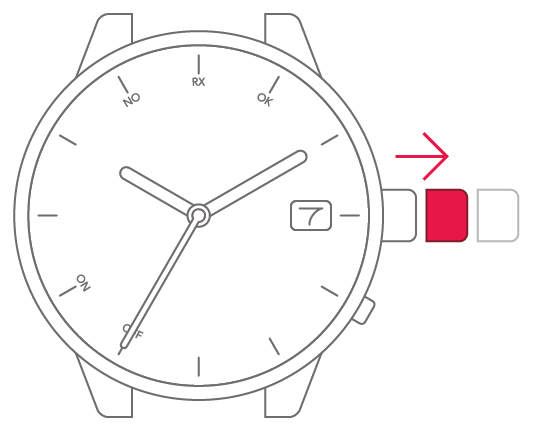
Pull the crown out 1 step.

2
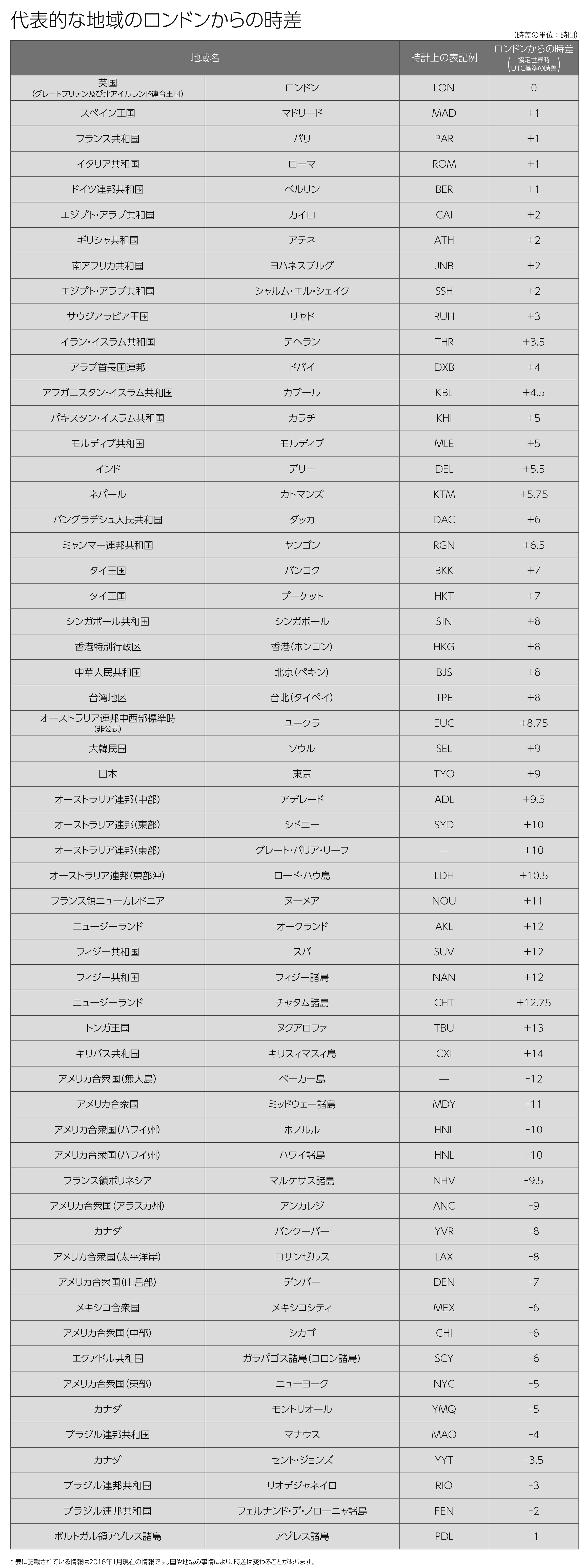
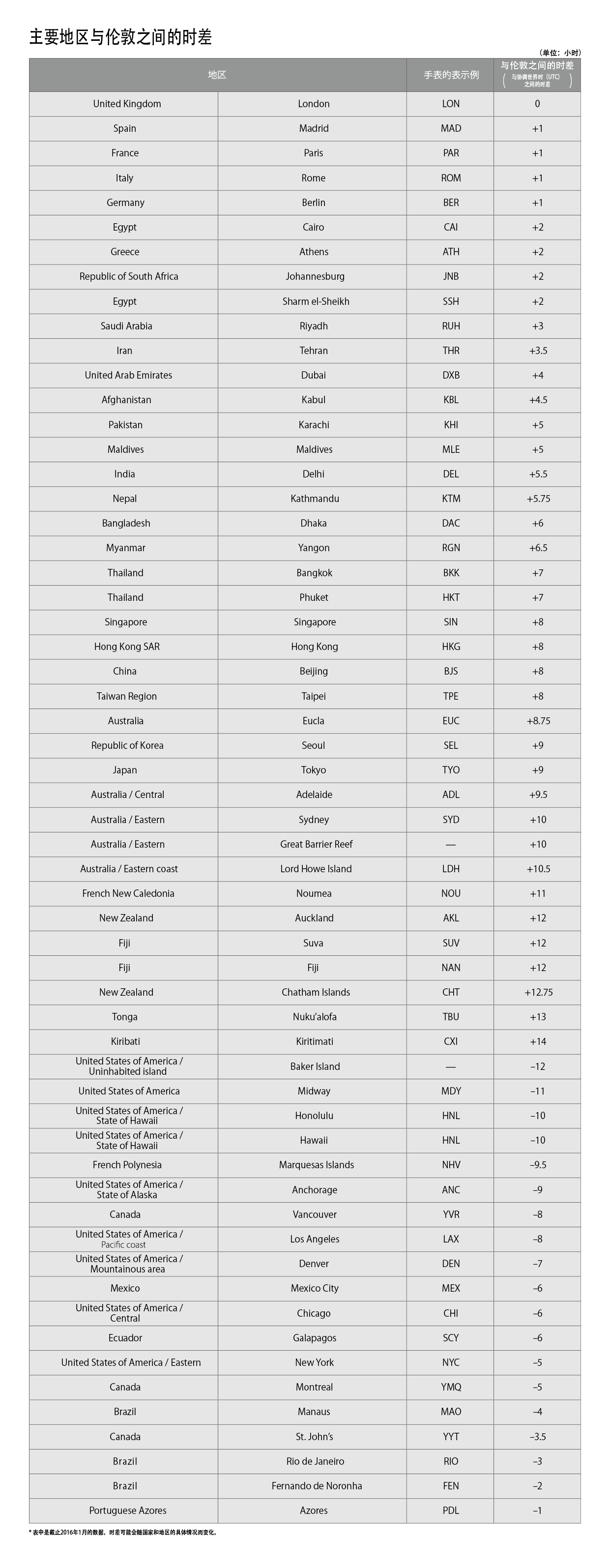
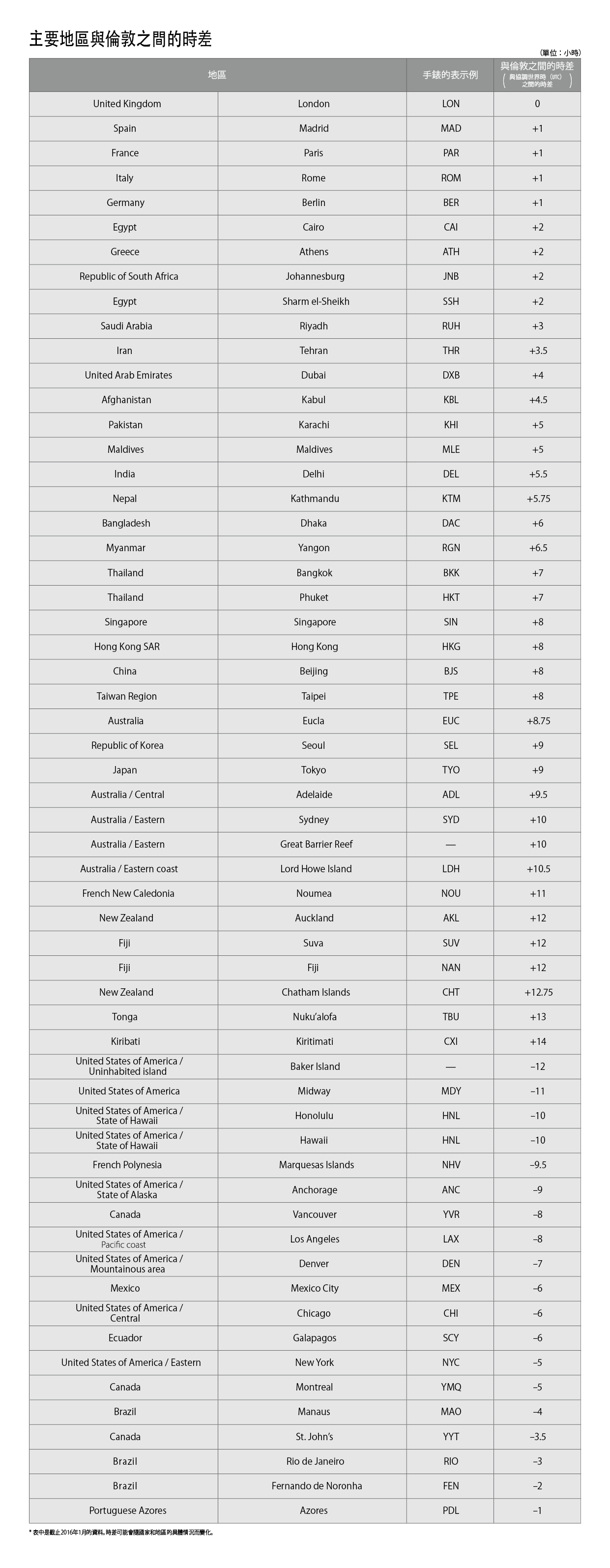
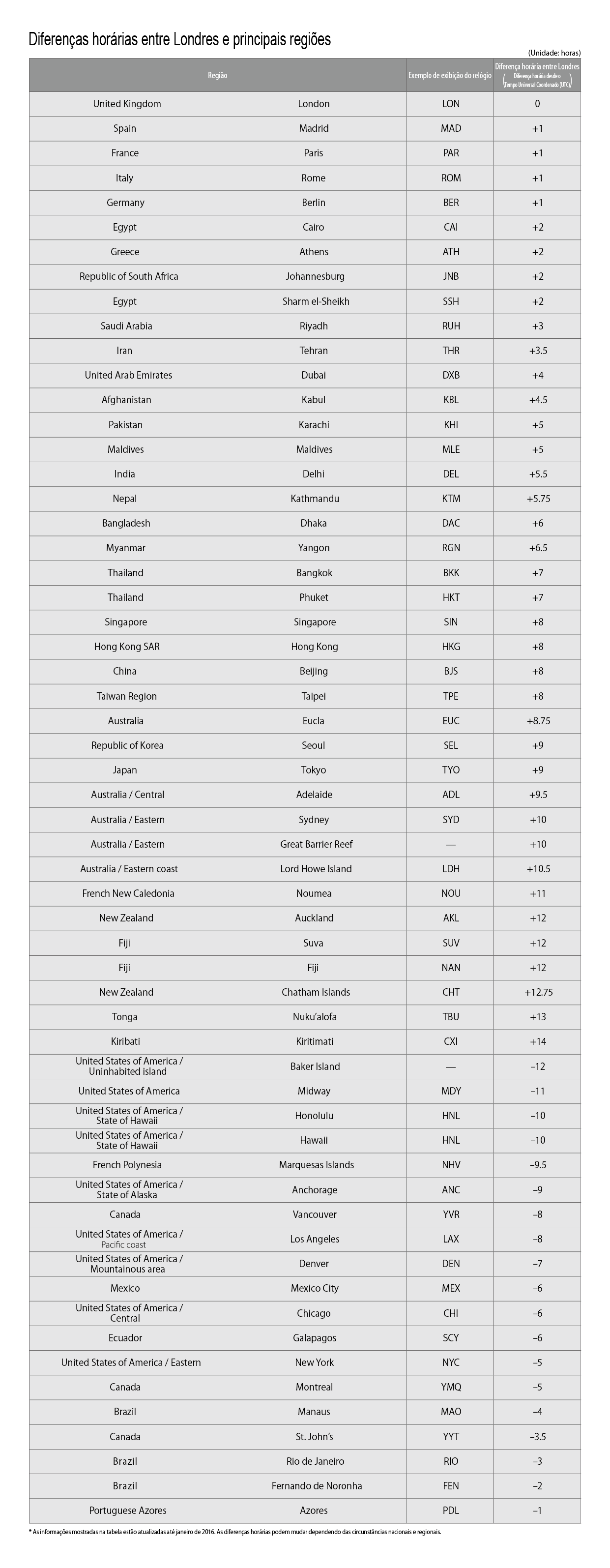
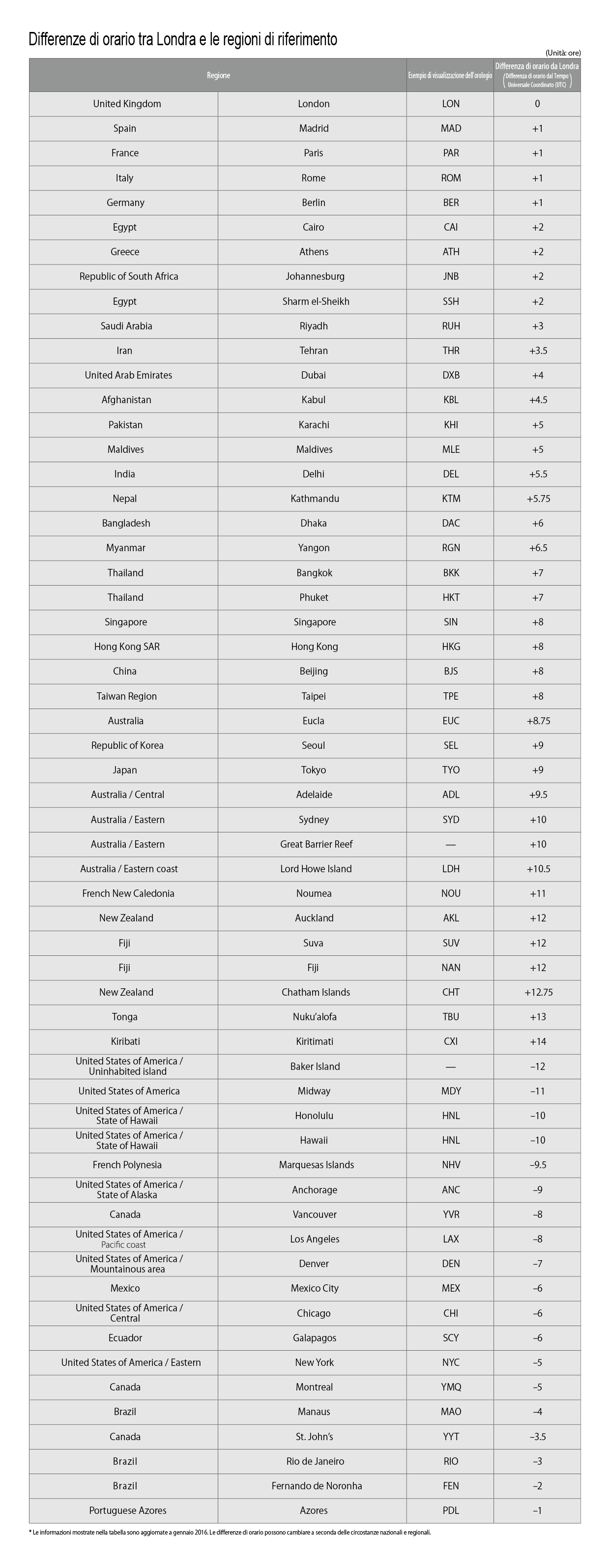
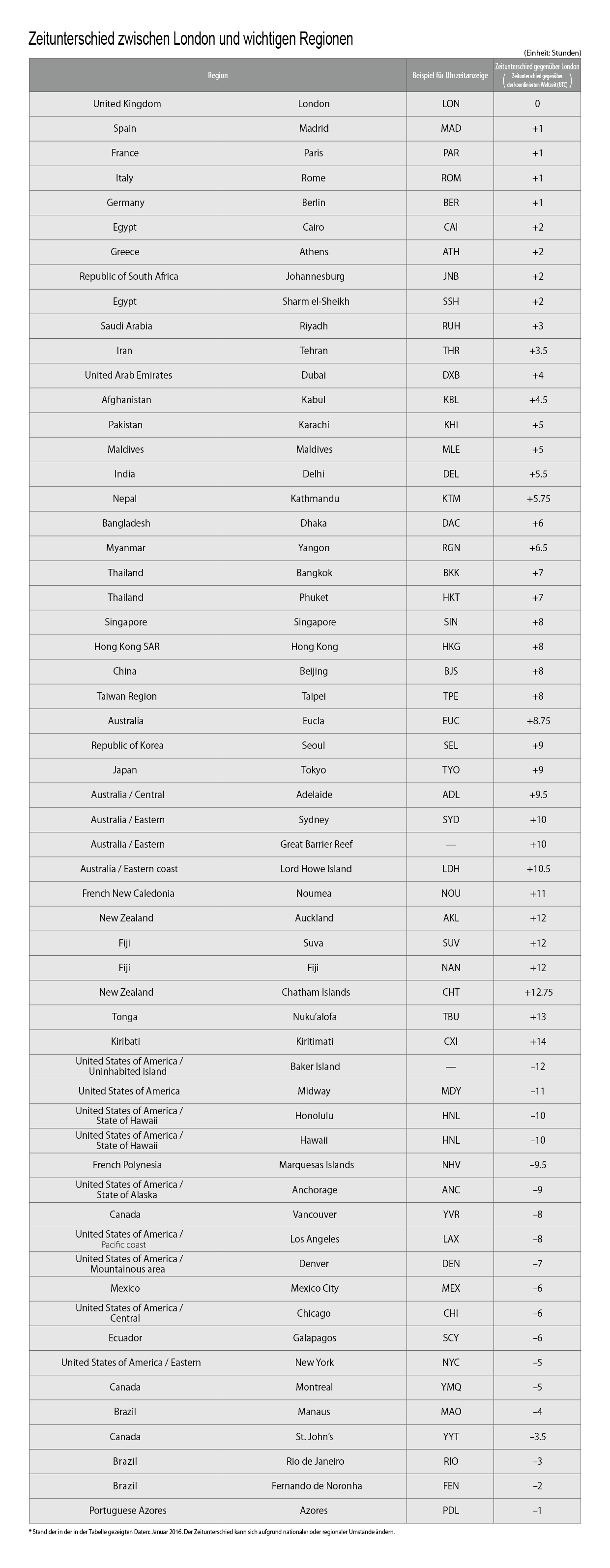
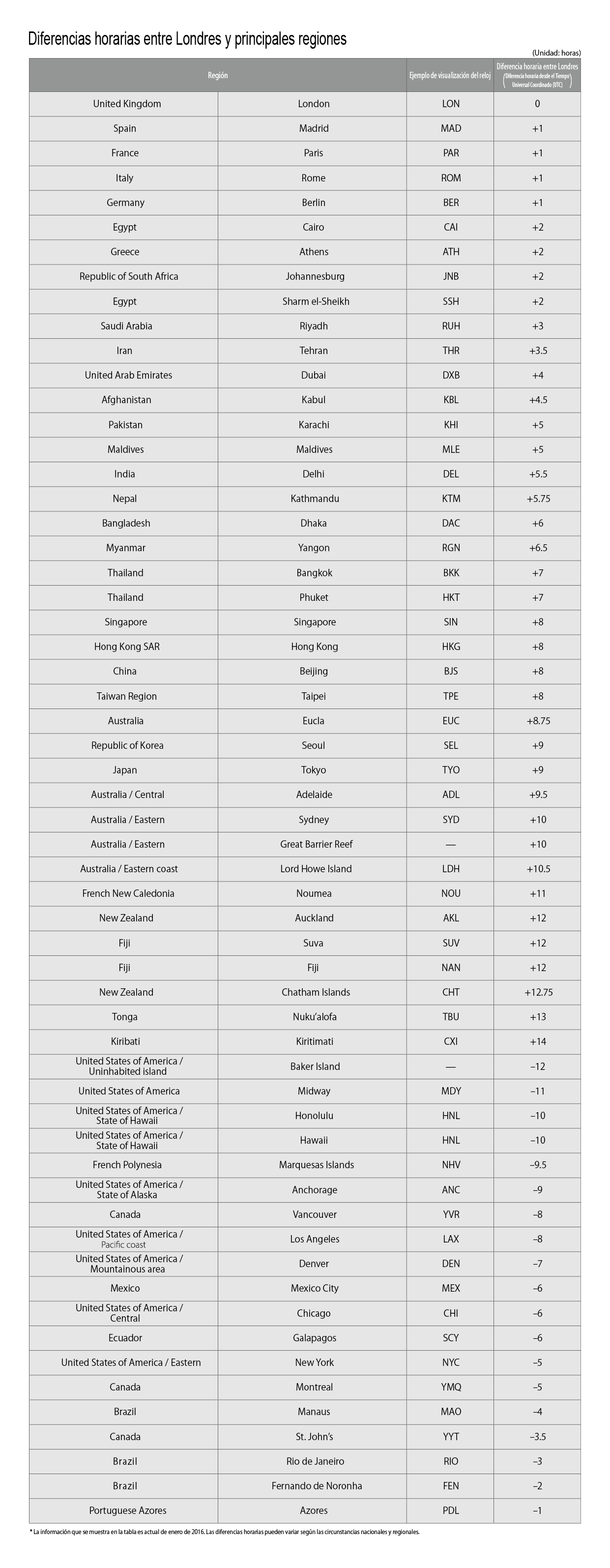
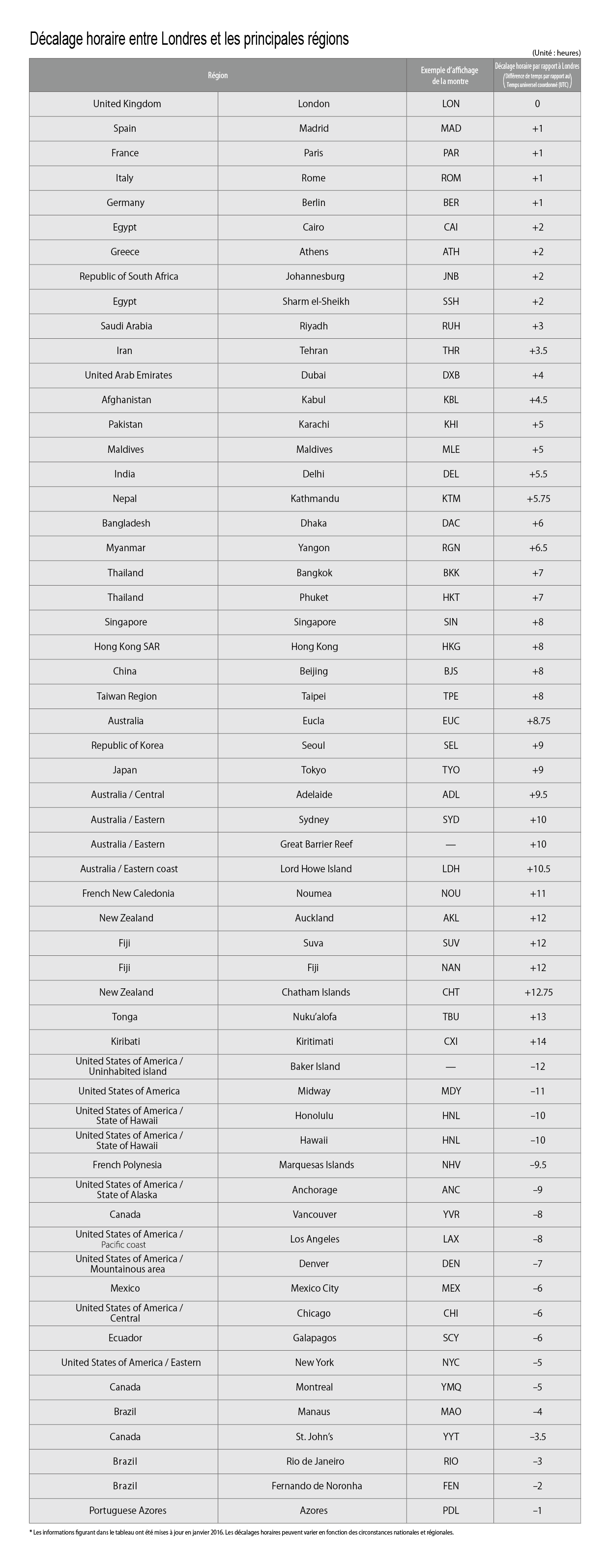
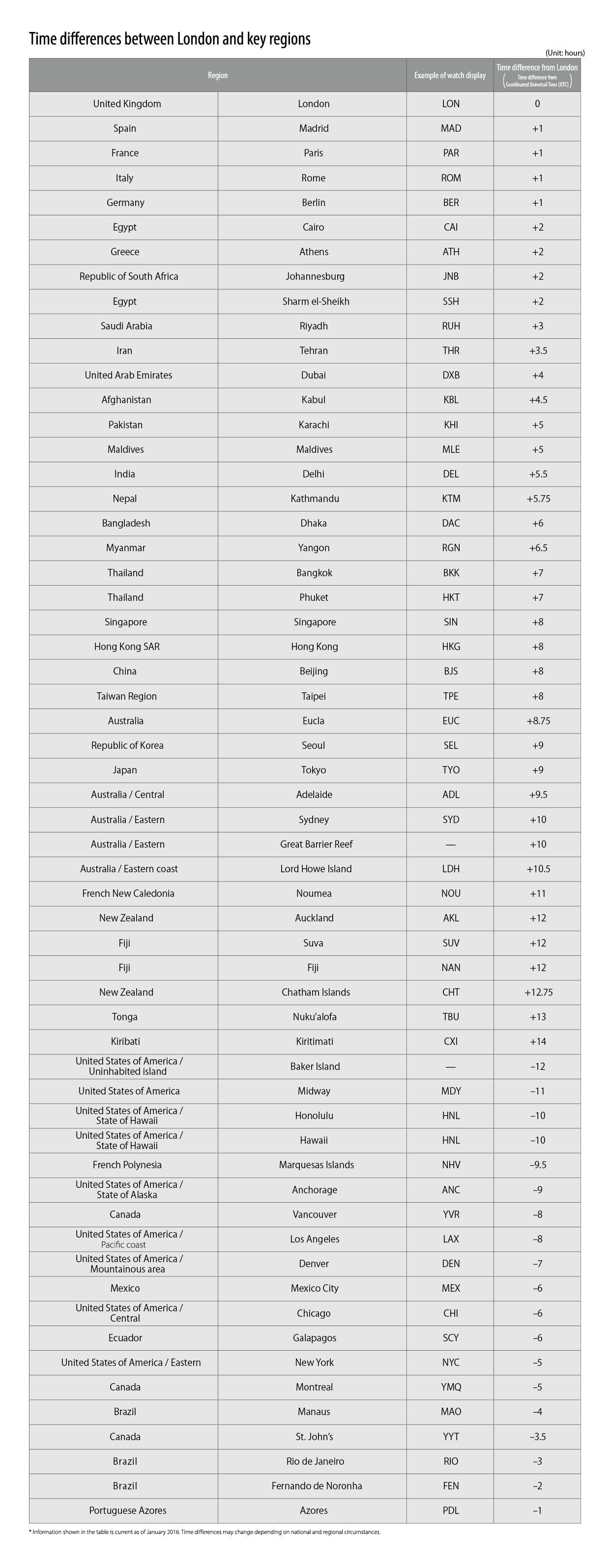
Check the "Time difference from
London" for the overseas region
for which you want to set the
time.
● London time is the standard used for global time differences (UTC).
3
Select the "Time difference from
London" shown in the quick
reference chart.
4
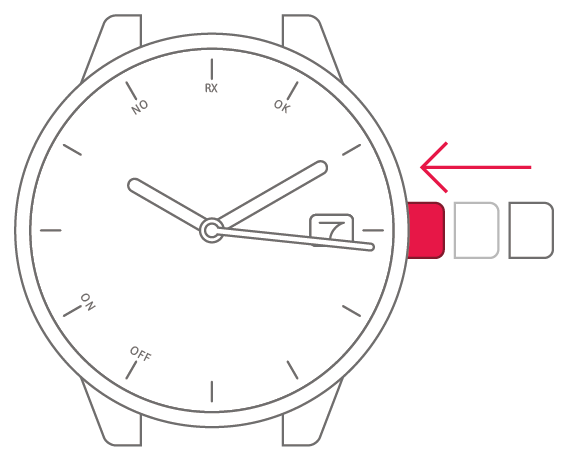
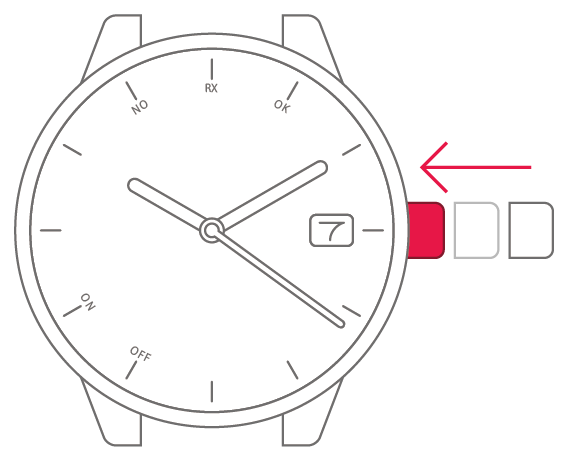
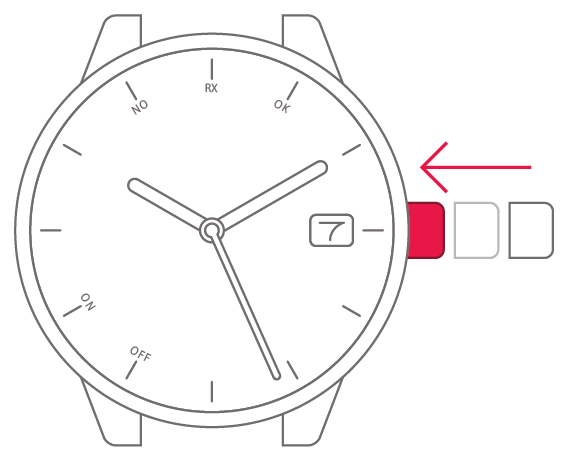
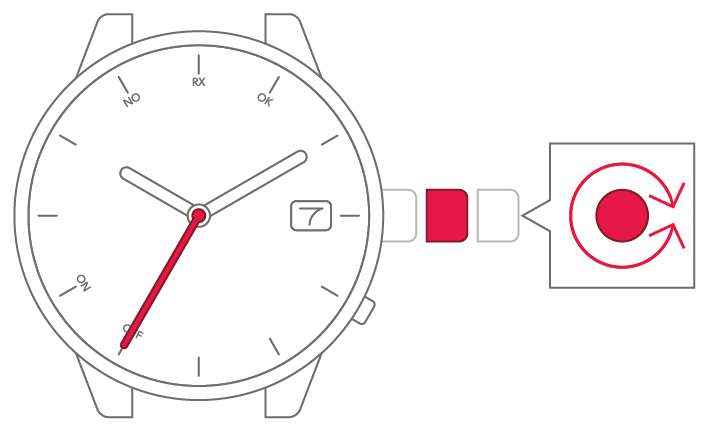
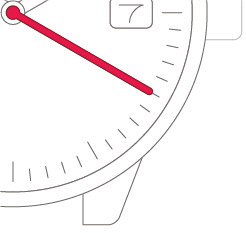
Turn the crown to move the
second hand.
-
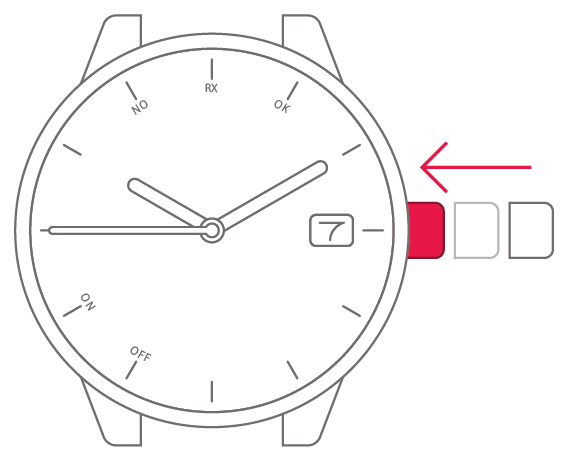
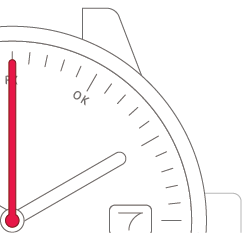
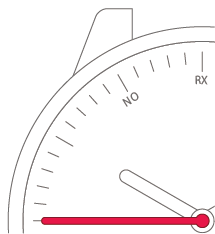
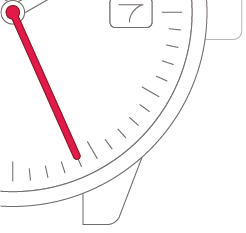
Set the second hand to
the "0 seconds position".
5
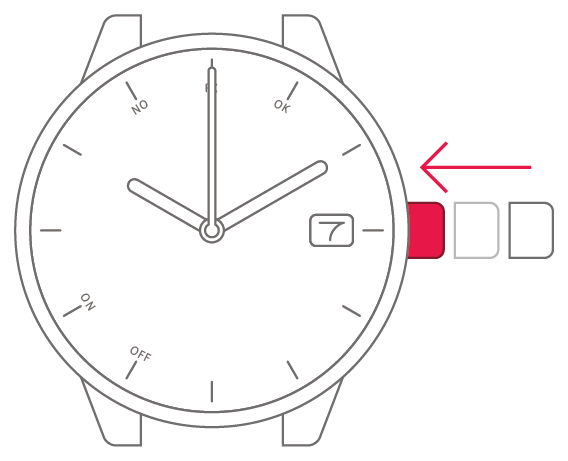
Push the crown back in to
complete the process.
To set the watch to summer time
(Daylight Saving Time)
To set the watch to summer time
(Daylight Saving Time)

View in illustrations
1
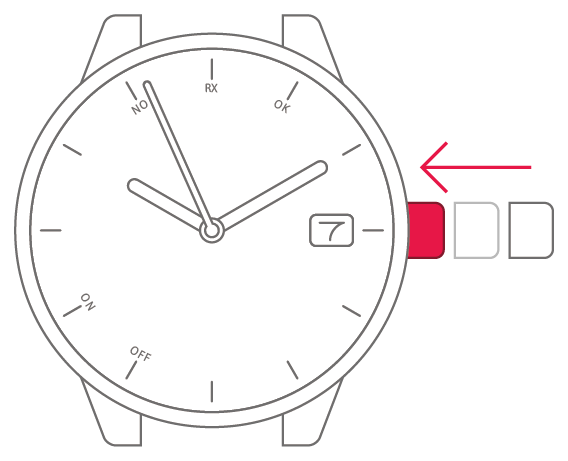
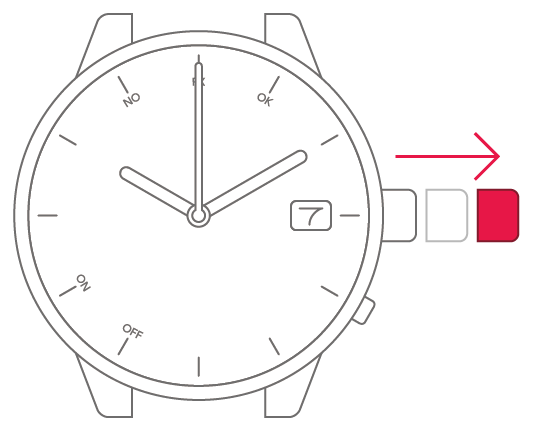
Pull the crown out 2 steps.
2
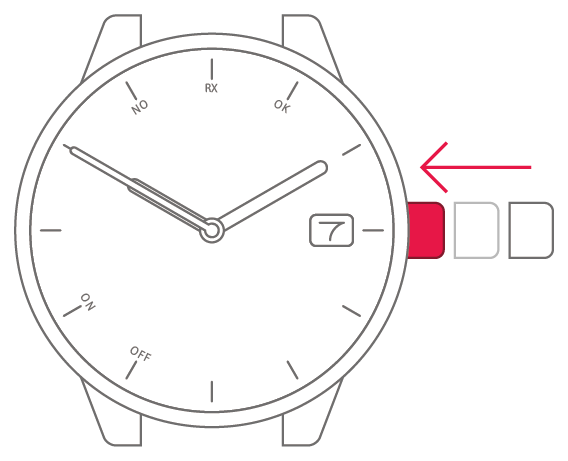
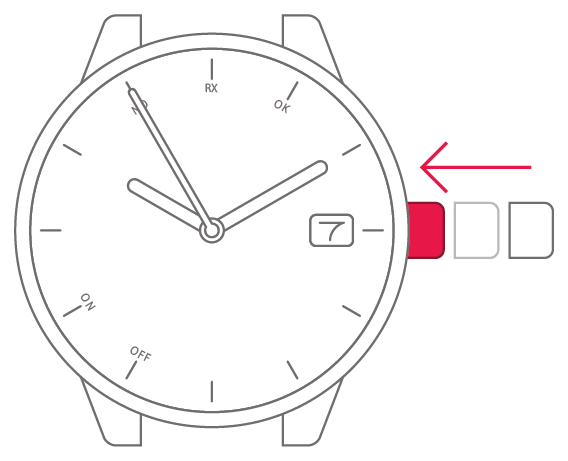
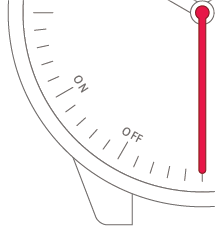
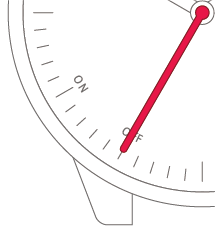
Turn the crown to change the
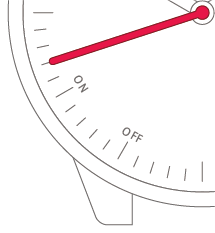
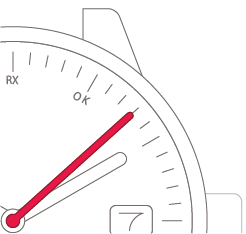
summer time setting.
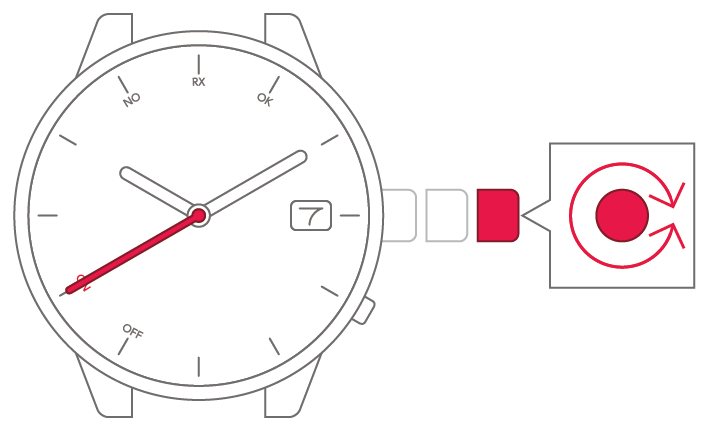
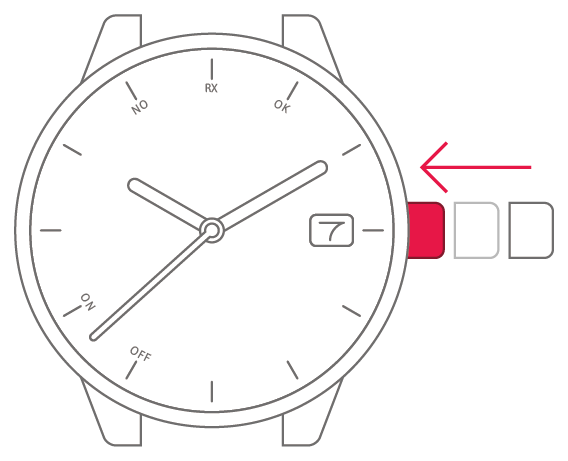
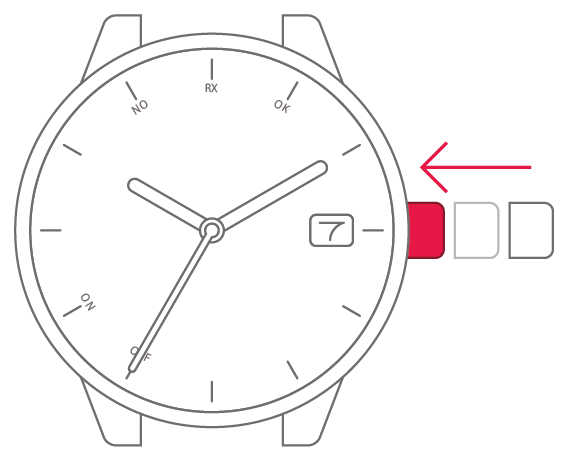
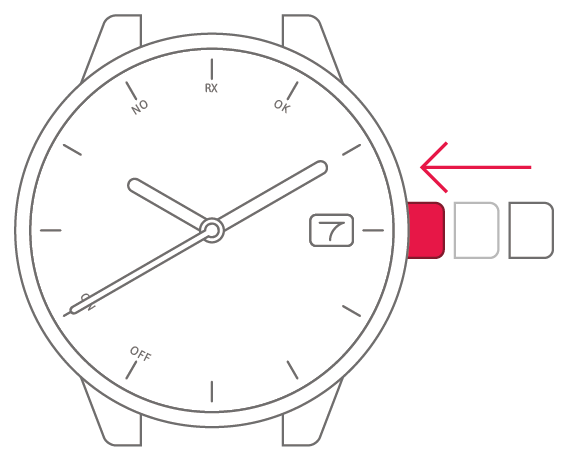
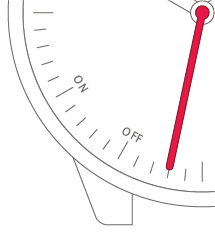
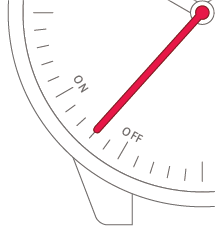
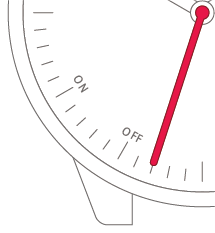
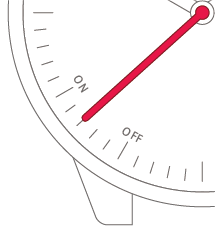
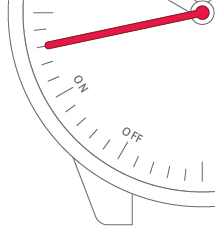
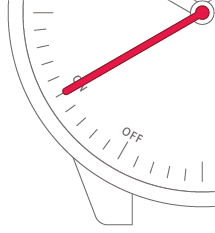
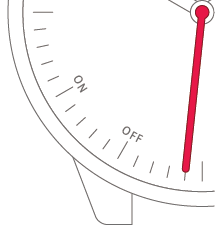
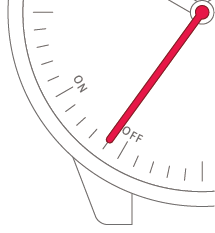
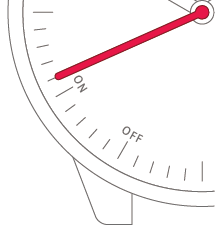
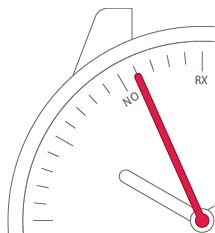
● For summer time
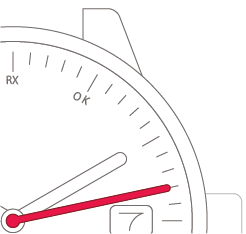
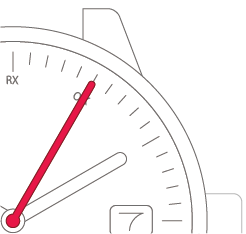
| The second hand points to “ON”. | Summer time |
| The second hand points to “OFF”. | Standard time |
3
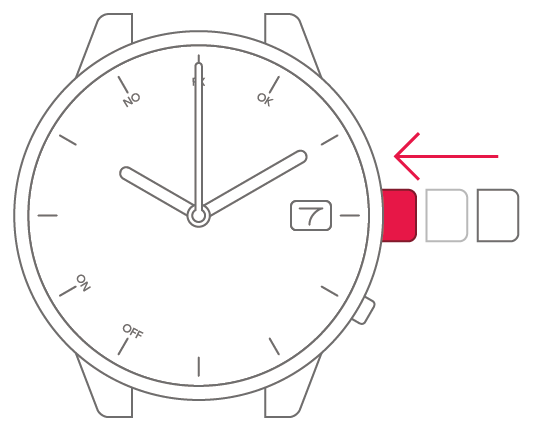
Push the crown back in to
complete the process.
To correct the
reference position
To correct the
reference position
View in illustrations
1
Pull the crown out 1 step.
2
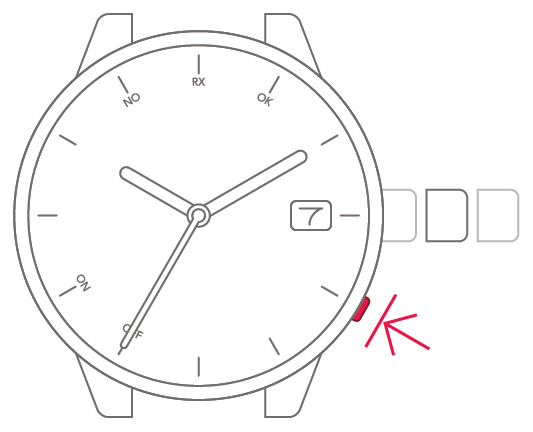
Press and hold the lower-right
button for at least 5 seconds.
The hands and date indicationmove
to the current referenceposition.
3
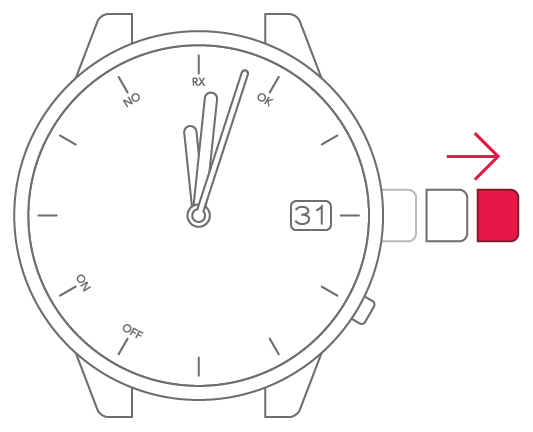
Pull the crown out 1 more step.
4
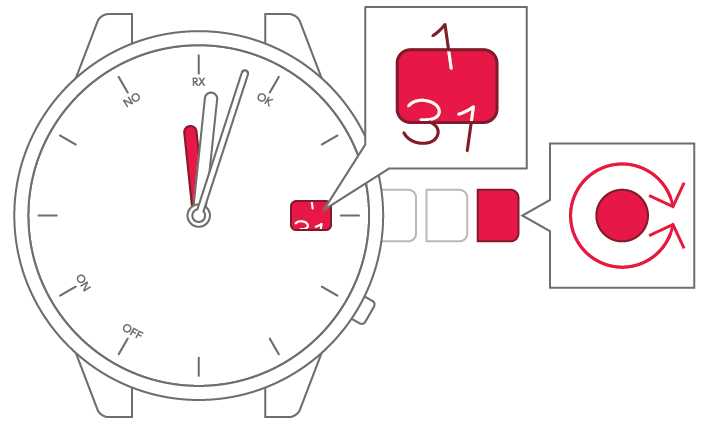
Turn the crown to set the hour
hand to 0 (12-o'clock position)
and the date indication to a
position midway between 31
and 1.
5
Push the crown back in to
complete the process.
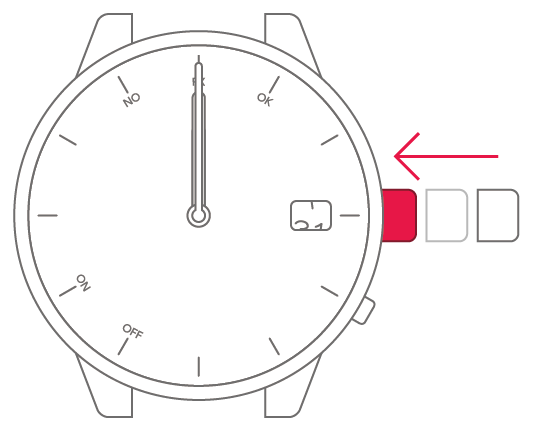
● Once you have finished the settings, set the time and date.
To receive the signal manually
To receive the signal manually
View in illustrations
1
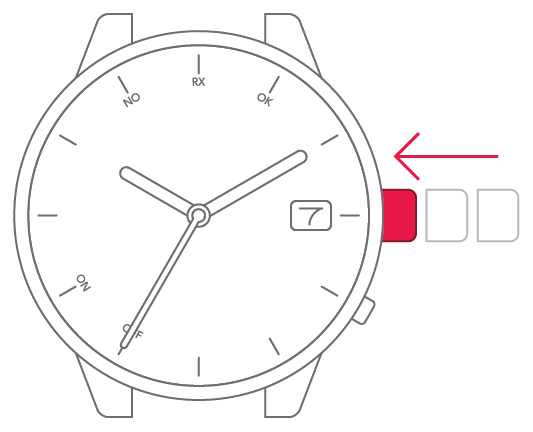
Check that the crown is fully
pushed in.
2
Press and hold the lower-right
button for at least 2 seconds.
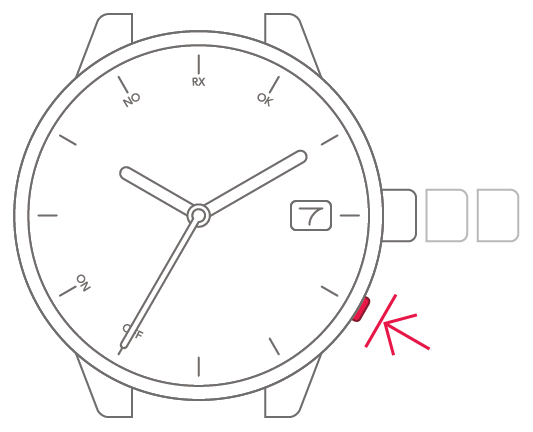
3
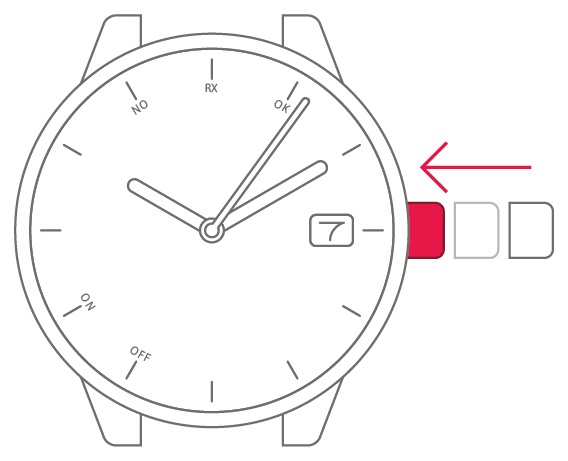
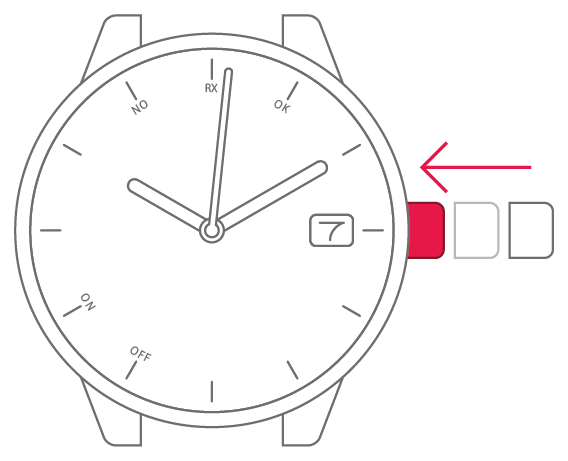
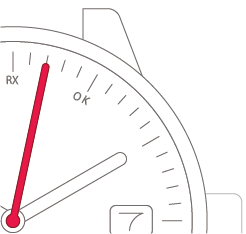
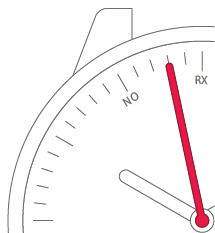
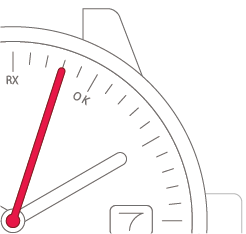
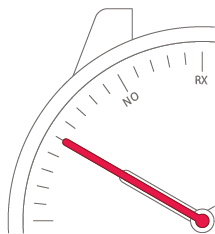
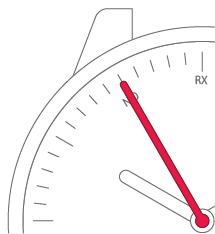
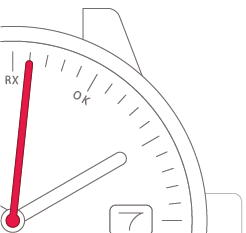
The second hand points to “RX”
and signal reception begins.
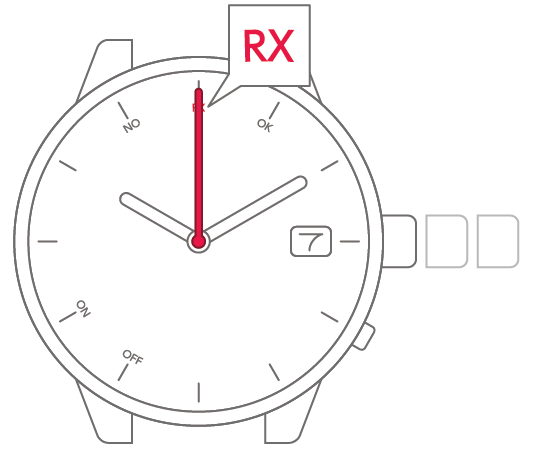
| If signal reception succeeds | The time is adjusted correctly. |
| If signal reception fails | The time is not adjusted. |
To set the time and
date manually
To set the time and
date manually
View in illustrations
1
Pull the crown out 2 steps.
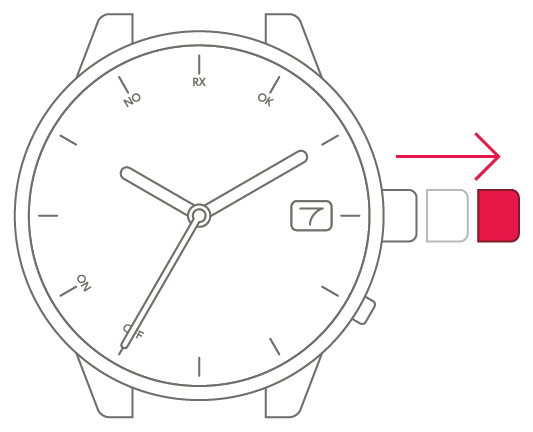
2
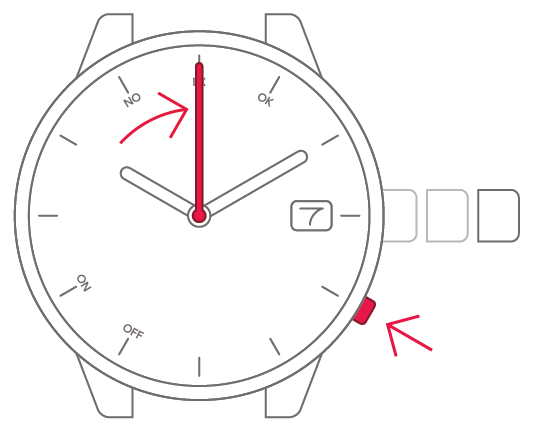
Press and release the lower-right
button. The second hand points
to 0 seconds.
3
Turn the crown to set the
minutes.
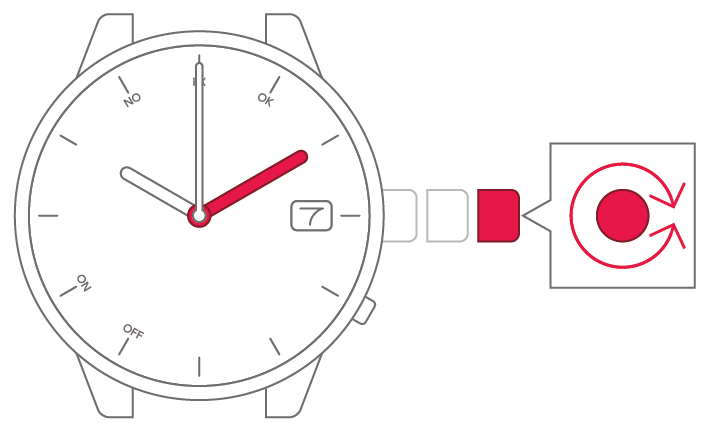
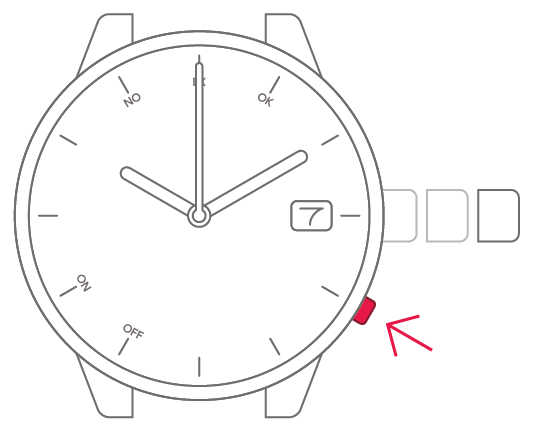
4
Press and release the lower-right
button.
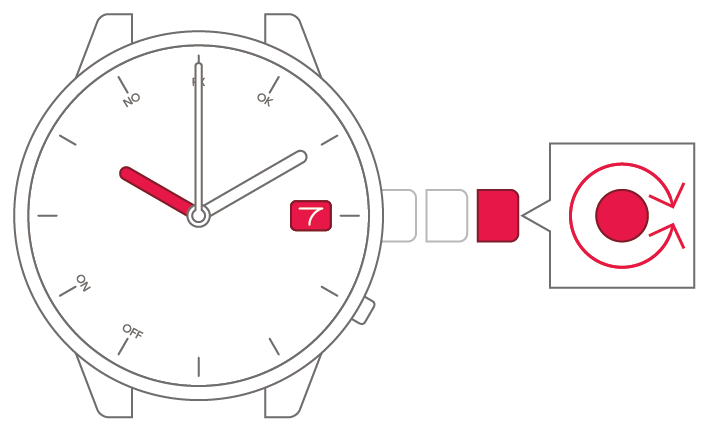
5
Turn the crown to set the time
and date.
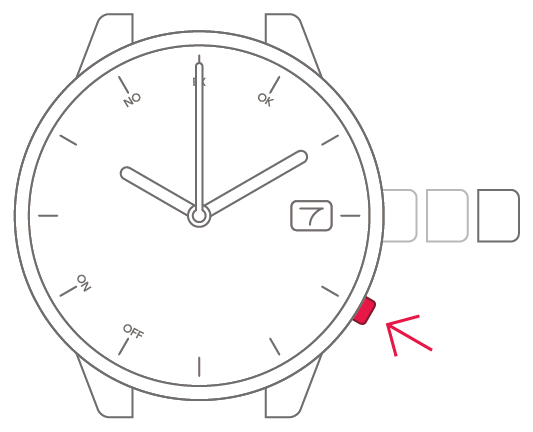
6
Press and release the lower-right
button.
7
Select the current year and
month.
● Your selection appears in step 8.
8
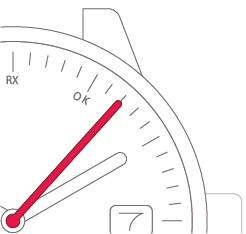
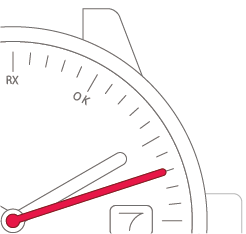
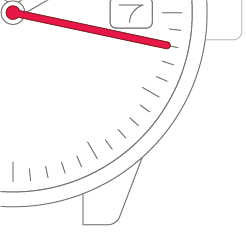
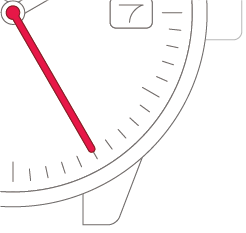
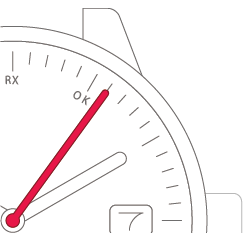
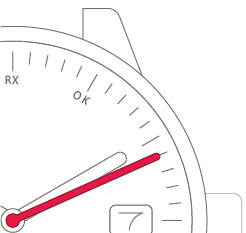
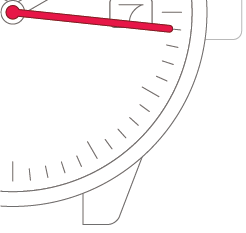
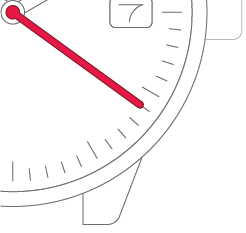
Turn the crown to move the
second hand.
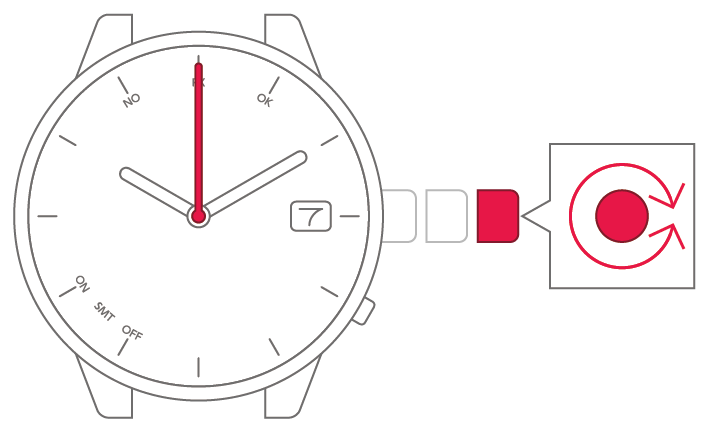
-
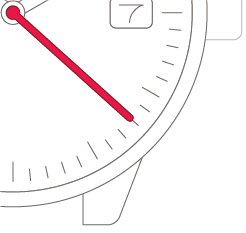
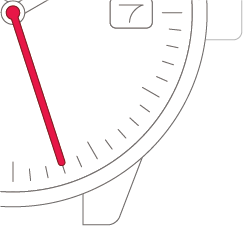
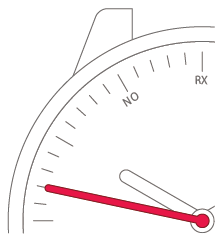
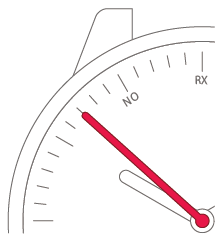
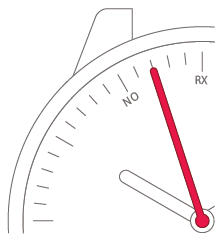
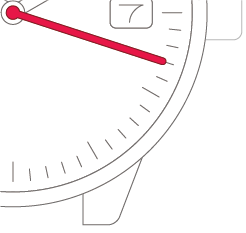
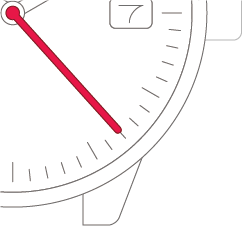
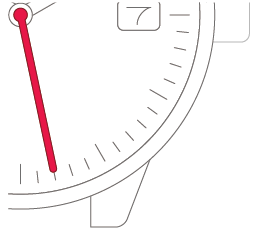
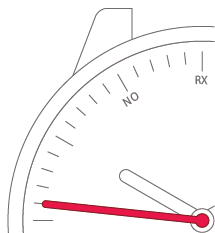
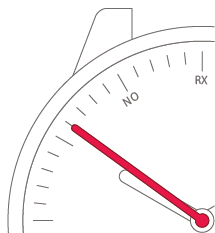
Set the second hand to
the "7 seconds position".Set the second hand to
the "12 seconds position".Set the second hand to
the "17 seconds position".Set the second hand to
the "22 seconds position".Set the second hand to
the "27 seconds position".Set the second hand to
the "32 seconds position".Set the second hand to
the "37 seconds position".Set the second hand to
the "42 seconds position".Set the second hand to
the "47 seconds position".Set the second hand to
the "52 seconds position".Set the second hand to
the "57 seconds position".Set the second hand to
the "2 seconds position".Set the second hand to
the "8 seconds position".Set the second hand to
the "13 seconds position".Set the second hand to
the "18 seconds position".Set the second hand to
the "23 seconds position".Set the second hand to
the "28 seconds position".Set the second hand to
the "33 seconds position".Set the second hand to
the "38 seconds position".Set the second hand to
the "43 seconds position".Set the second hand to
the "48 seconds position".Set the second hand to
the "53 seconds position".Set the second hand to
the "58 seconds position".Set the second hand to
the "3 seconds position".Set the second hand to
the "5 seconds position".Set the second hand to
the "10 seconds position".Set the second hand to
the "15 seconds position".Set the second hand to
the "20 seconds position".Set the second hand to
the "25 seconds position".Set the second hand to
the "30 seconds position".Set the second hand to
the "35 seconds position".Set the second hand to
the "40 seconds position".Set the second hand to
the "45 seconds position".Set the second hand to
the "50 seconds position".Set the second hand to
the "55 seconds position".Set the second hand to
the "0 seconds position".Set the second hand to
the "6 seconds position".Set the second hand to
the "11 seconds position".Set the second hand to
the "16 seconds position".Set the second hand to
the "21 seconds position".Set the second hand to
the "26 seconds position".Set the second hand to
the "31 seconds position".Set the second hand to
the "36 seconds position".Set the second hand to
the "41 seconds position".Set the second hand to
the "46 seconds position".Set the second hand to
the "51 seconds position".Set the second hand to
the "56 seconds position".Set the second hand to
the "1 second position".Set the second hand to
the "7 seconds position".Set the second hand to
the "12 seconds position".Set the second hand to
the "17 seconds position".Set the second hand to
the "22 seconds position".Set the second hand to
the "27 seconds position".Set the second hand to
the "32 seconds position".Set the second hand to
the "37 seconds position".Set the second hand to
the "42 seconds position".Set the second hand to
the "47 seconds position".Set the second hand to
the "52 seconds position".Set the second hand to
the "57 seconds position".Set the second hand to
the "2 seconds position".Set the second hand to
the "8 seconds position".Set the second hand to
the "13 seconds position".Set the second hand to
the "18 seconds position".Set the second hand to
the "23 seconds position".Set the second hand to
the "28 seconds position".Set the second hand to
the "33 seconds position".Set the second hand to
the "38 seconds position".Set the second hand to
the "43 seconds position".Set the second hand to
the "48 seconds position".Set the second hand to
the "53 seconds position".Set the second hand to
the "58 seconds position".Set the second hand to
the "3 seconds position".Set the second hand to
the "5 seconds position".Set the second hand to
the "10 seconds position".Set the second hand to
the "15 seconds position".Set the second hand to
the "20 seconds position".Set the second hand to
the "25 seconds position".Set the second hand to
the "30 seconds position".Set the second hand to
the "35 seconds position".Set the second hand to
the "40 seconds position".Set the second hand to
the "45 seconds position".Set the second hand to
the "50 seconds position".Set the second hand to
the "55 seconds position".Set the second hand to
the "0 seconds position".Set the second hand to
the "6 seconds position".Set the second hand to
the "11 seconds position".Set the second hand to
the "16 seconds position".Set the second hand to
the "21 seconds position".Set the second hand to
the "26 seconds position".Set the second hand to
the "31 seconds position".Set the second hand to
the "36 seconds position".Set the second hand to
the "41 seconds position".Set the second hand to
the "46 seconds position".Set the second hand to
the "51 seconds position".Set the second hand to
the "56 seconds position".Set the second hand to
the "1 second position".Set the second hand to
the "7 seconds position".Set the second hand to
the "12 seconds position".Set the second hand to
the "17 seconds position".Set the second hand to
the "22 seconds position".Set the second hand to
the "27 seconds position".Set the second hand to
the "32 seconds position".Set the second hand to
the "37 seconds position".Set the second hand to
the "42 seconds position".Set the second hand to
the "47 seconds position".Set the second hand to
the "52 seconds position".Set the second hand to
the "57 seconds position".Set the second hand to
the "2 seconds position".Set the second hand to
the "8 seconds position".Set the second hand to
the "13 seconds position".Set the second hand to
the "18 seconds position".Set the second hand to
the "23 seconds position".Set the second hand to
the "28 seconds position".Set the second hand to
the "33 seconds position".Set the second hand to
the "38 seconds position".Set the second hand to
the "43 seconds position".Set the second hand to
the "48 seconds position".Set the second hand to
the "53 seconds position".Set the second hand to
the "58 seconds position".Set the second hand to
the "3 seconds position".Set the second hand to
the "5 seconds position".Set the second hand to
the "10 seconds position".Set the second hand to
the "15 seconds position".Set the second hand to
the "20 seconds position".Set the second hand to
the "25 seconds position".Set the second hand to
the "30 seconds position".Set the second hand to
the "35 seconds position".Set the second hand to
the "40 seconds position".Set the second hand to
the "45 seconds position".Set the second hand to
the "50 seconds position".Set the second hand to
the "55 seconds position".Set the second hand to
the "0 seconds position".Set the second hand to
the "6 seconds position".Set the second hand to
the "11 seconds position".Set the second hand to
the "16 seconds position".Set the second hand to
the "21 seconds position".Set the second hand to
the "26 seconds position".Set the second hand to
the "31 seconds position".Set the second hand to
the "36 seconds position".Set the second hand to
the "41 seconds position".Set the second hand to
the "46 seconds position".Set the second hand to
the "51 seconds position".Set the second hand to
the "56 seconds position".Set the second hand to
the "1 second position".Set the second hand to
the "7 seconds position".Set the second hand to
the "12 seconds position".Set the second hand to
the "17 seconds position".Set the second hand to
the "22 seconds position".Set the second hand to
the "27 seconds position".Set the second hand to
the "32 seconds position".Set the second hand to
the "37 seconds position".Set the second hand to
the "42 seconds position".Set the second hand to
the "47 seconds position".Set the second hand to
the "52 seconds position".Set the second hand to
the "57 seconds position".Set the second hand to
the "2 seconds position".
9
Match the time to a time signal
or other source and then push
the crown back in to complete
the process.