Movement No. J250
Checking the previous maximum
water depth


View in illustrations

1
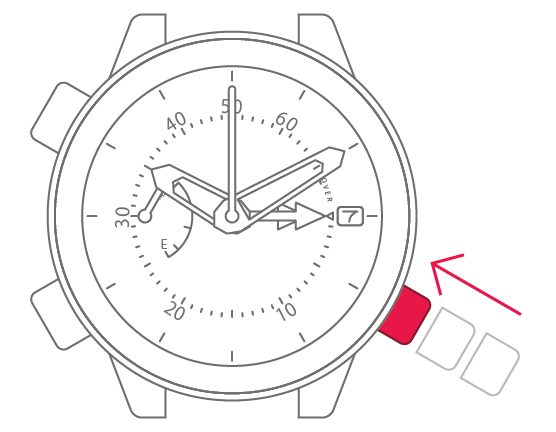
Check that the crown is fully
pushed in.

2
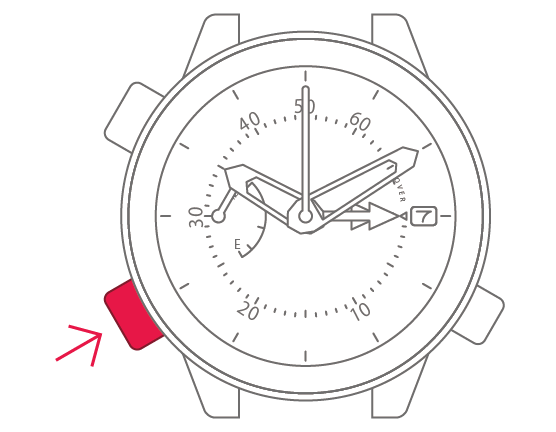
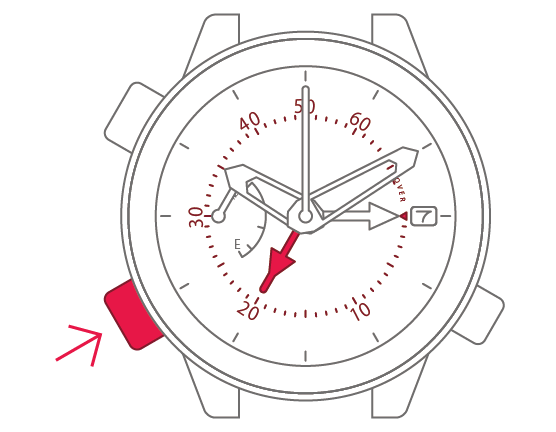
When you press and release the
lower-left button, the maximum
water depth hand indicates
the previous maximum depth.
3
Press and release the lower-left
button to complete the process.