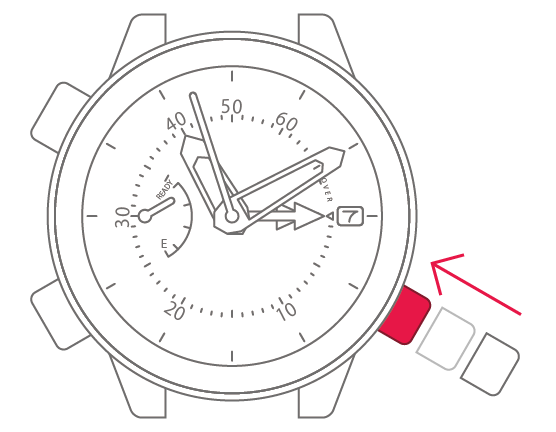
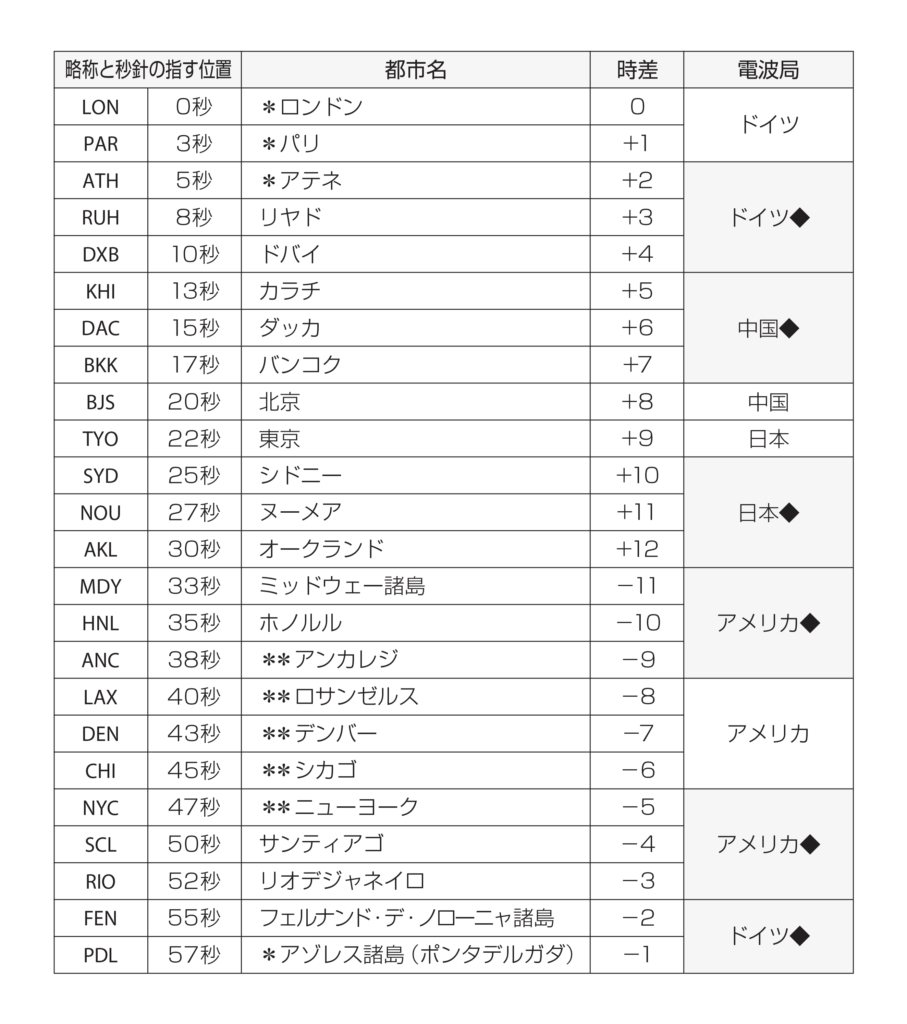
Movement No. J250
Correcting the reference position


View in illustrations

1
Check the power reserve display.
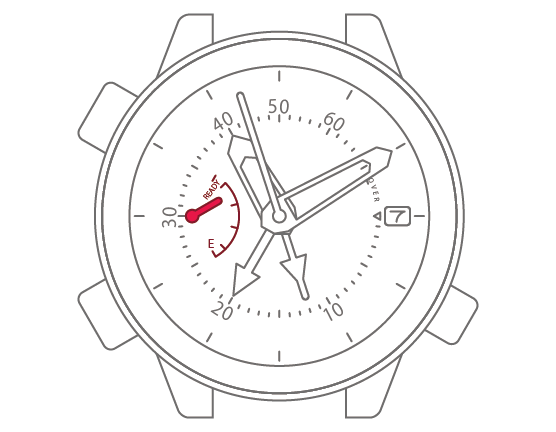

2
Pull the crown 2 step.
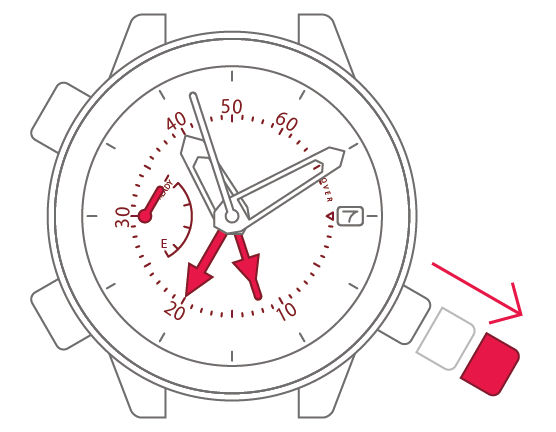
3
Press and hold the lower-left
button for 2 seconds.
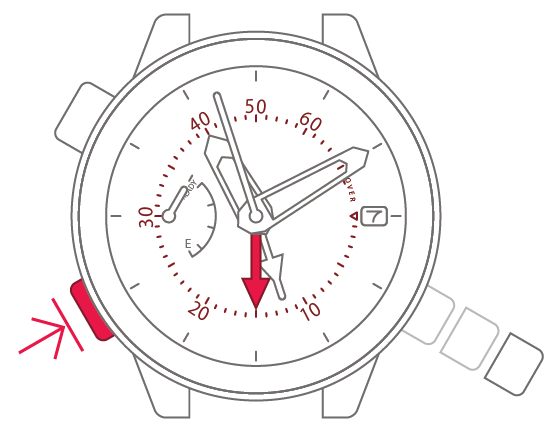
4
Press and release the upper-left
button to move the maximum
water depth hand to “0 m
(3 o’clock position)”.
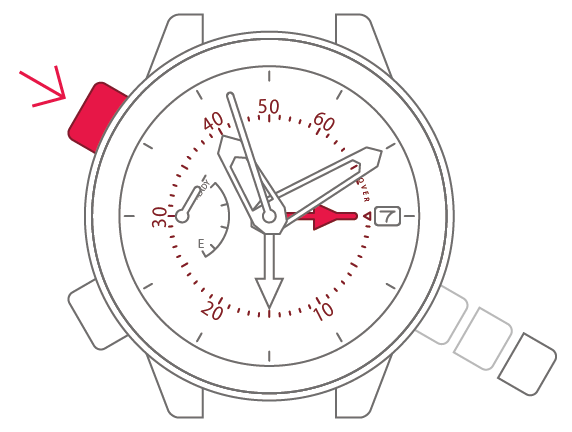
5
Press and release the lower-left
button.
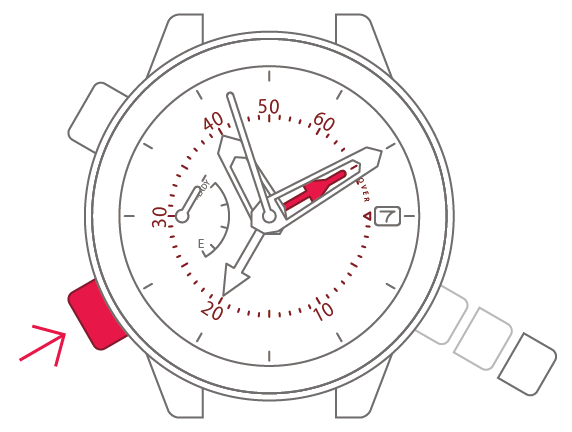
6
Press and release the upper-left
button to move the water depth
hand to “0 m (3 o’clock position)”.
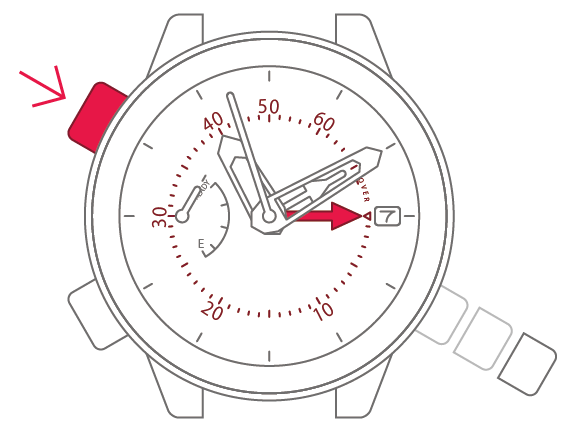
7
Push the crown back in to
complete the process.