
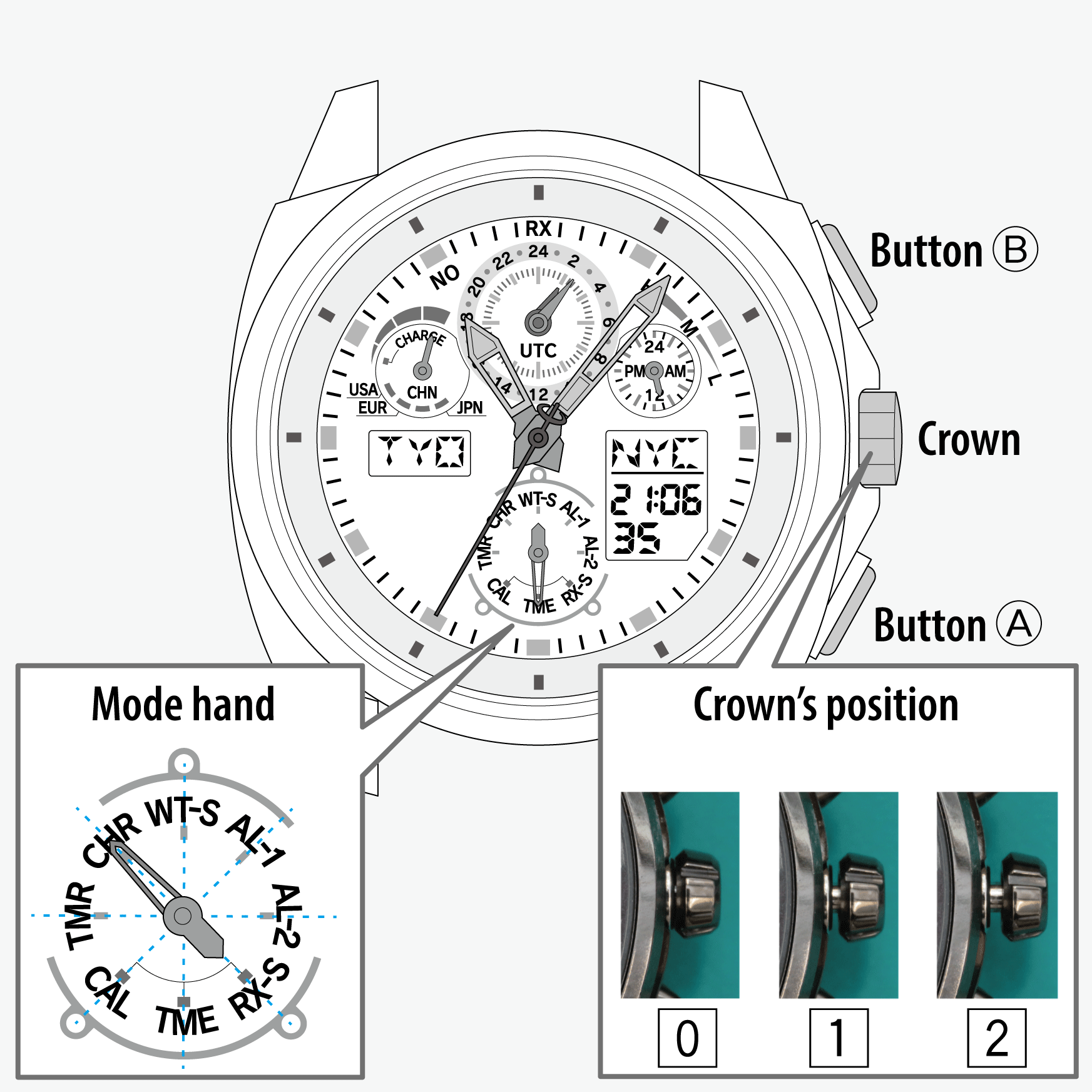
 Cal. No. U68*
 Refine your search
U68*
Chronograph
Using the chronograph
- Pull the crown out to position 1.
- Rotate the crown to set the mode hand to [CHR].
- Push the crown in to position 0.
- Start measurement.
- Pull the crown out to position 1.
- Rotate the crown to set the mode hand to [TME] or [CAL].
- Push the crown in to position 0 to finish the procedure.
An area name and “(M)” appear alternately on the digital indication (L).
!
Turn the crown so that the mode hand will point to the center of the mode name securely.
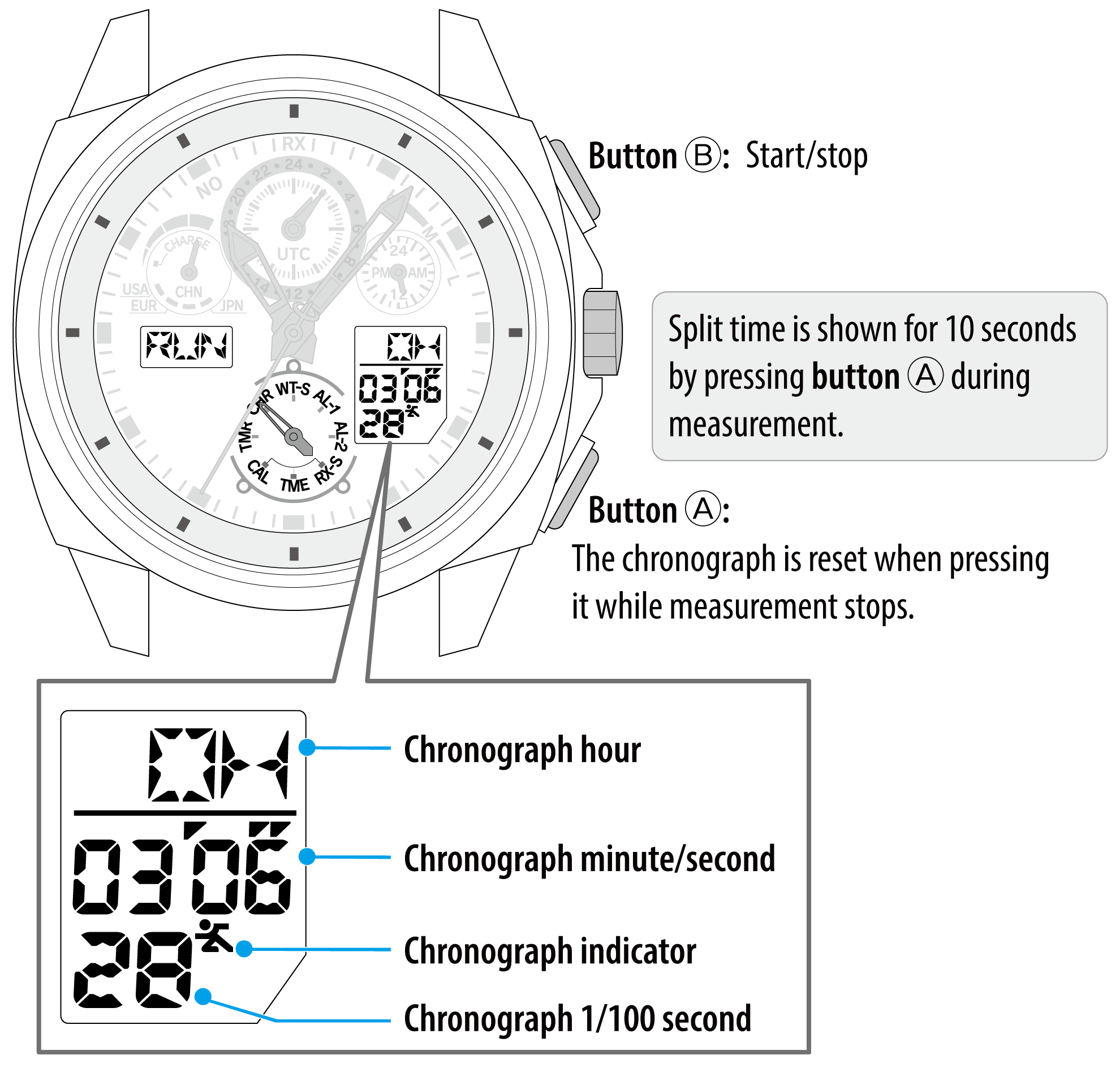
Measurement status is indicated on the digital indication (L).
| Indication on the digital indication (L) | Measurement status |
|---|---|
RES (RESET) |
Reset |
RUN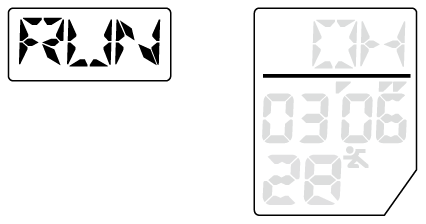 |
Measurement in progress |
SPL (SPLIT)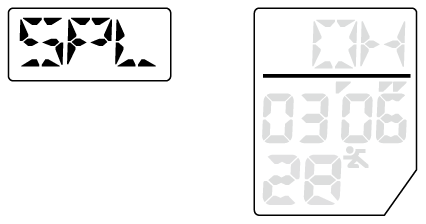 |
While indicating split time |
STP (STOP) |
While measurement stops |
!
After finishing measurement, change the mode of the watch to [TME] or [CAL] following the steps below.
An area name and “(M)” appear alternately on the digital indication (L).
!
Turn the crown so that the mode hand will point to the center of the mode name securely.
During chronograph measurement or when the mode of the watch is [CHR], signal reception cannot be executed.