Movement No. U822
To reset the watch (All Reset)


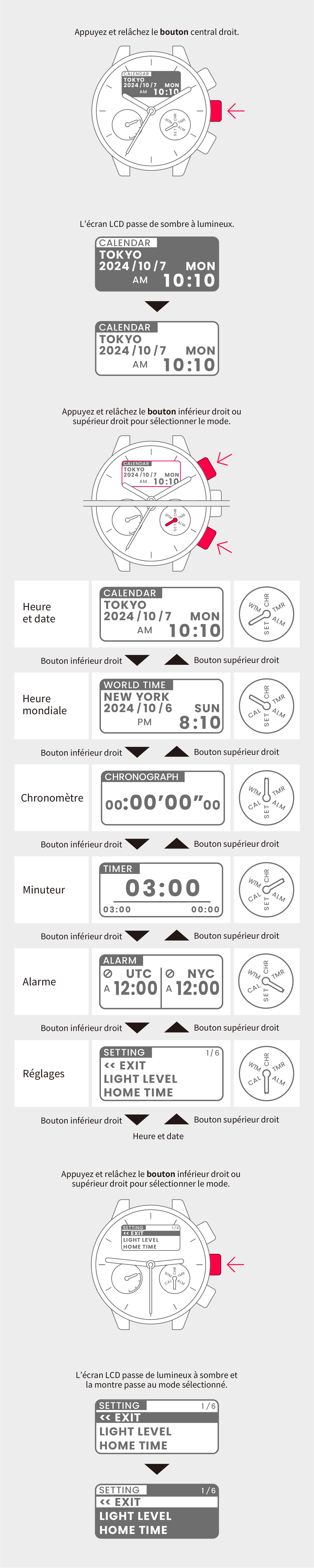
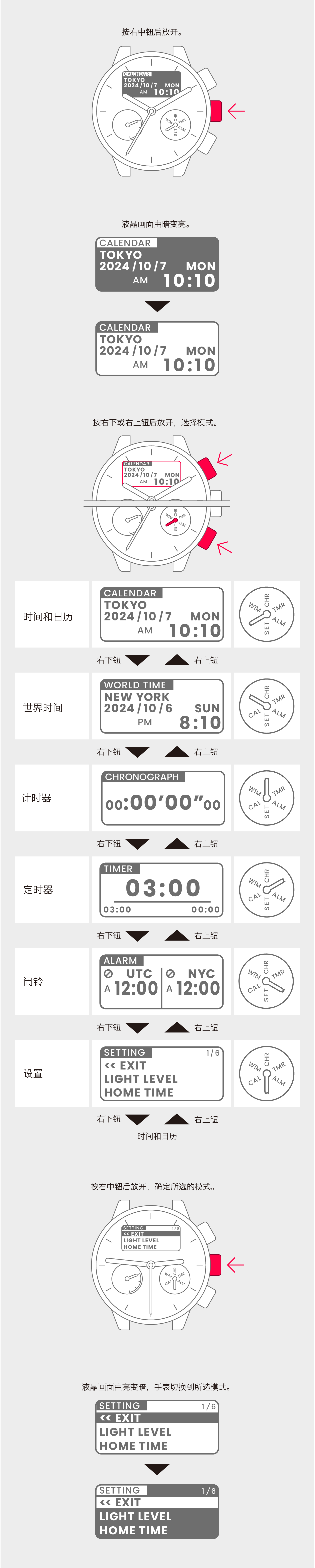
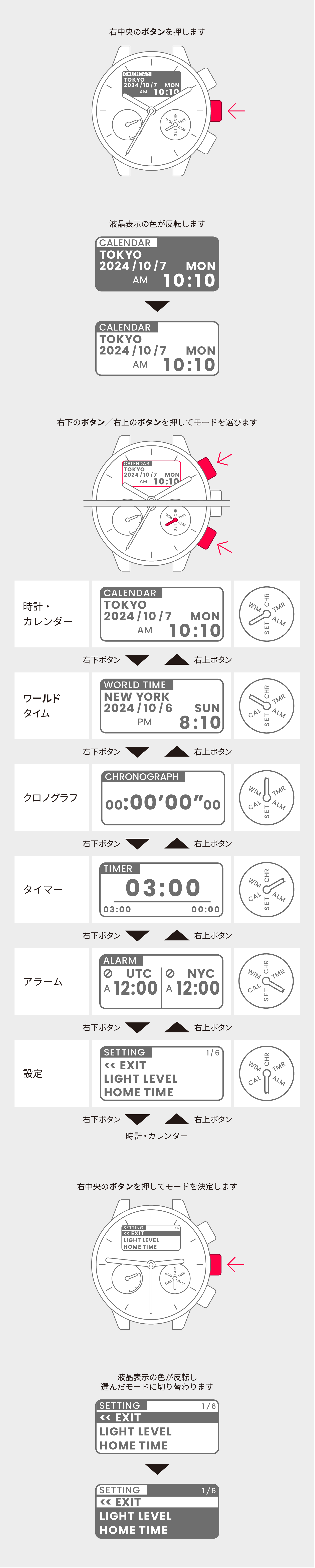
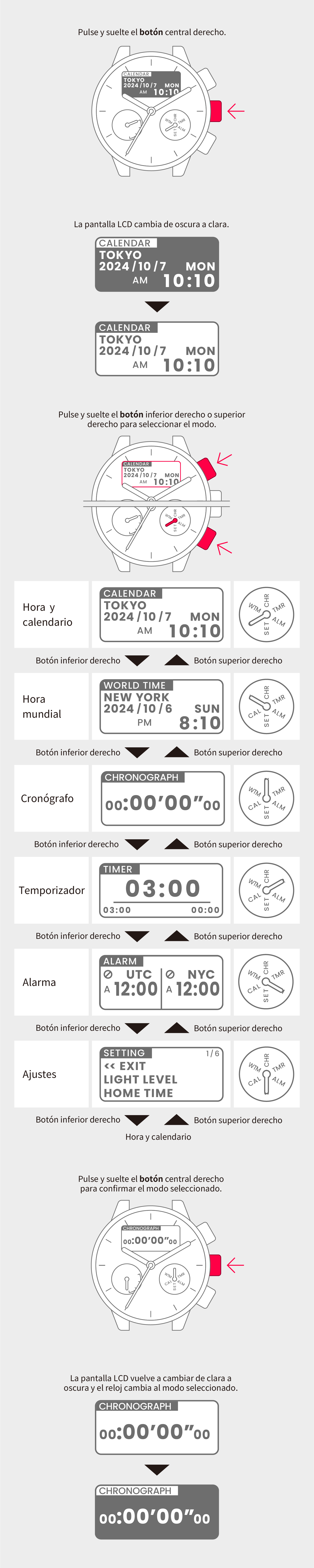
View in illustrations

1
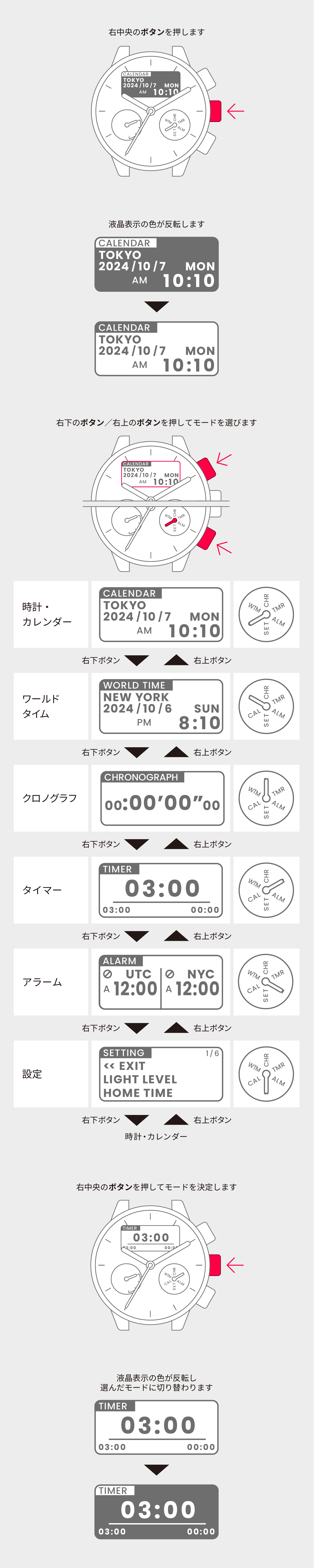
Simultaneously hold down the
lower-right, center-right and
upper-right buttons for at least
4 seconds.

2
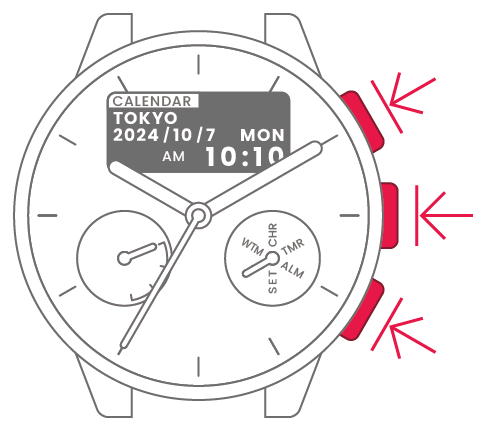
After the LCD goes dark, release
all the buttons to begin the All
Reset process. Then wait until
the hands stop moving.
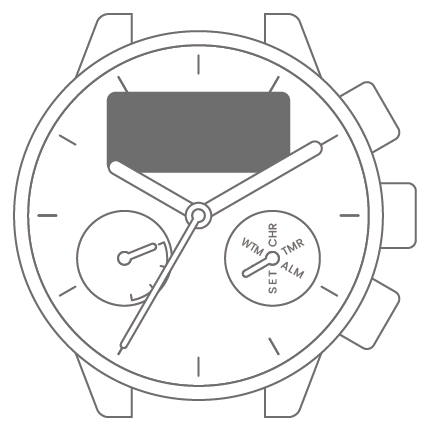
To correct the reference position

3
Press the lower-right or
upper-right button to move the
chronograph minute hand so that
it points directly up (CHR).

4
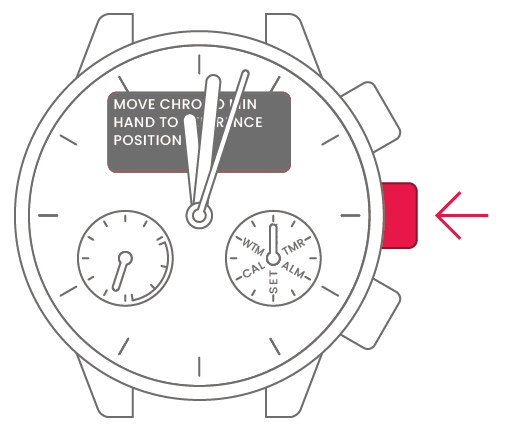
Press and release the
center-right button.
5
Press the lower-right or
upper-right button to move the
chronograph hour hand so that it
points directly down (0).

6
Press and release the
center-right button.

7
Press and release the lower-right
or upper-right button to set the
hour hand to “0 hours” and the
minute hand to “0 minutes”.
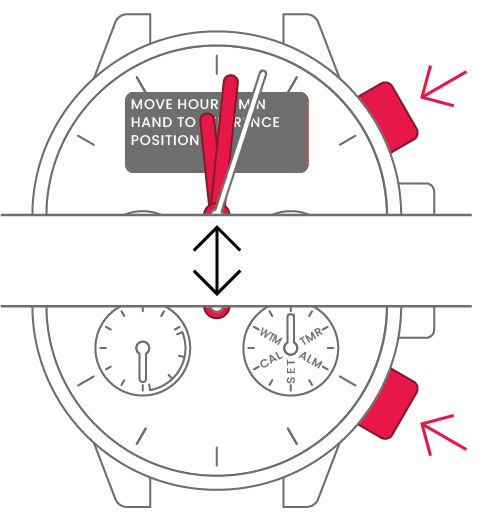
8
Press and release the
center-right button.
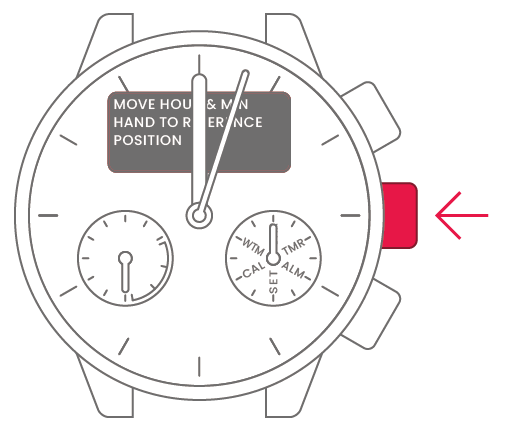
9
Press and release the lower-right
or upper-right button to set the
second hand to “0 seconds”.
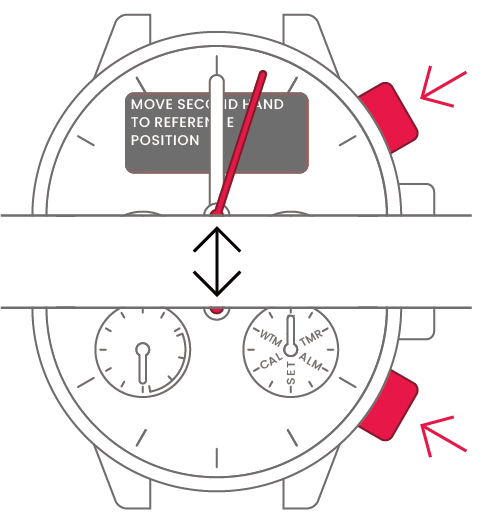
10
Press and release the
center-right button.

To set the time and date
To set the time and date
View in illustrations
1
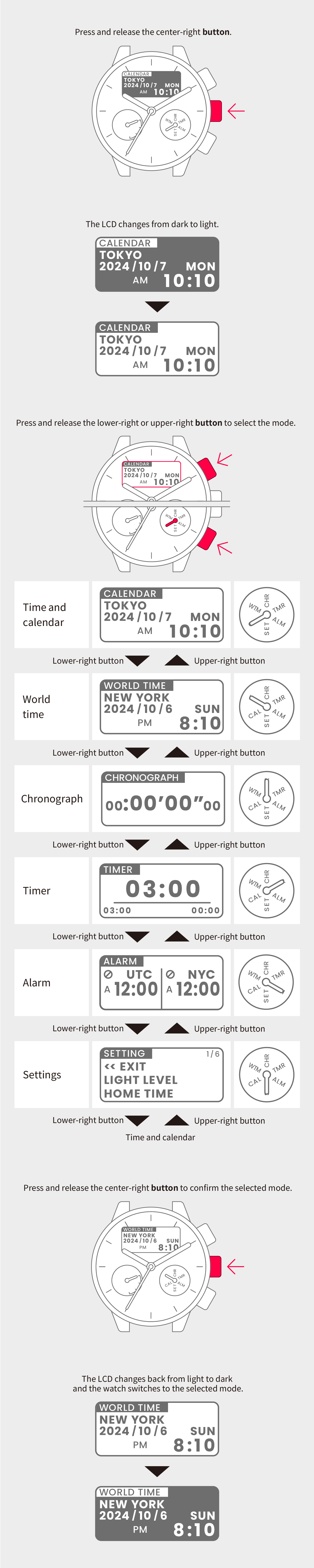
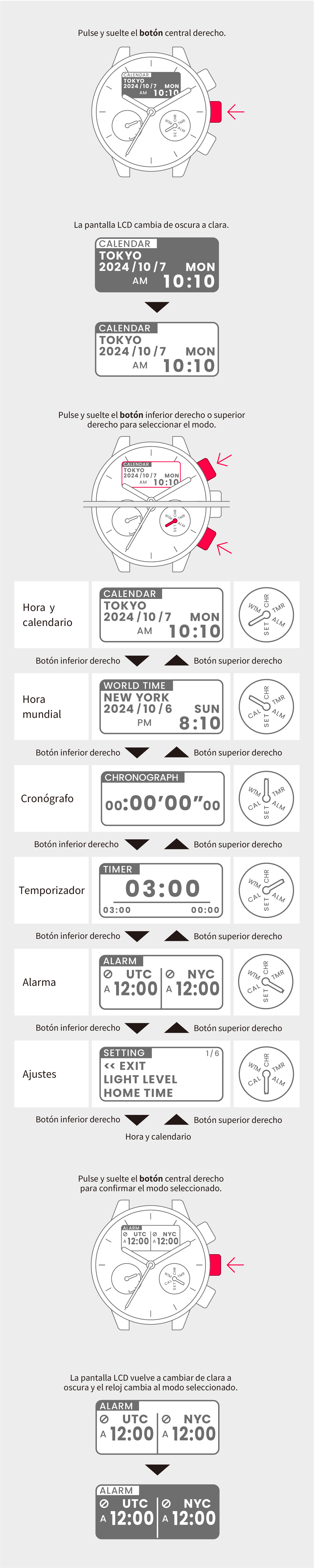
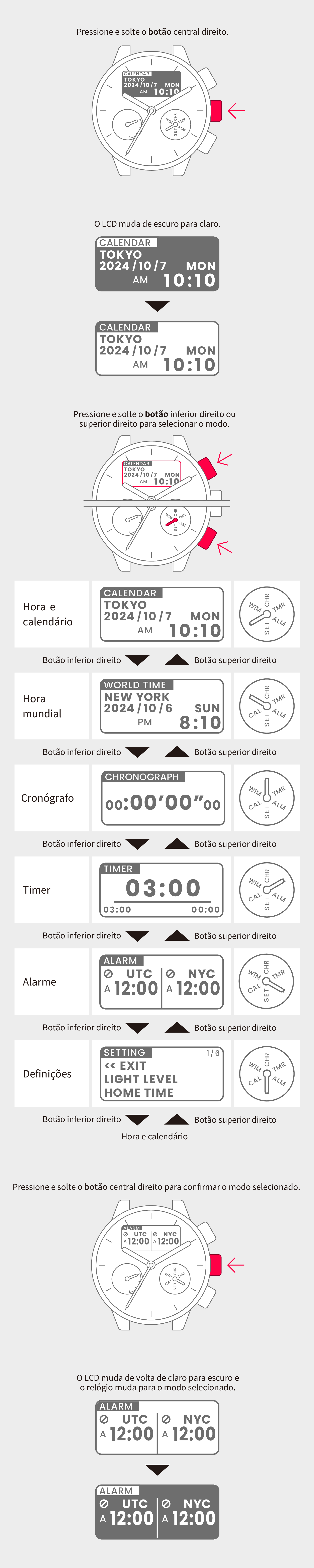
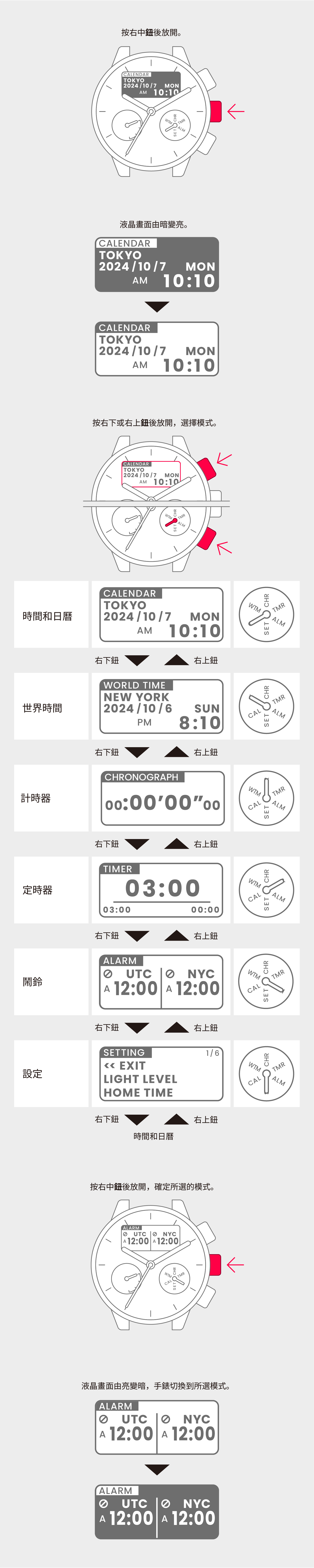
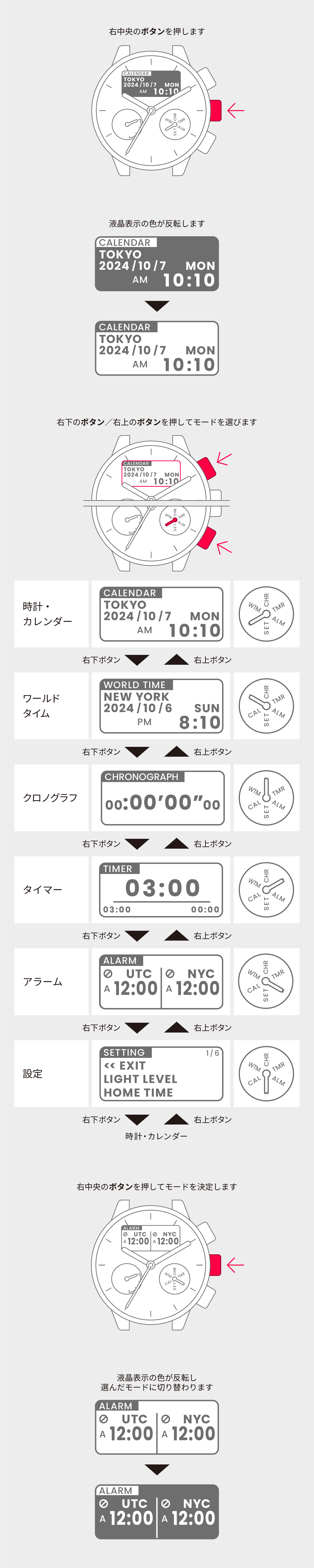
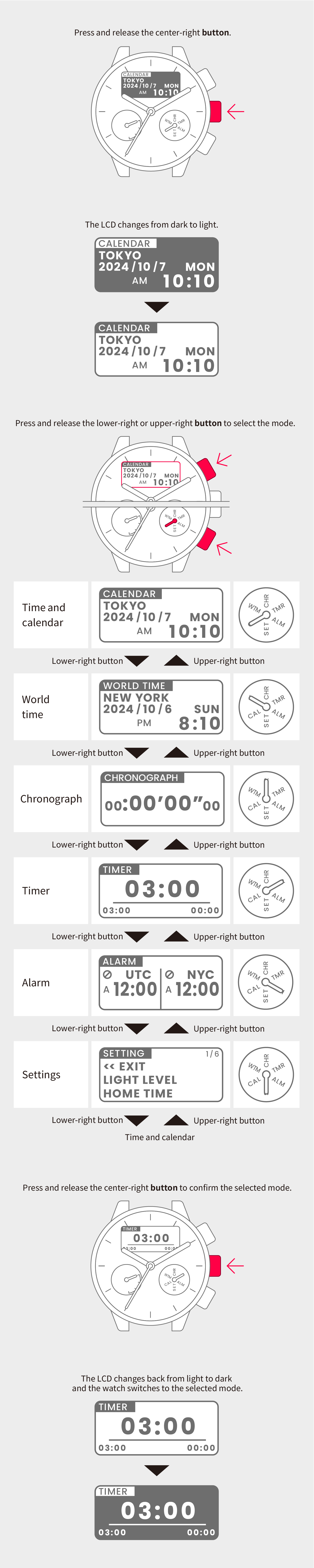
Switch to Time and calendar mode.
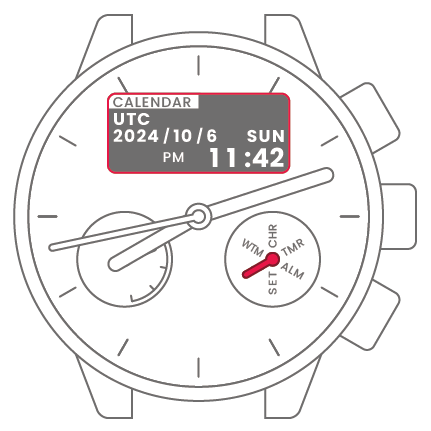
2
Press and hold the center-right
button for at least 2 seconds to
highlight the region.
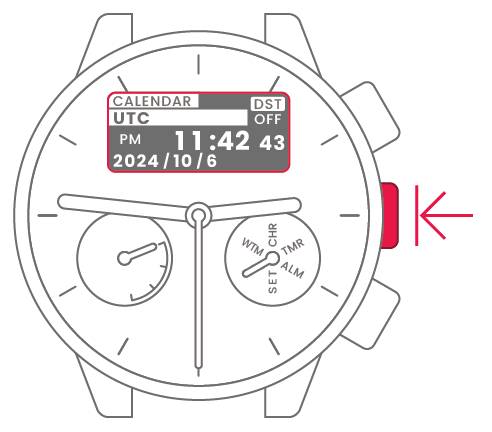
3
Press and hold the center-right
button for at least 2 seconds to
highlight the region.
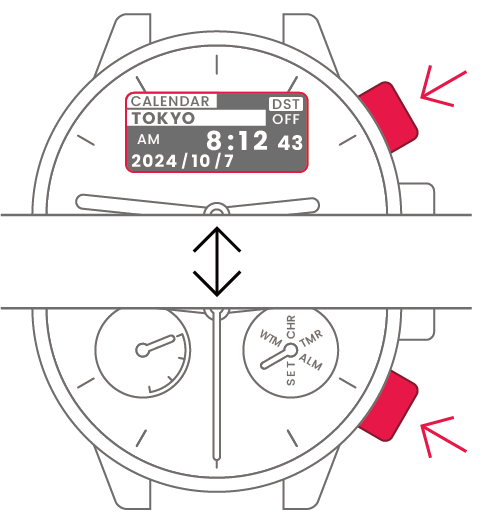
4
Press and release the
center-right button to confirm
the selected region.
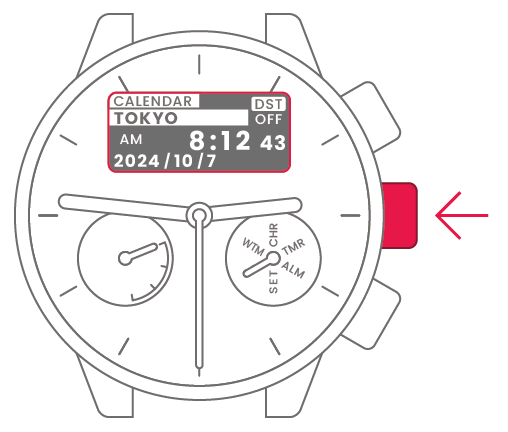
5
Press and release the lower-right
or upper-right button to select
daylight saving time (DST) or
standard time.
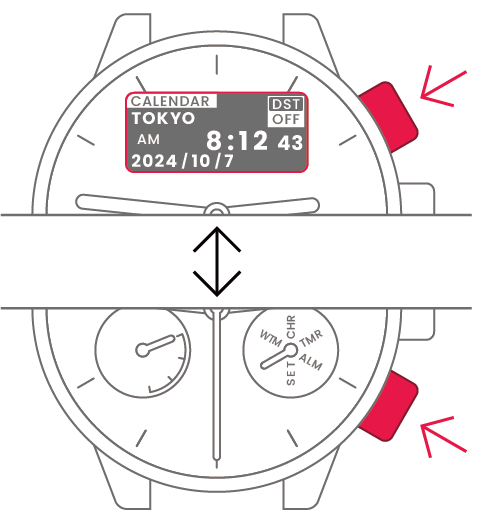
 |
Summer time |
 |
Standard time |
6
Press and release the
center-right button to confirm
daylight saving time or standard
time.
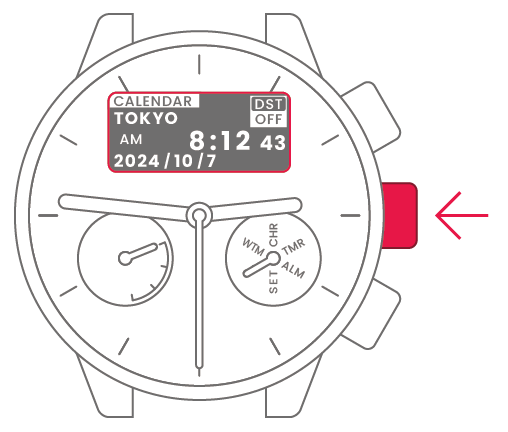
7
Press and release the lower-right
or upper-right button to confirm
0 seconds.
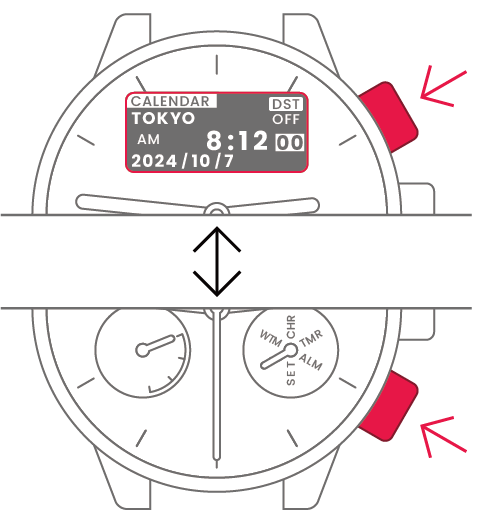
8
Press and release the
center-right button.
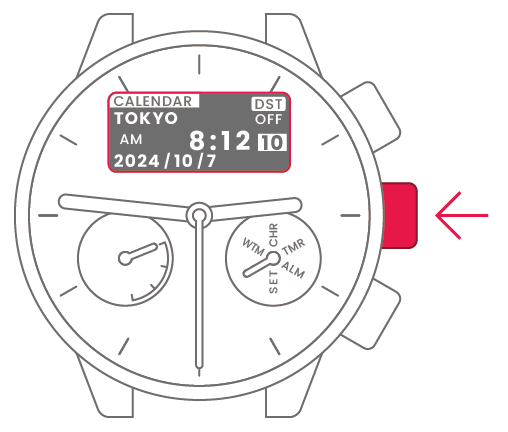
9
Press and release the lower-right
or upper-right button to change
the time and date.
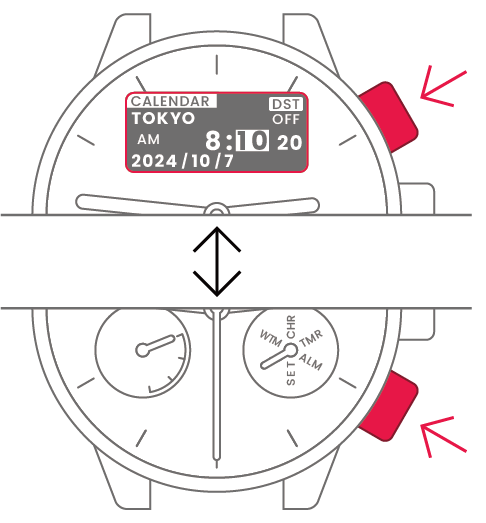
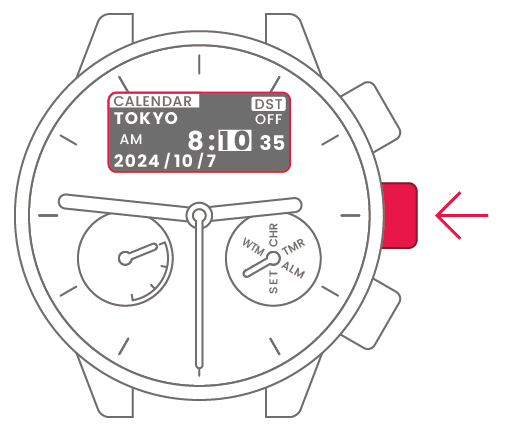
| Minute | Press and release upper-right or lower-right button to change. | 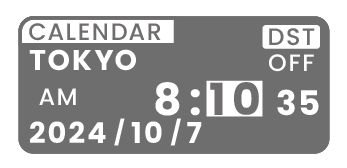 |
 |
Center-right button |
| Hour | Press and release upper-right or lower-right button to change. | 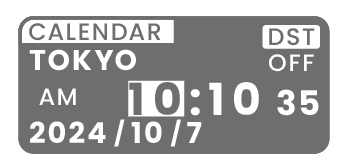 |
|
Center-right button |
| Year | Press and release upper-right or lower-right button to change. | 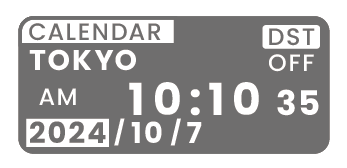 |
|
Center-right button |
| Month | Press and release upper-right or lower-right button to change. | 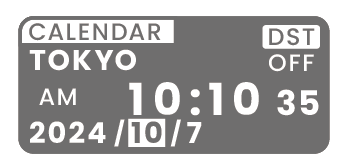 |
|
Center-right button |
| Day | Press and release upper-right or lower-right button to change. | 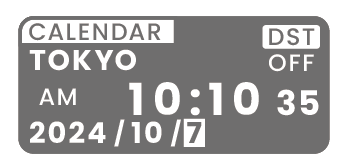 |
|
Center-right button |
| Setting complete |  |