Movement No. U822
To correct the reference position


View in illustrations

1
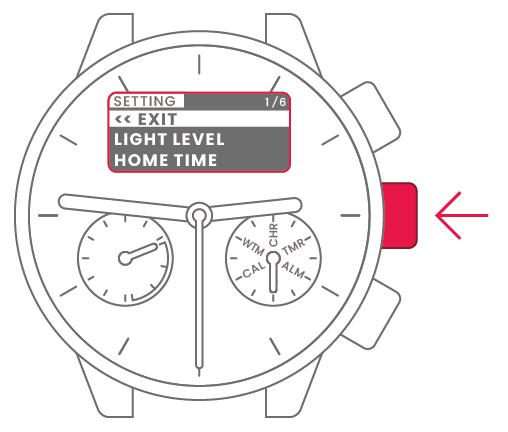
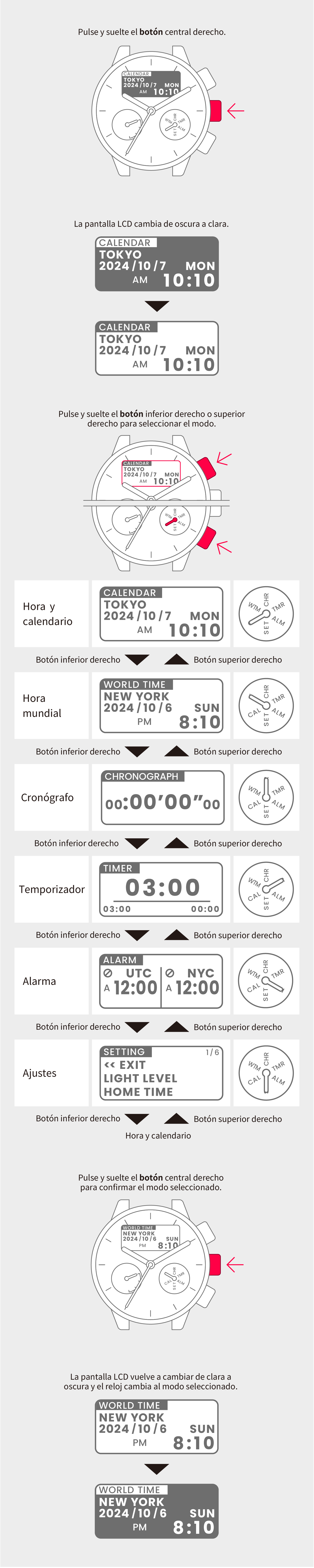
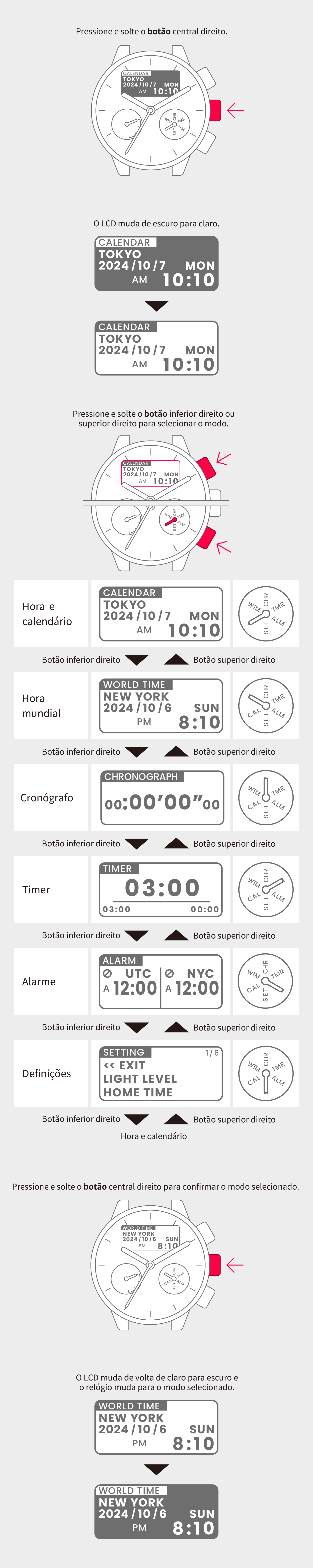
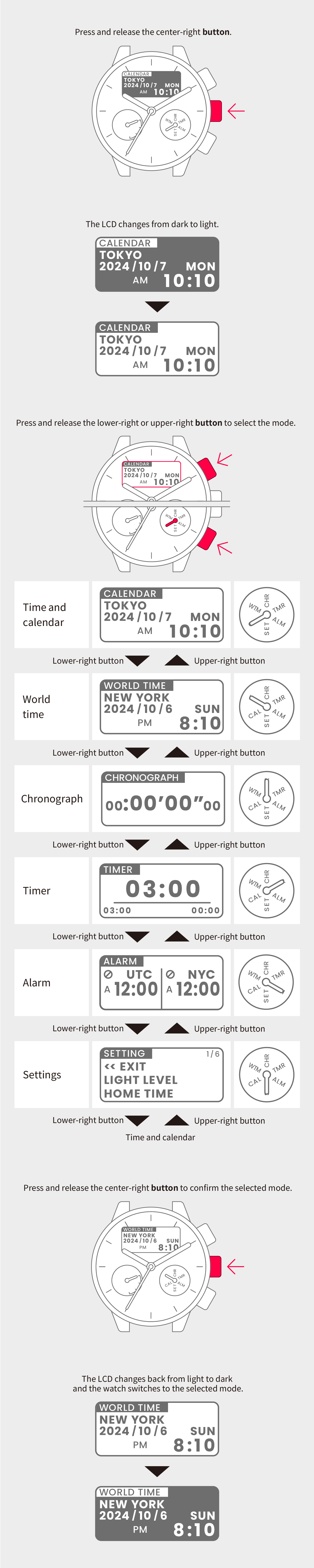
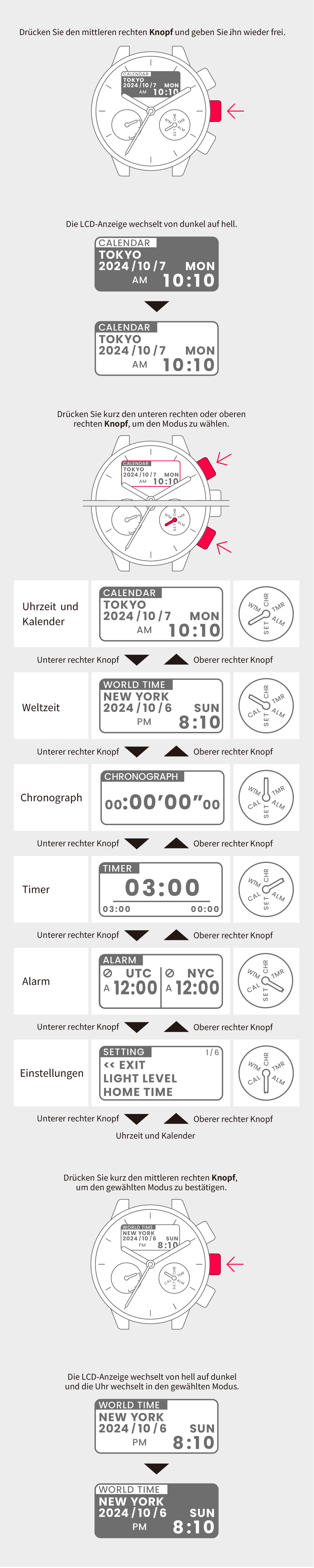
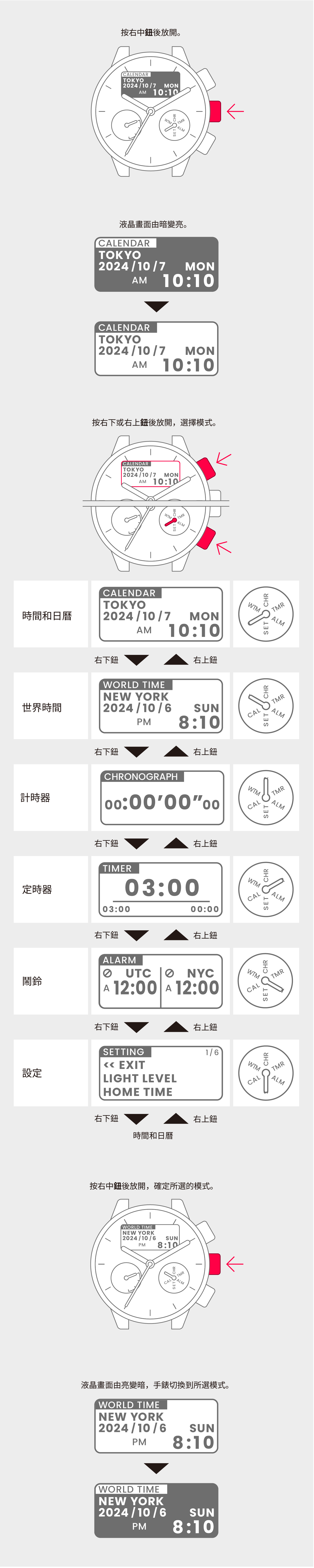
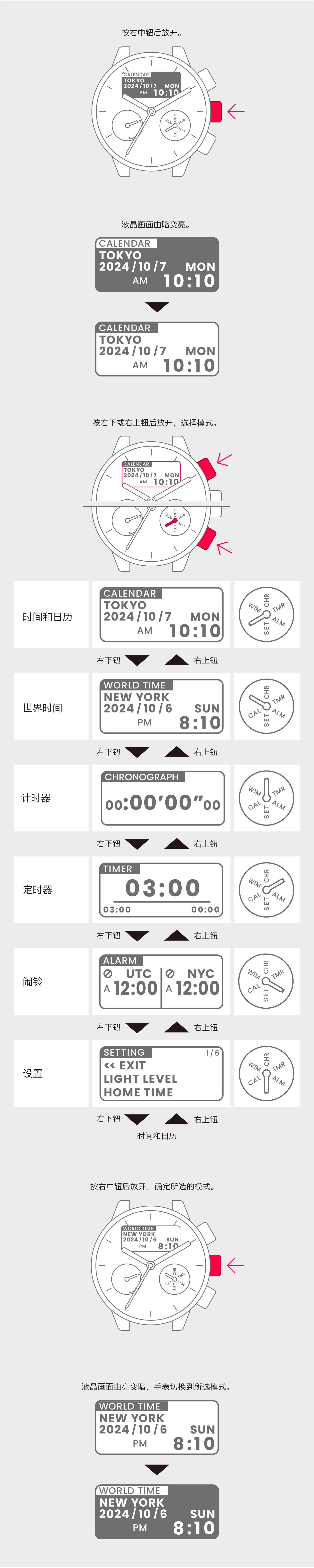
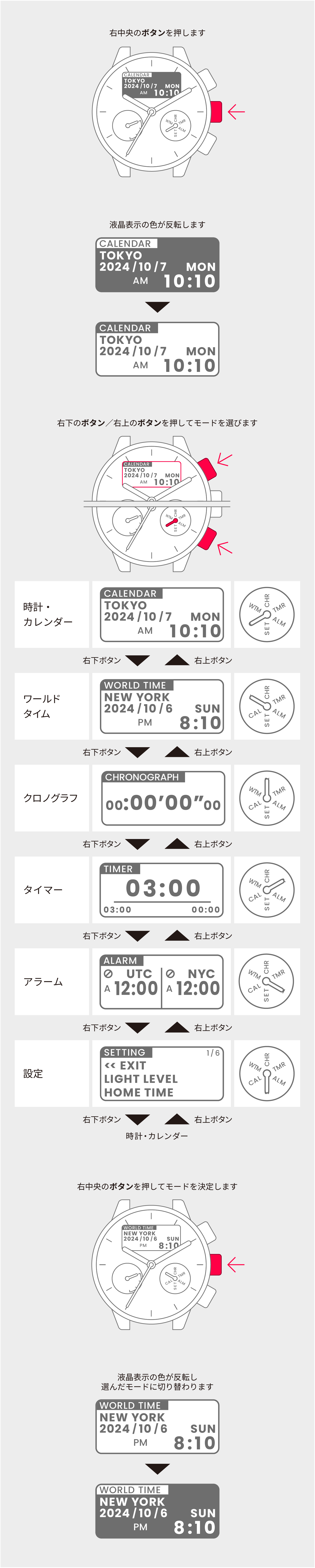
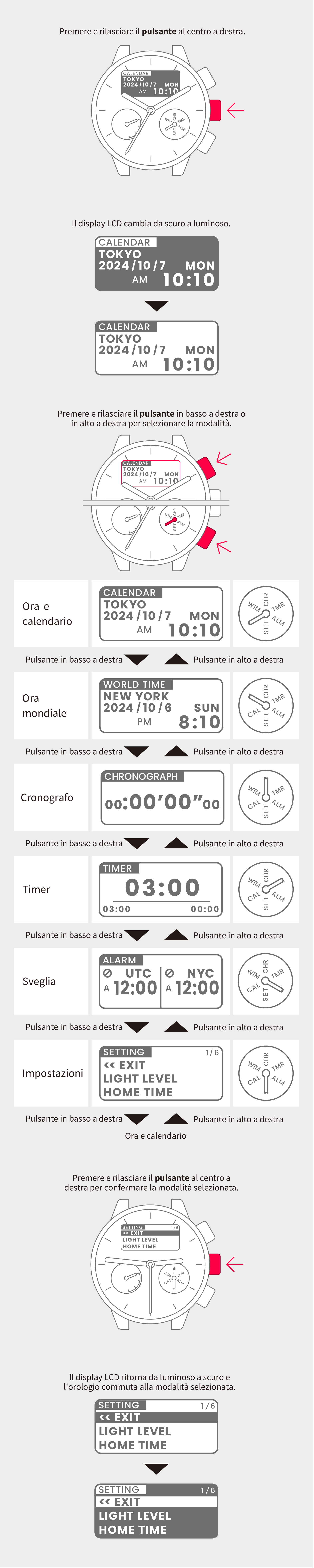
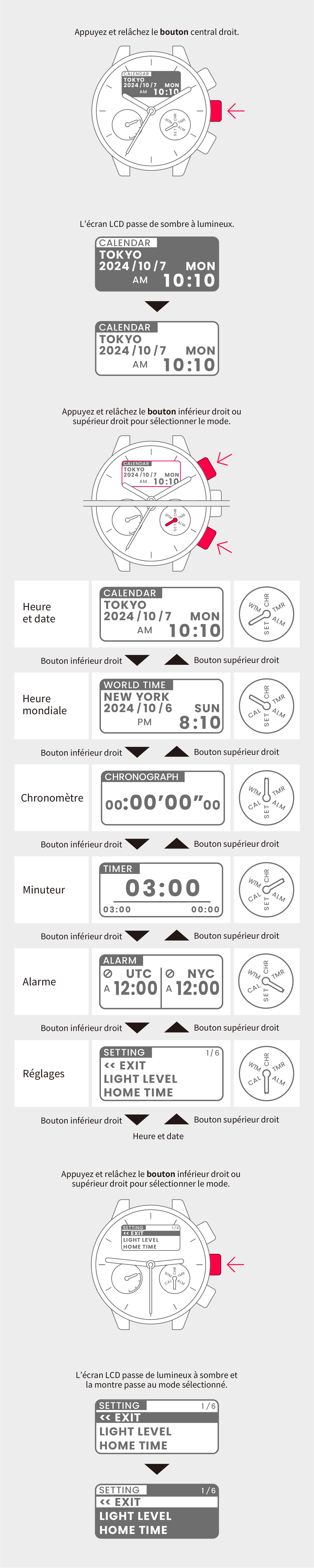
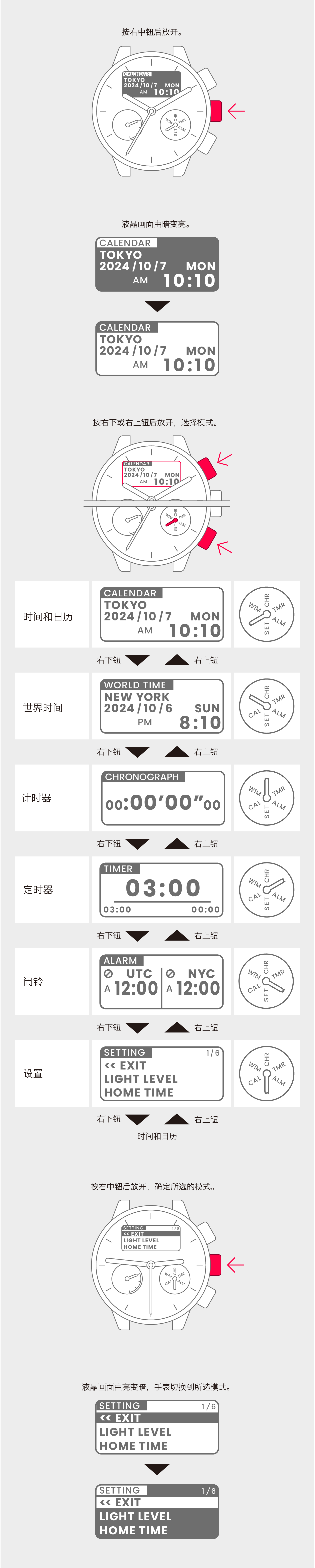
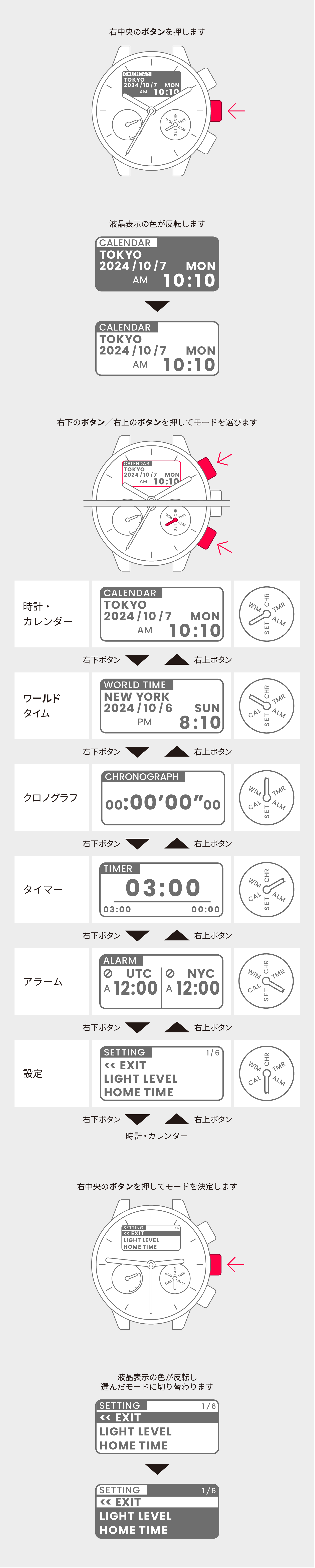
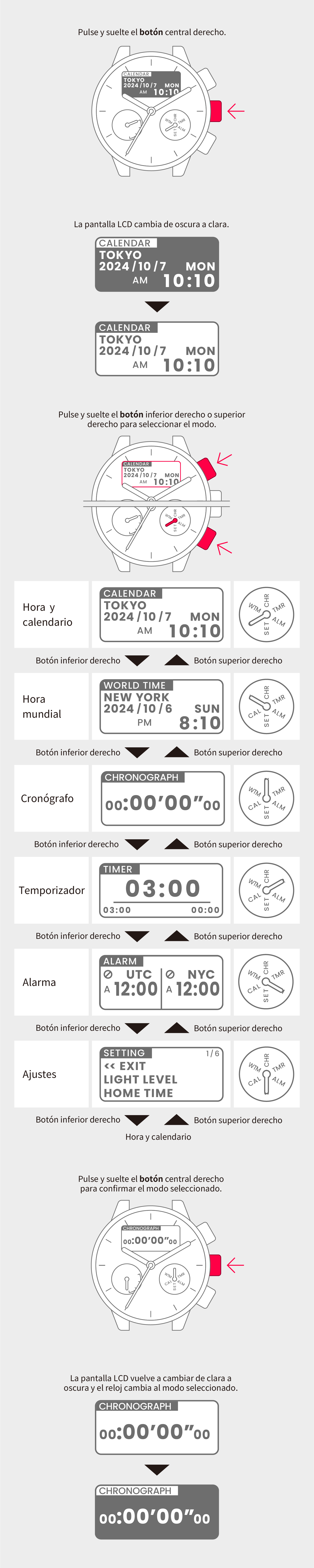
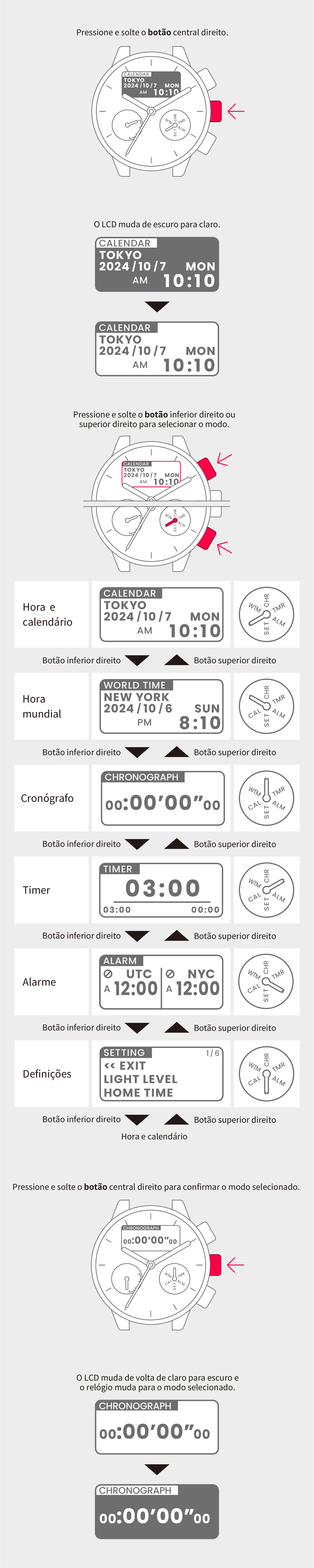
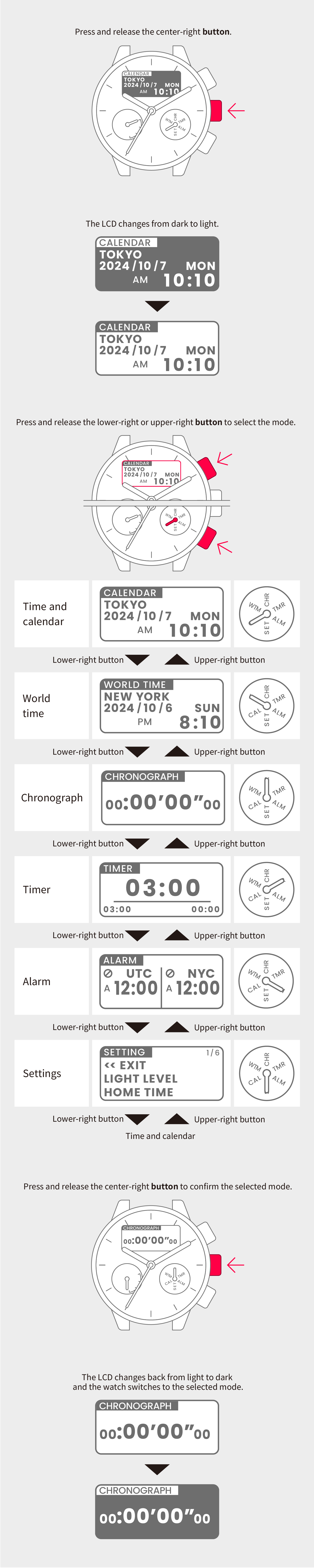
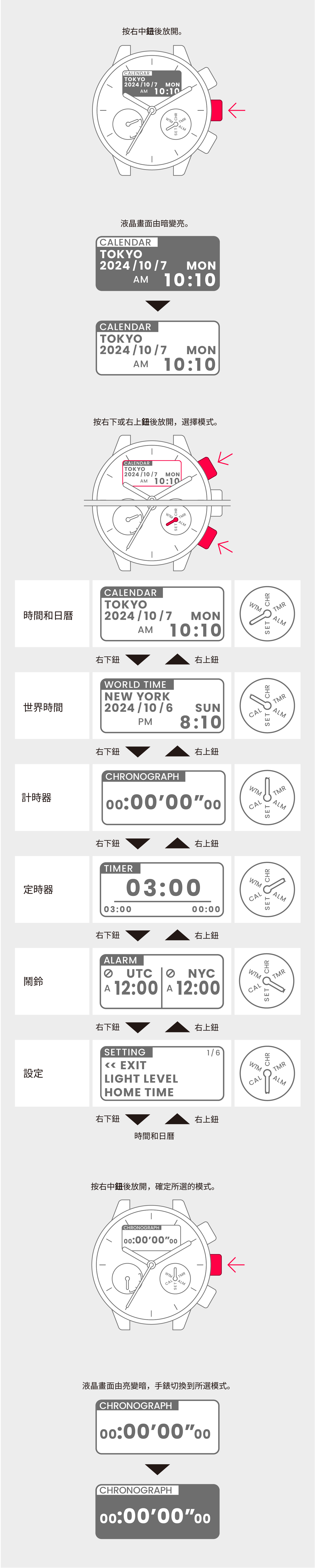
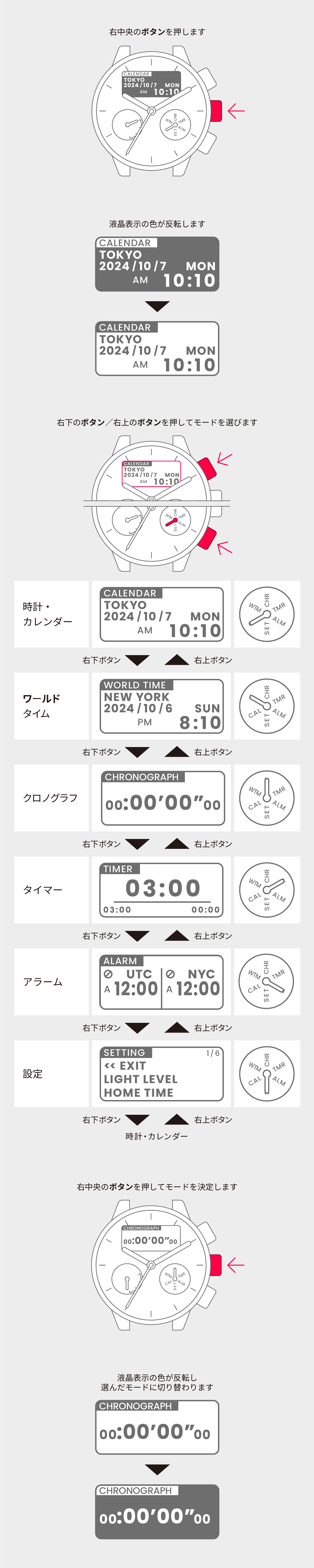
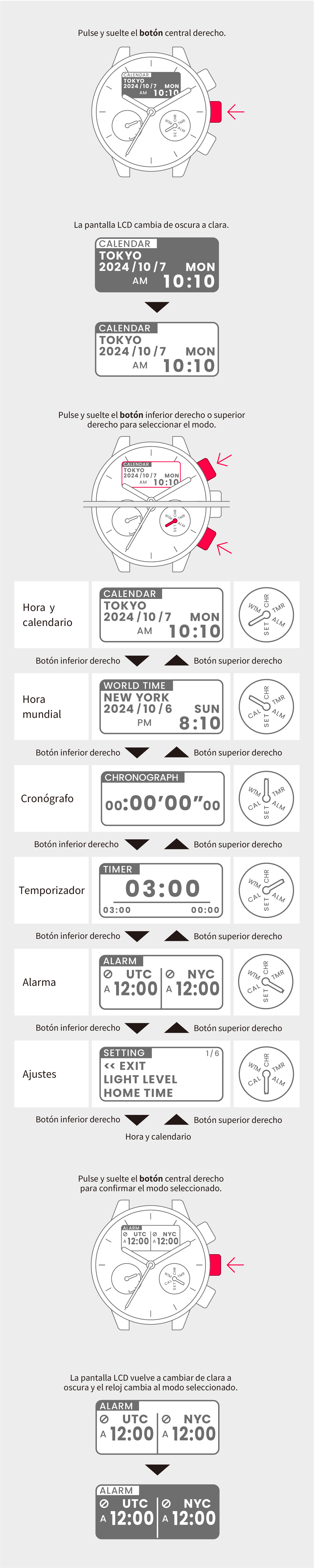
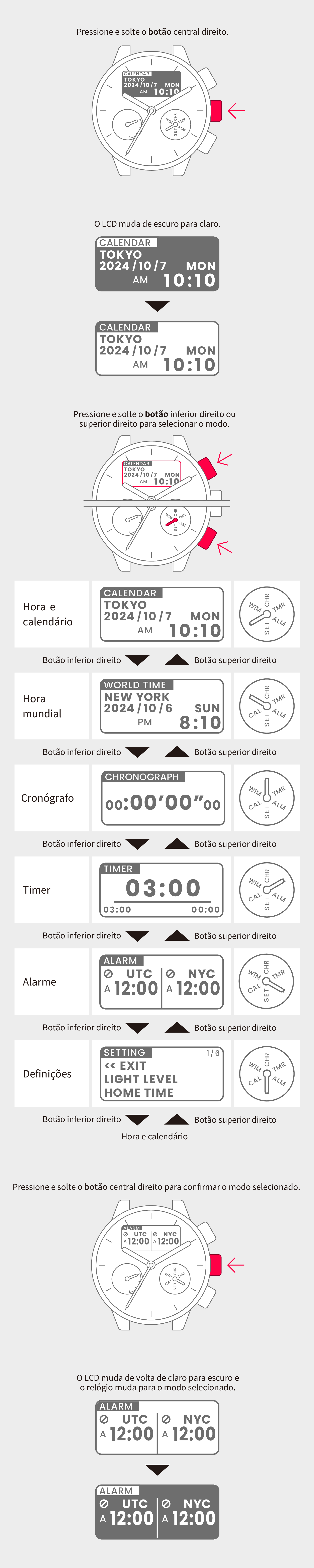
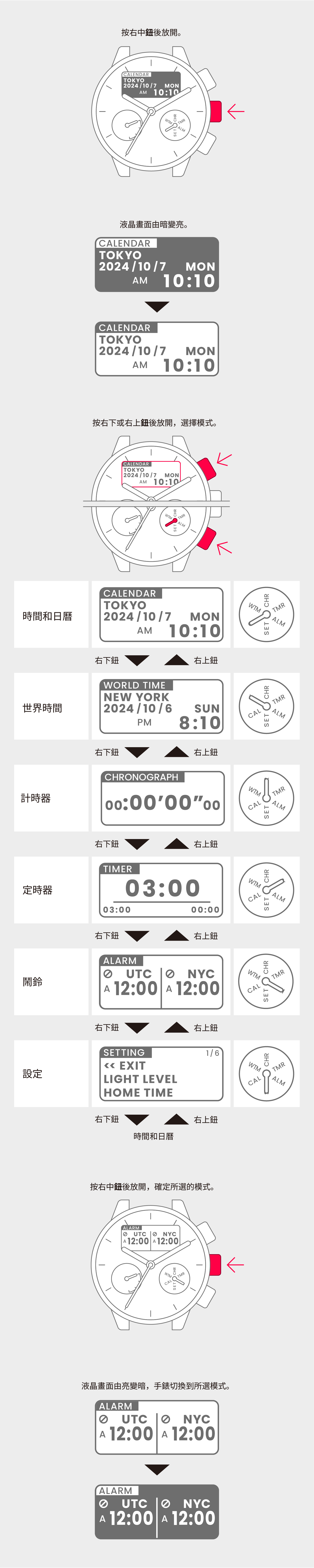
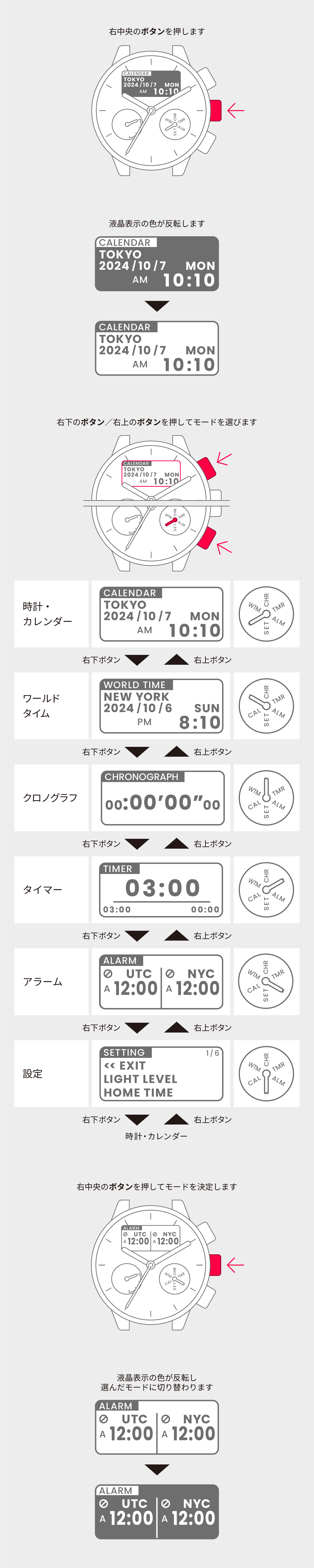
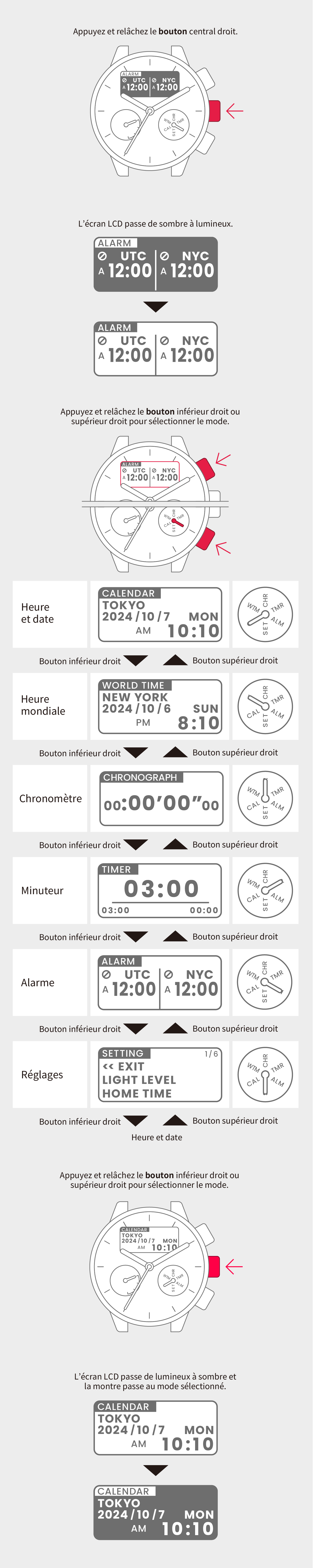
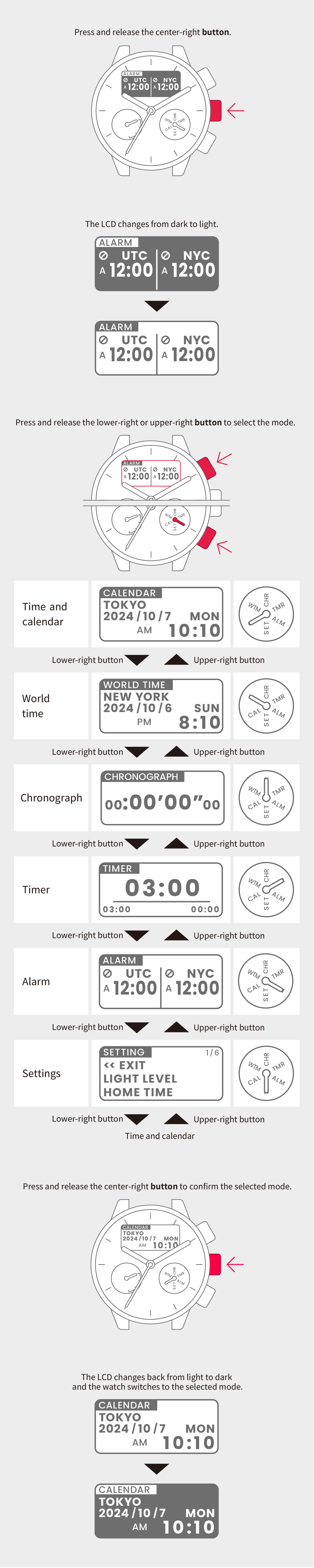
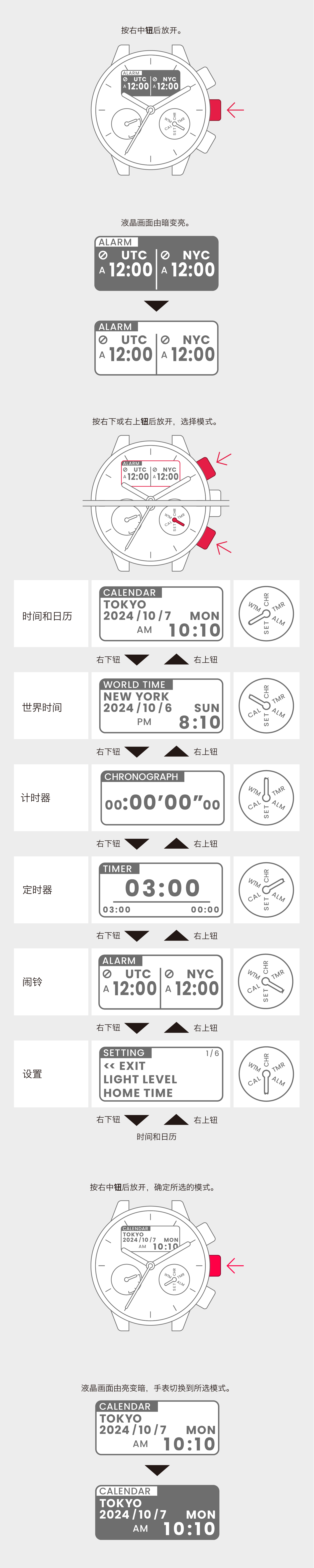
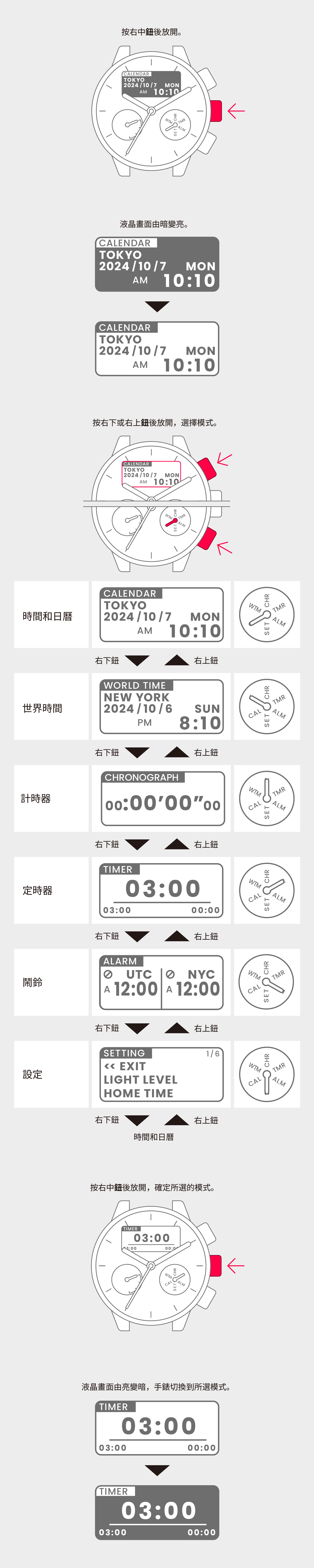
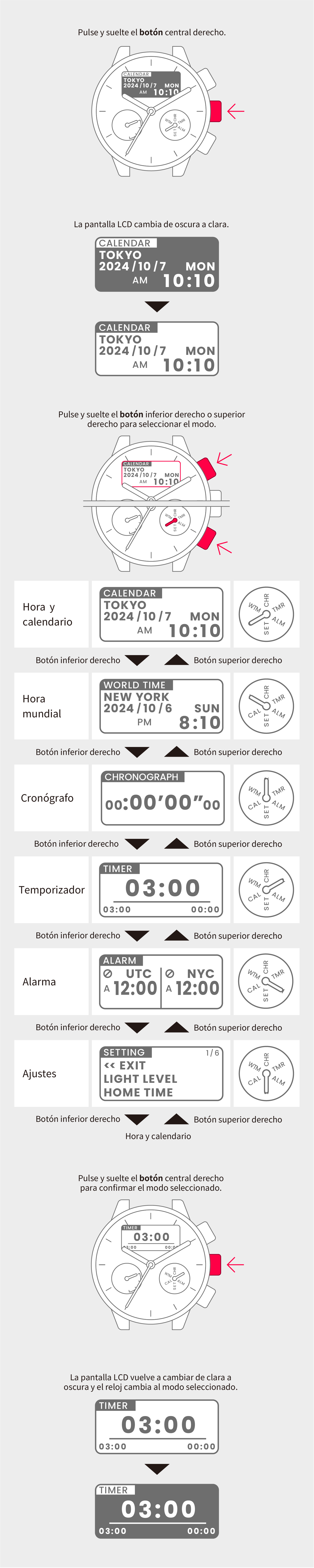
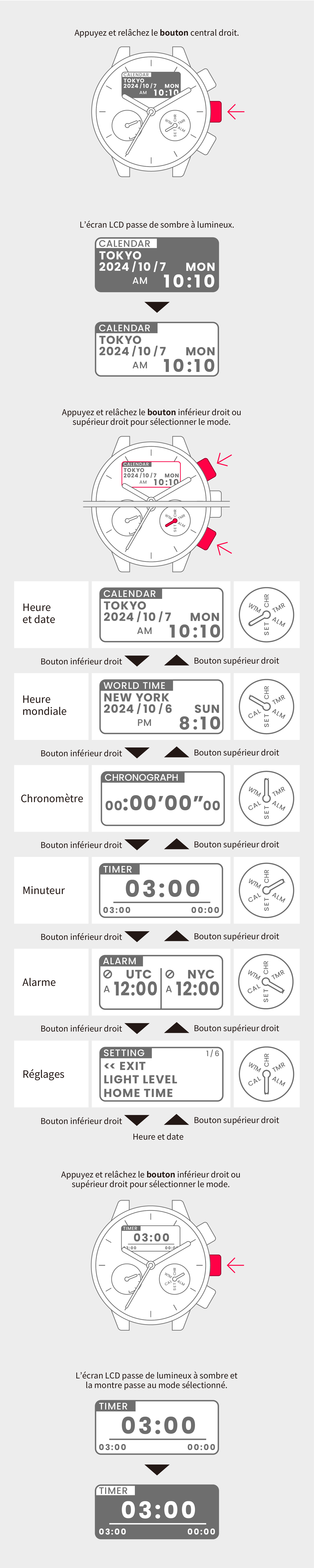
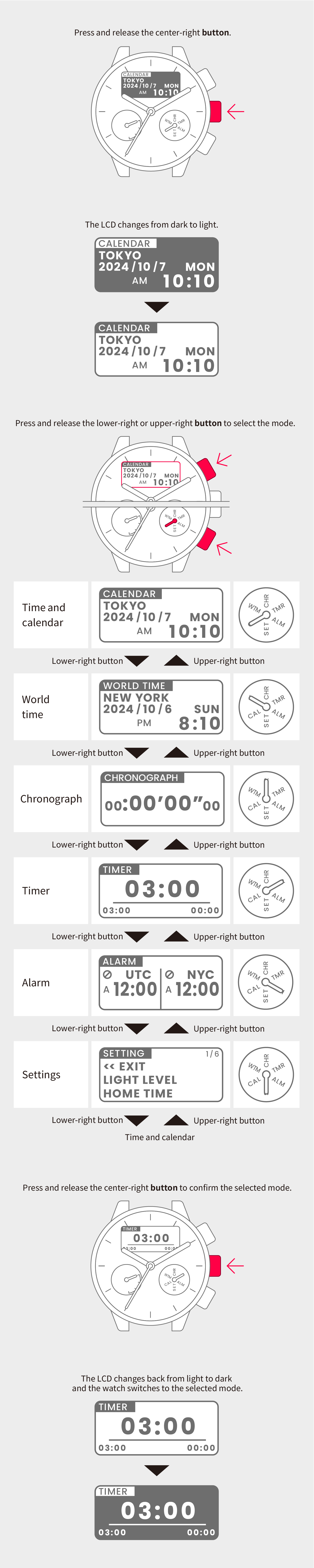
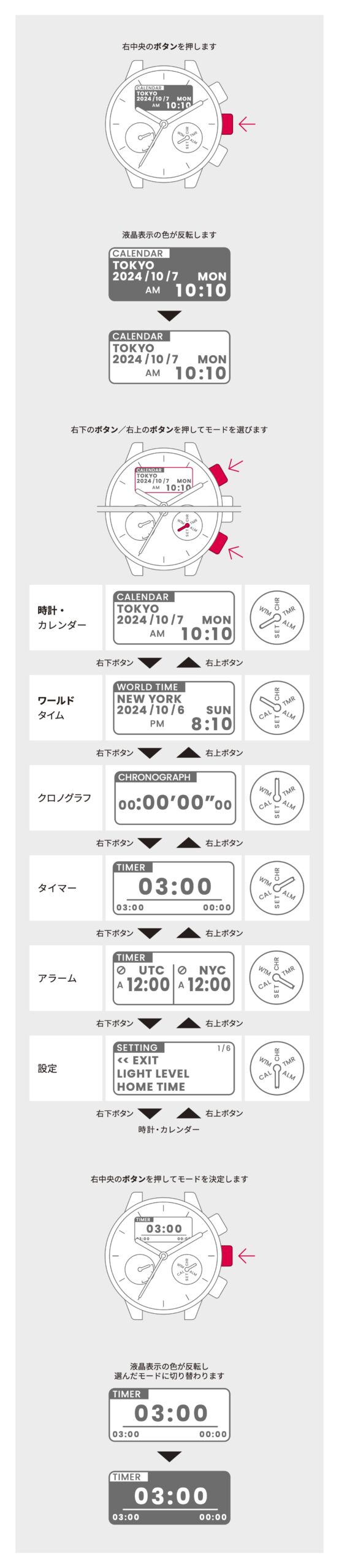
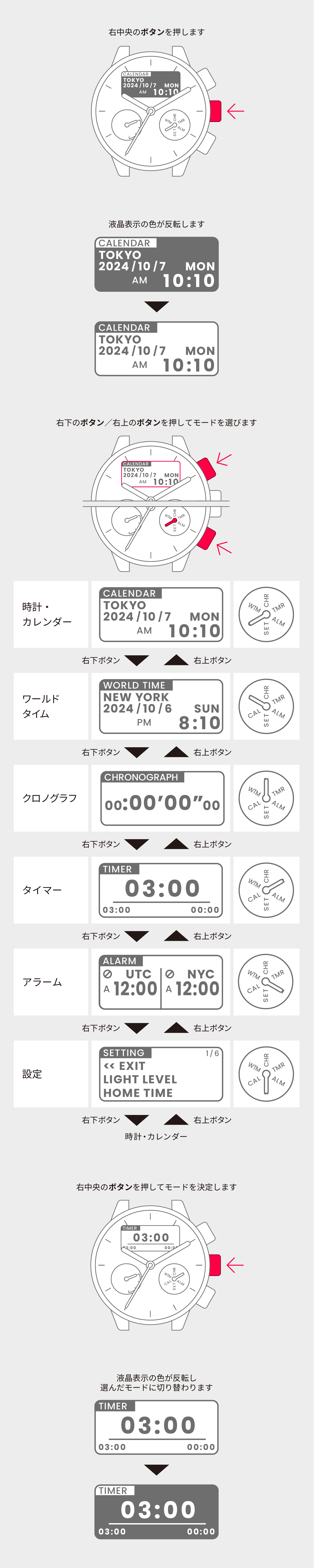
Switch to Setting mode.

2
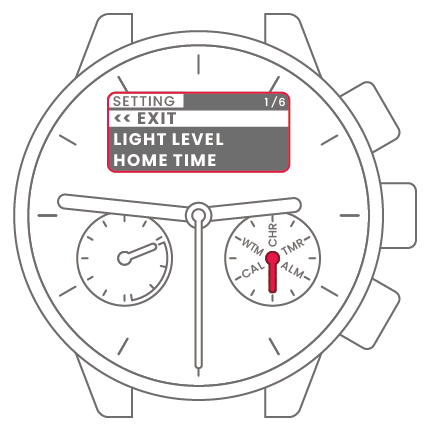
Press and release the lower-right
or upper-right button to select
“HAND POSITION”.

3
Press and release the
center-right button. The hands
each show the current reference
position.
4
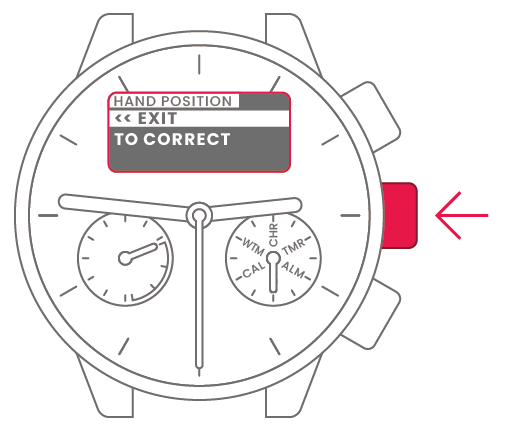
Press and release the lower-right
or upper-right button to select
“TO CORRECT”.
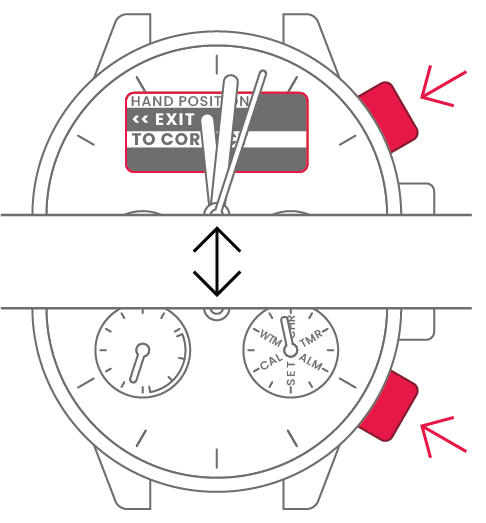
5
Press and release the
center-right button.
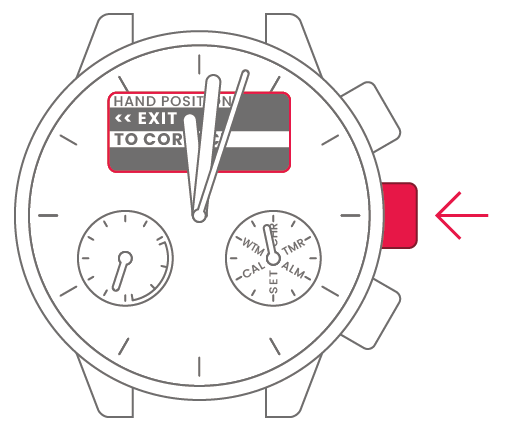
6
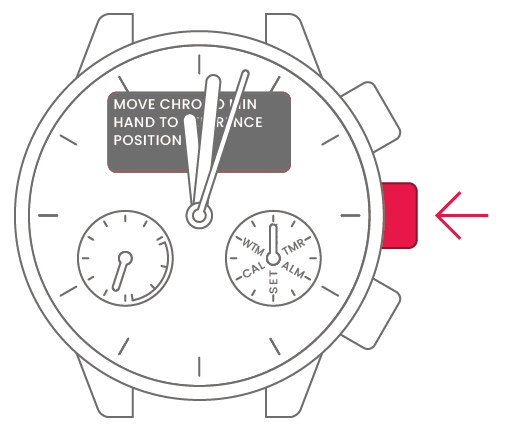
Press the lower-right or
upper-right button to move the
chronograph minute hand so that
it points directly up (CHR).

7
Press and release the
center-right button.
8
Press the lower-right or
upper-right button to move the
chronograph hour hand so that it
points directly down (0).

9
Press and release the
center-right button.

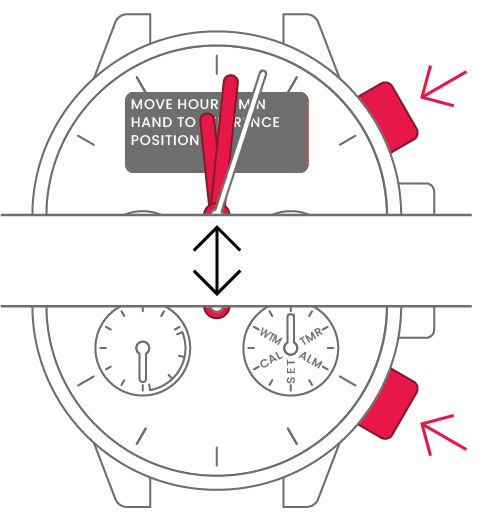
10
Press and release the lower-right
or upper-right button to set the
hour hand to “0 hours” and the
minute hand to “0 minutes”.
11
Press and release the
center-right button.
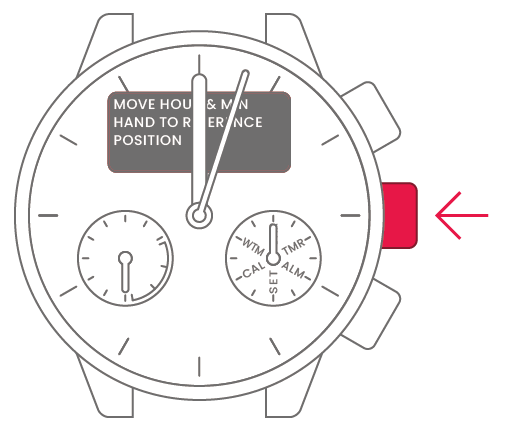
12
Press and release the lower-right
or upper-right button to set the
second hand to “0 seconds”.
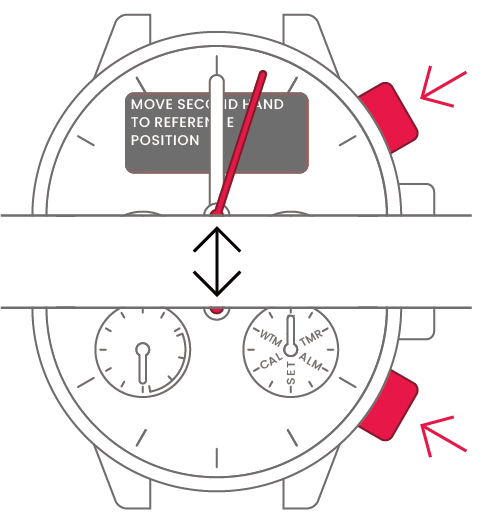
13
Press and release the
center-right button.

14
Press and release the lower-right
or upper-right button to select
“<<EXIT”.
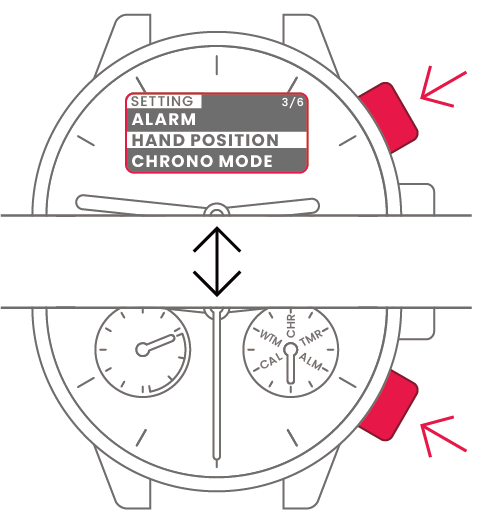
15
Press the center-right button to
finish.