Movement No. U822
The time and date are incorrect

To set the watch to
the time for your region
To set the watch to
the time for your region


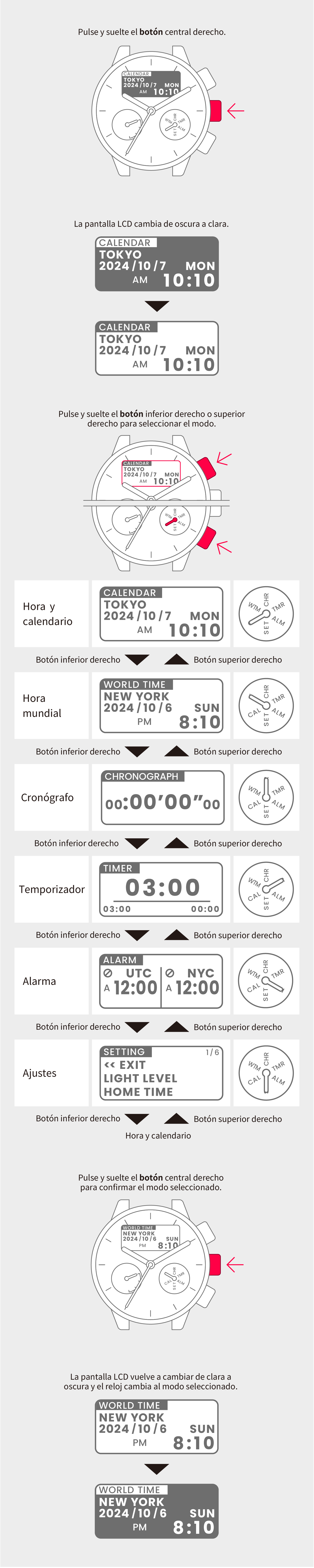
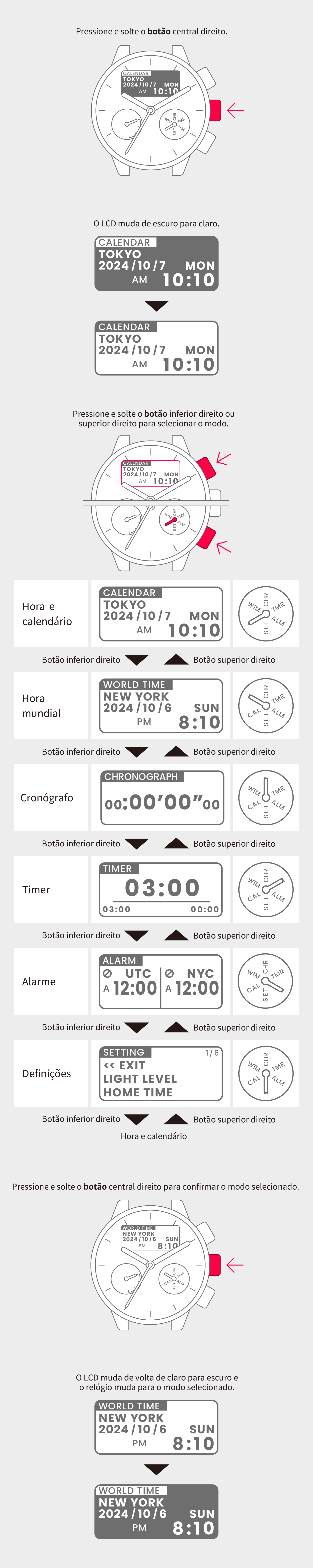
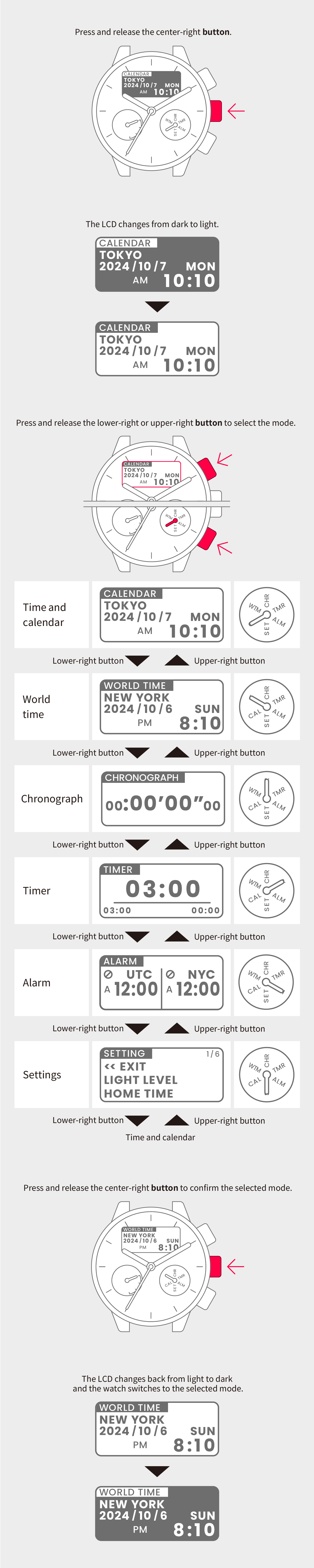
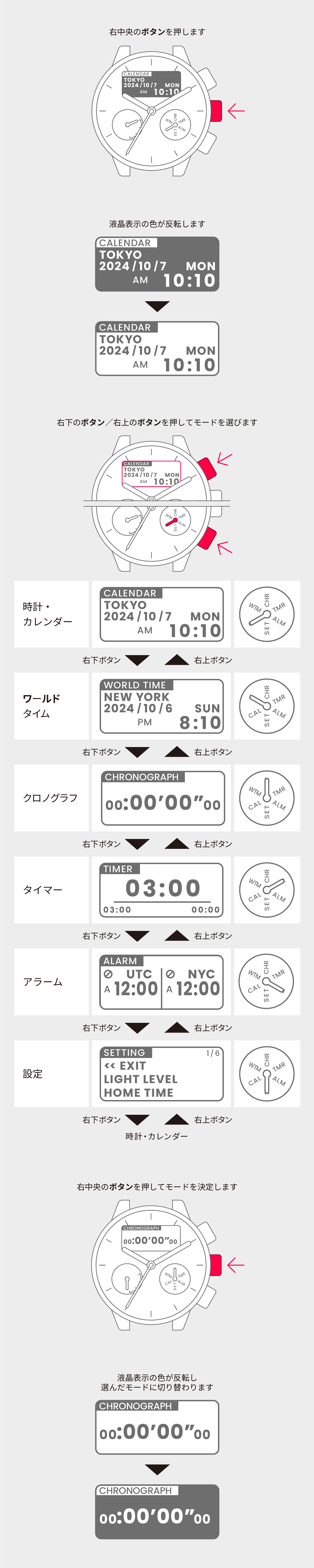
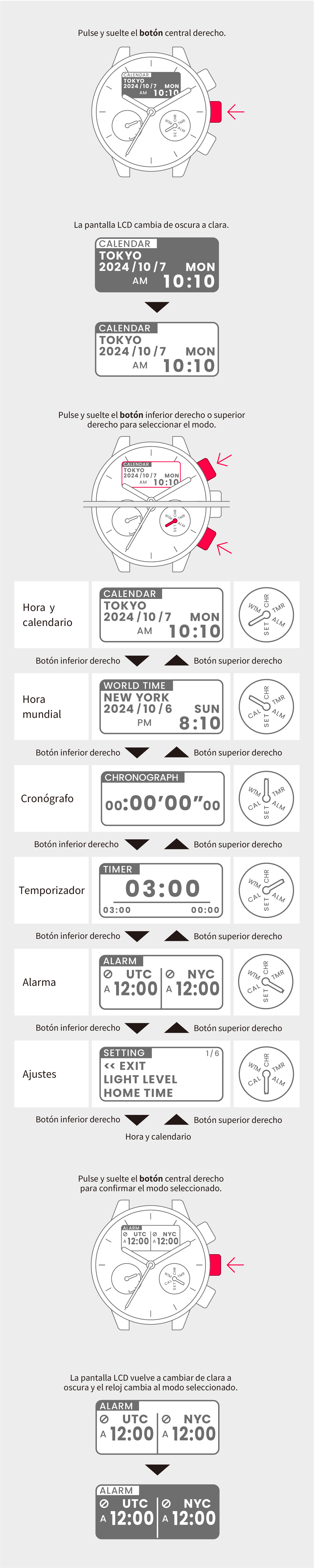
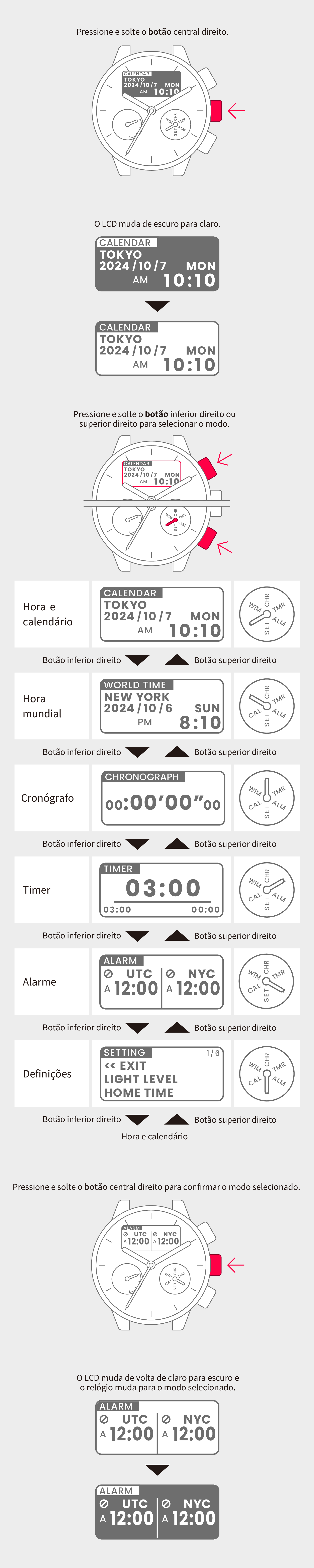
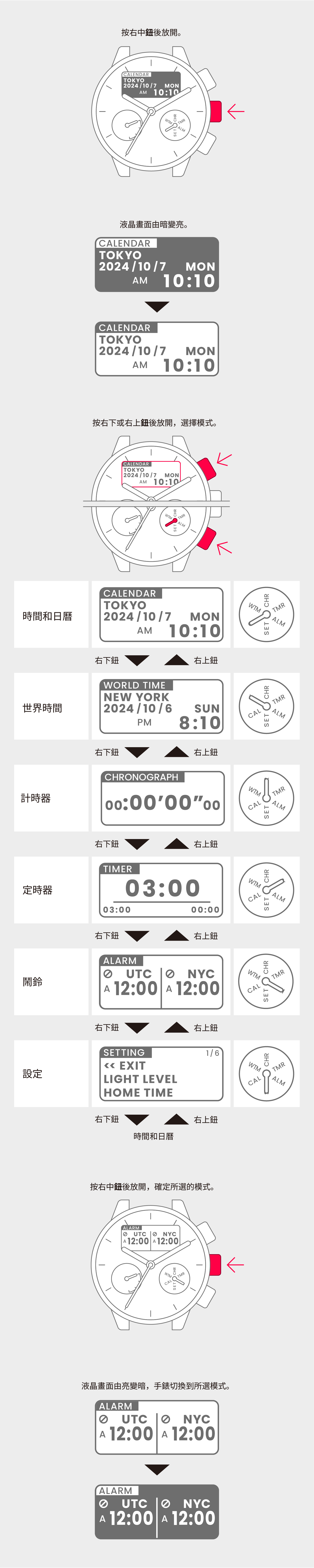
View in illustrations

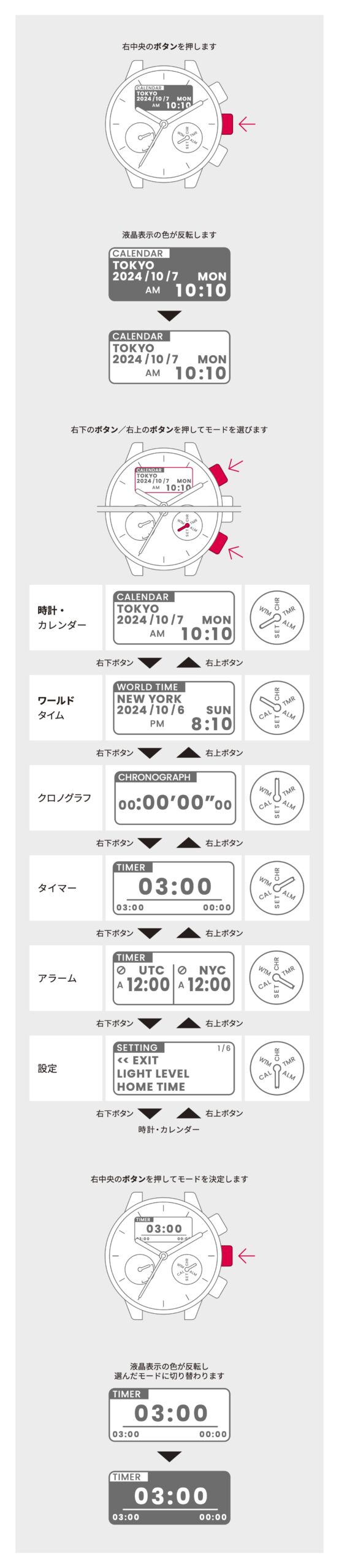
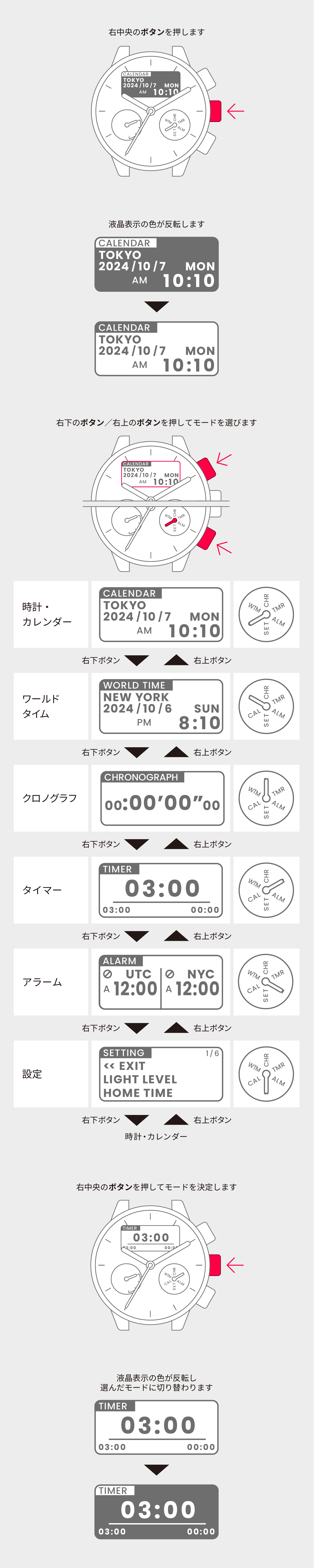
1
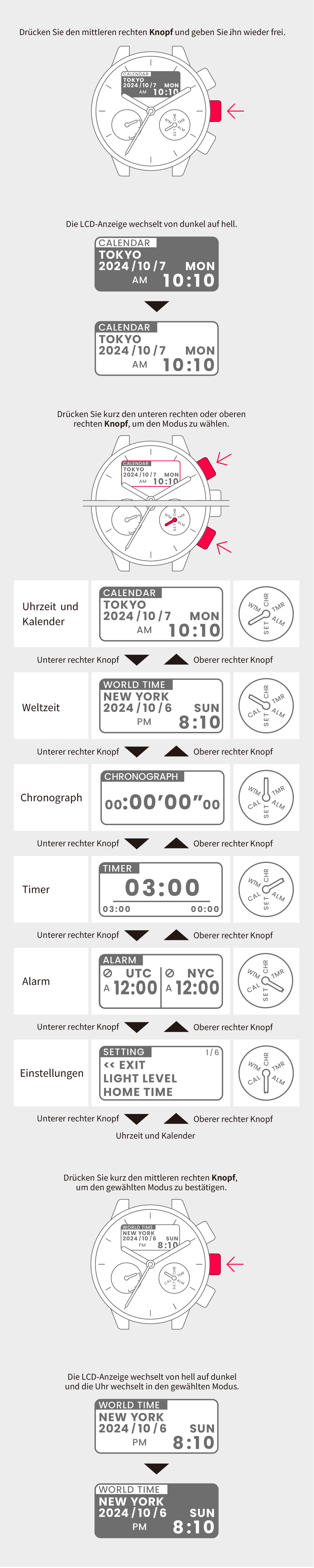
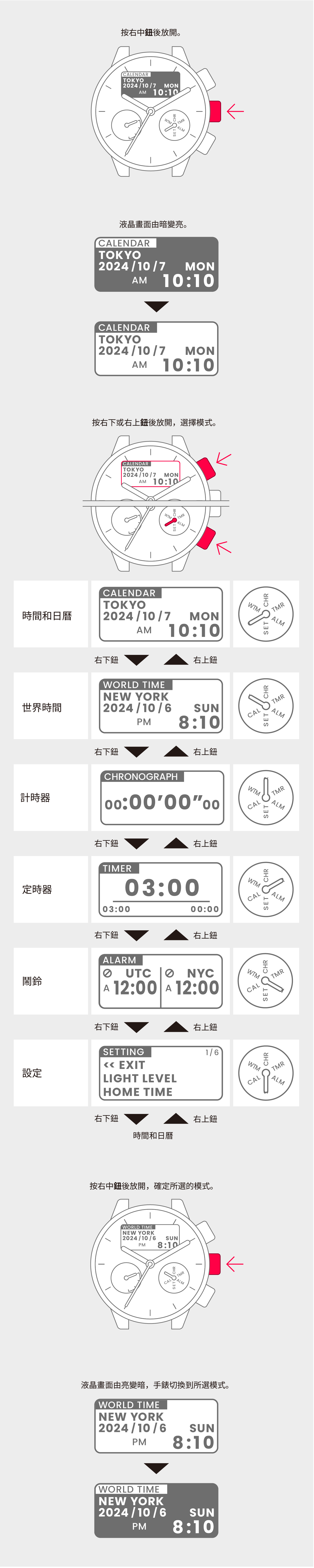
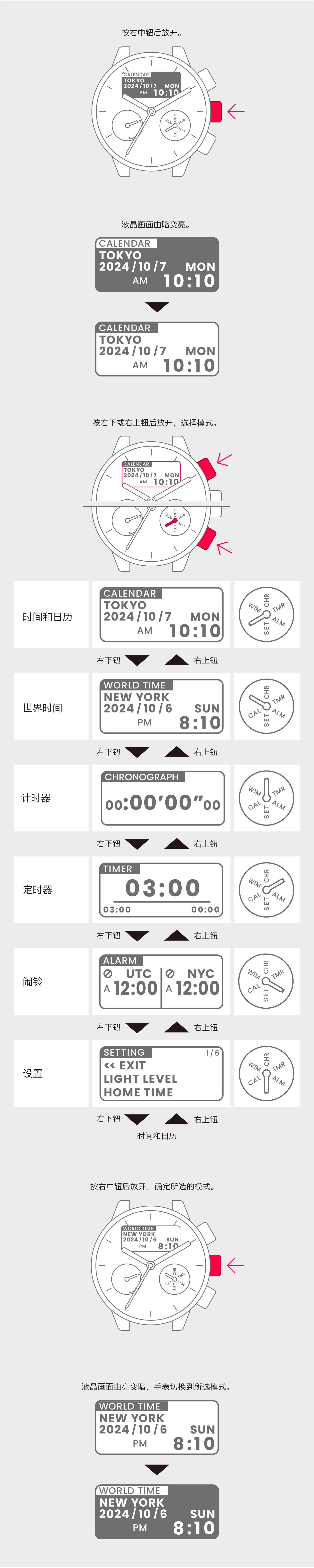
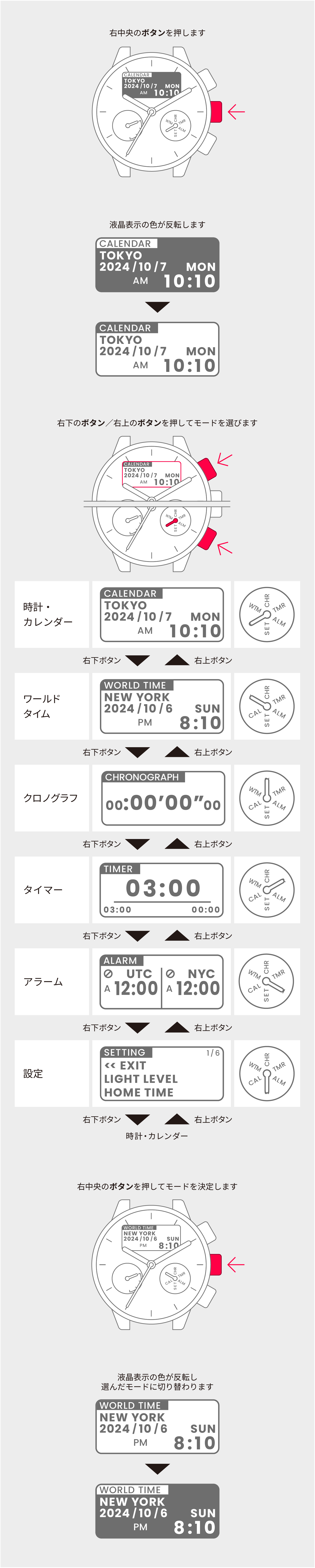
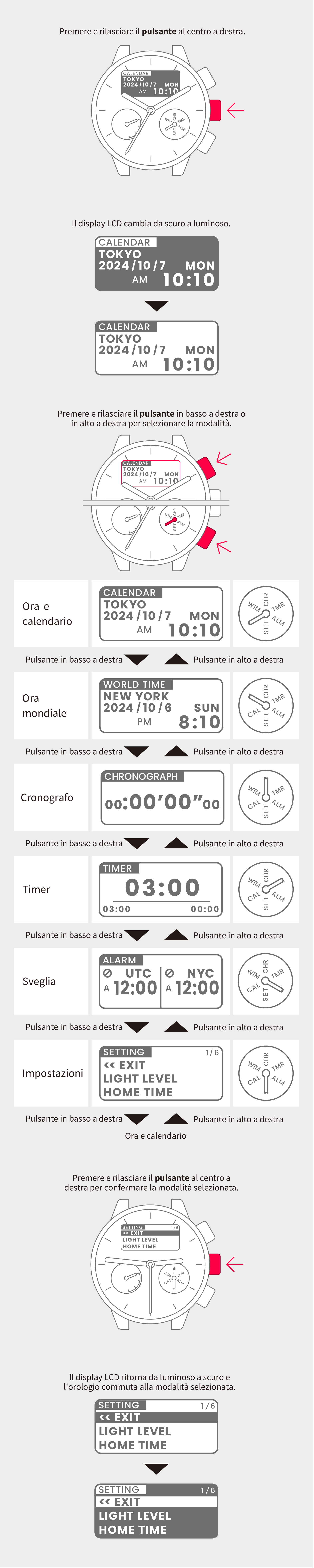
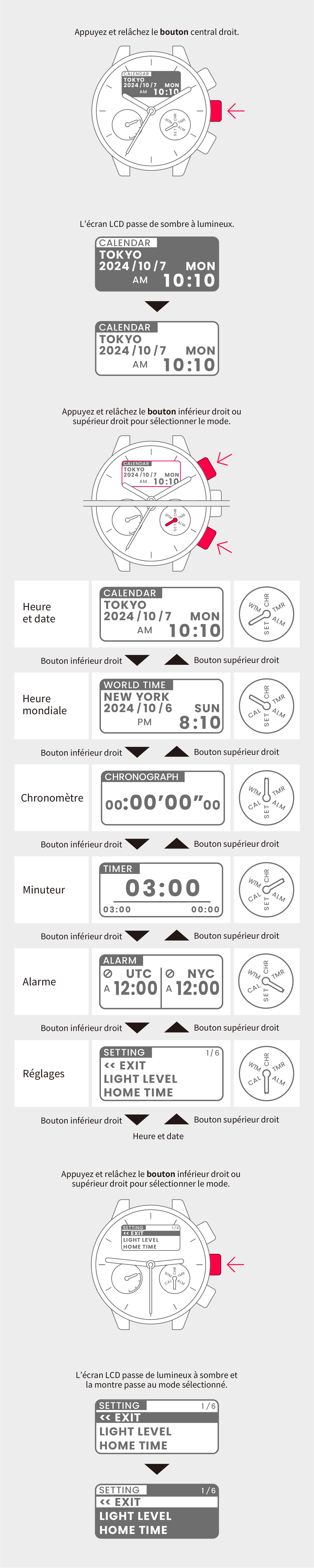
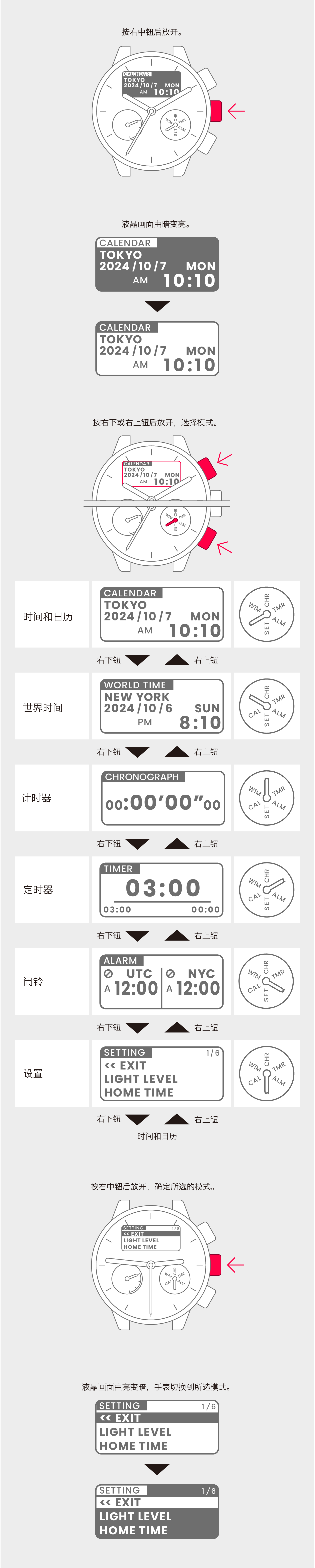
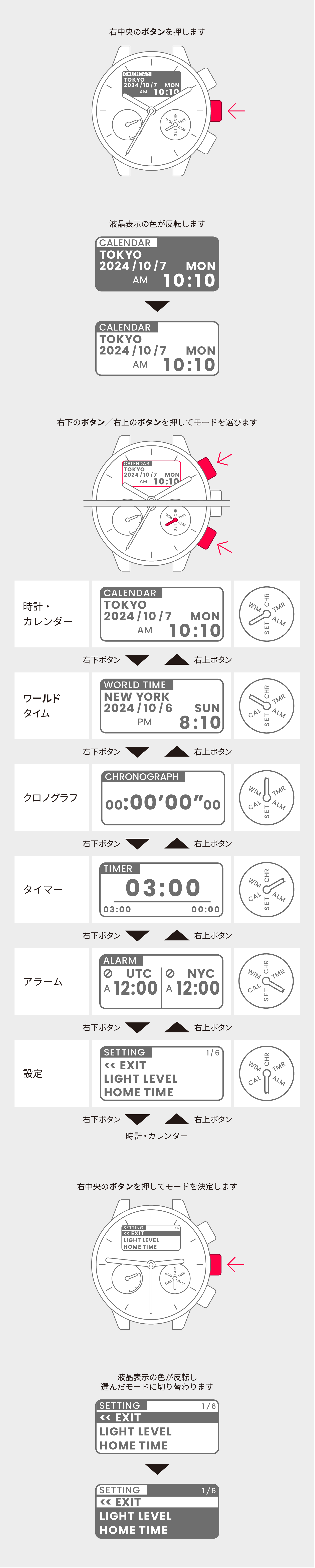
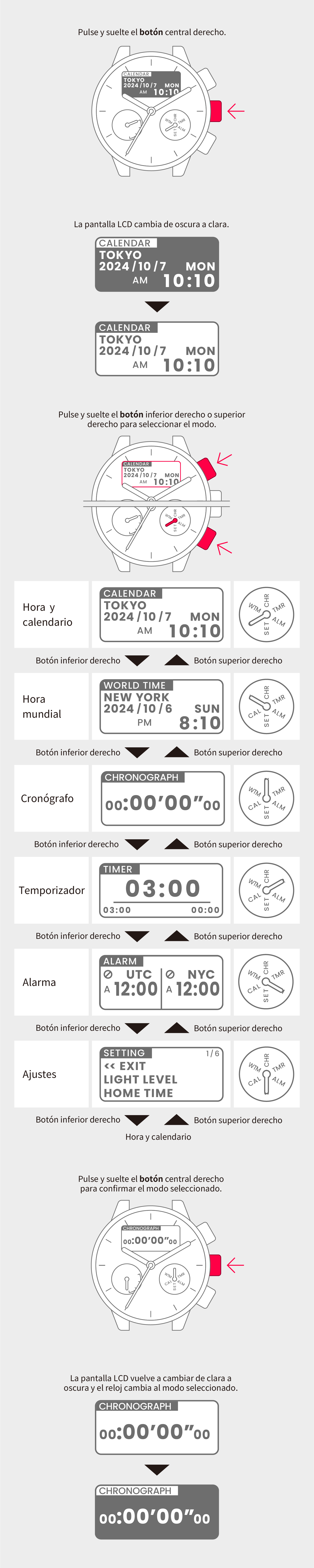
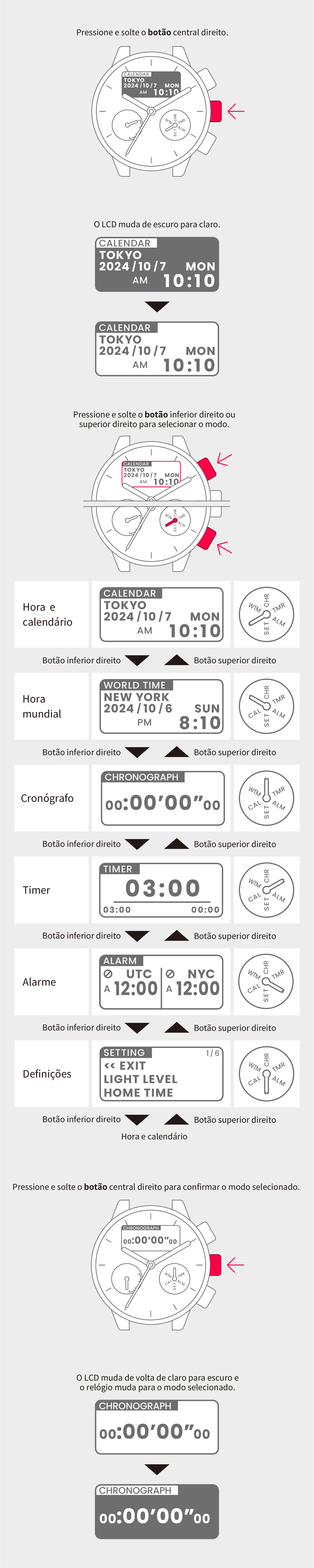
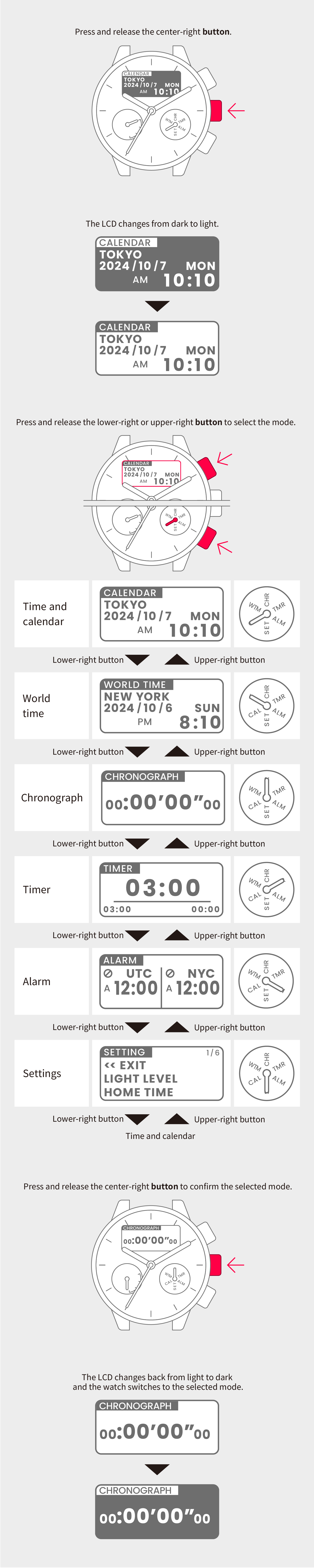
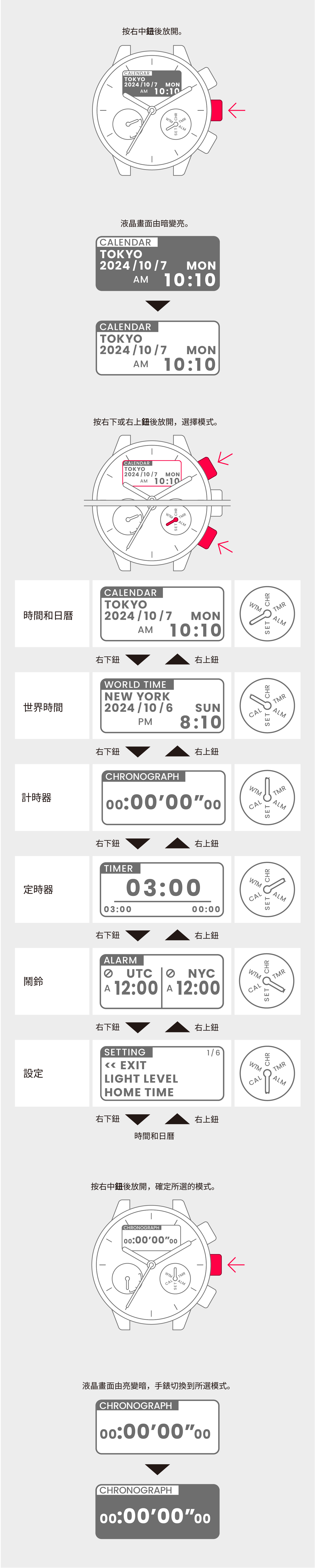
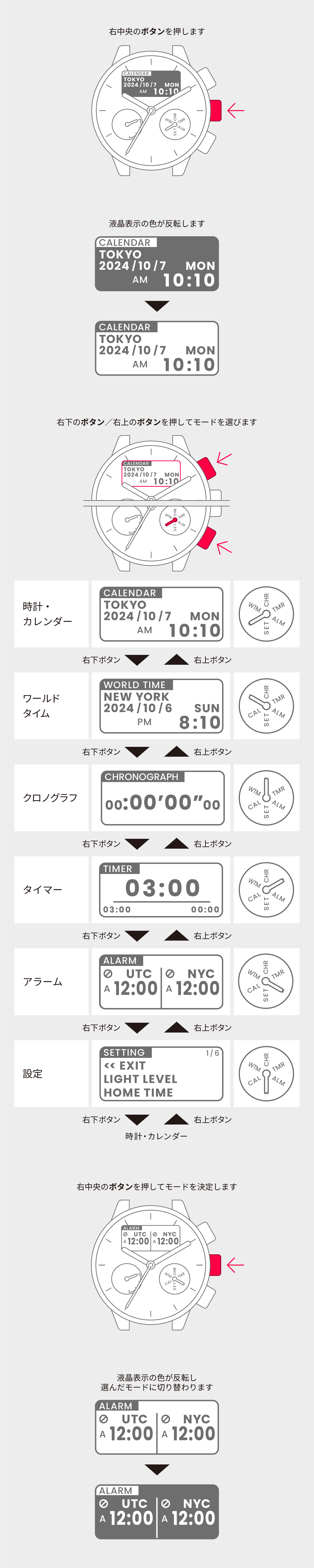
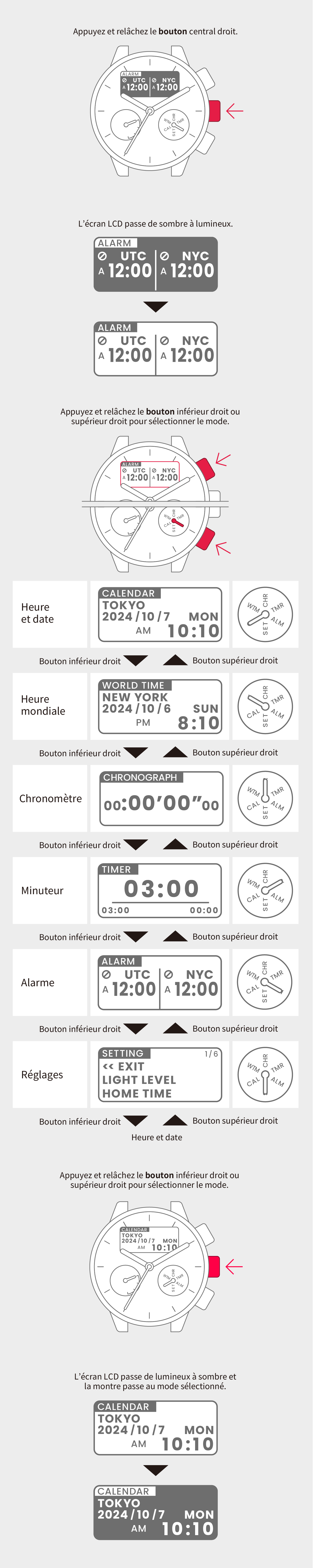
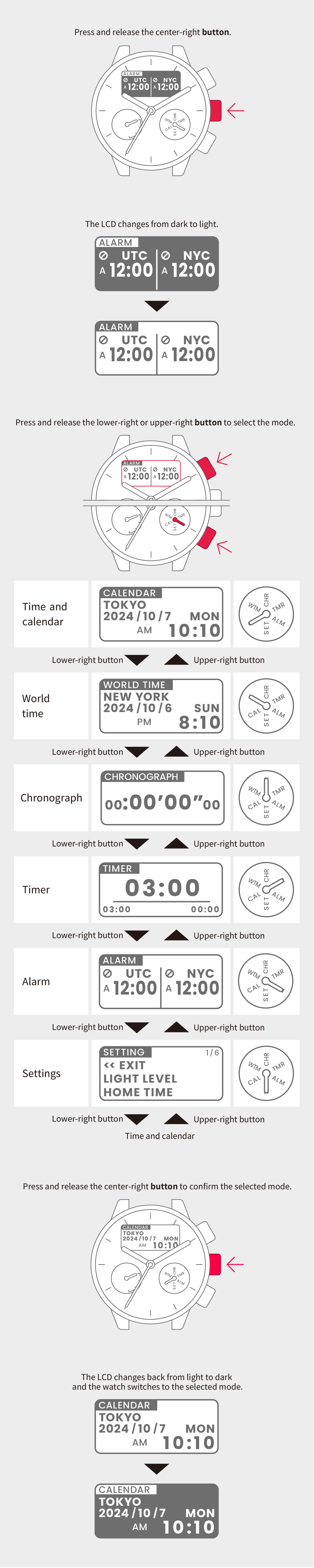
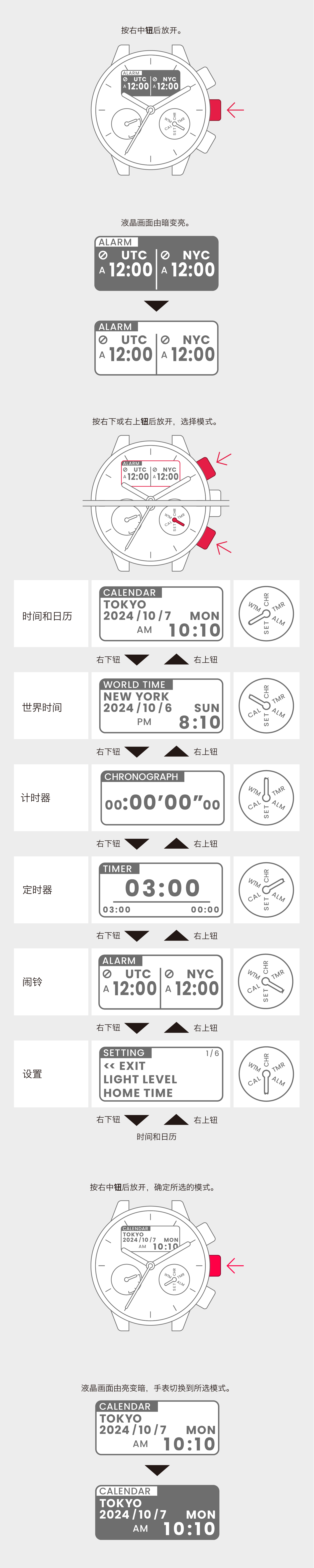
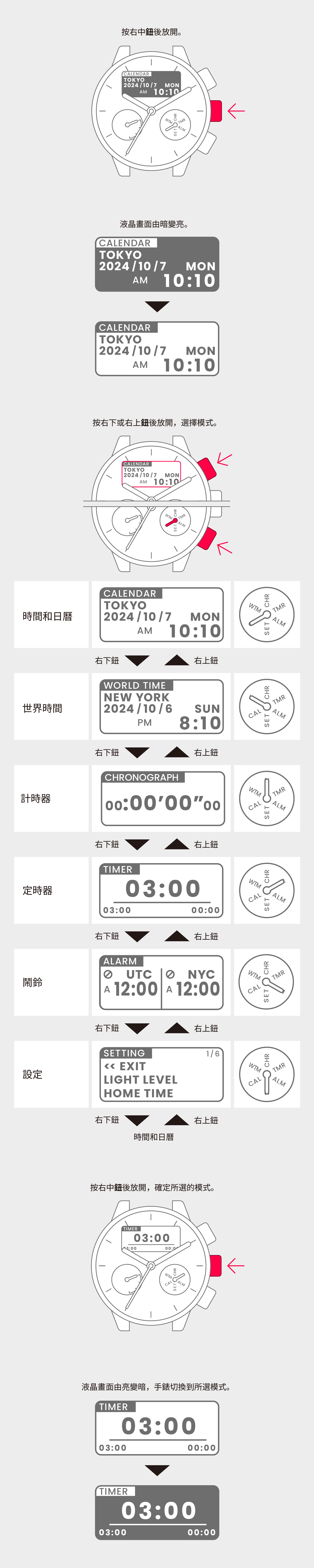
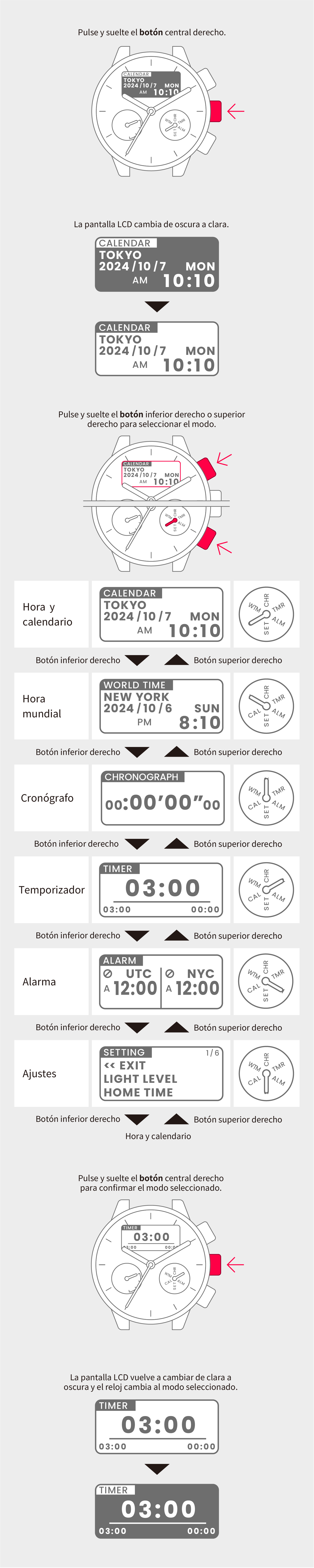
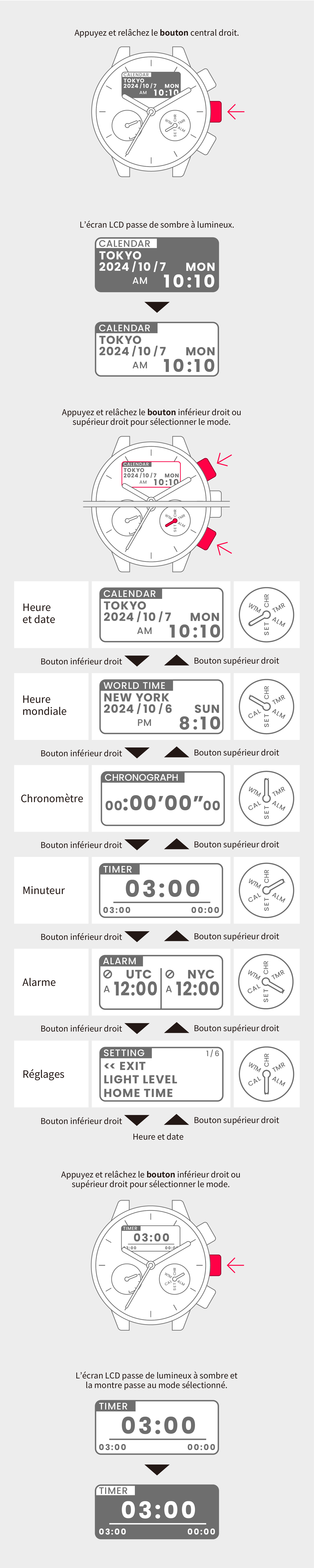
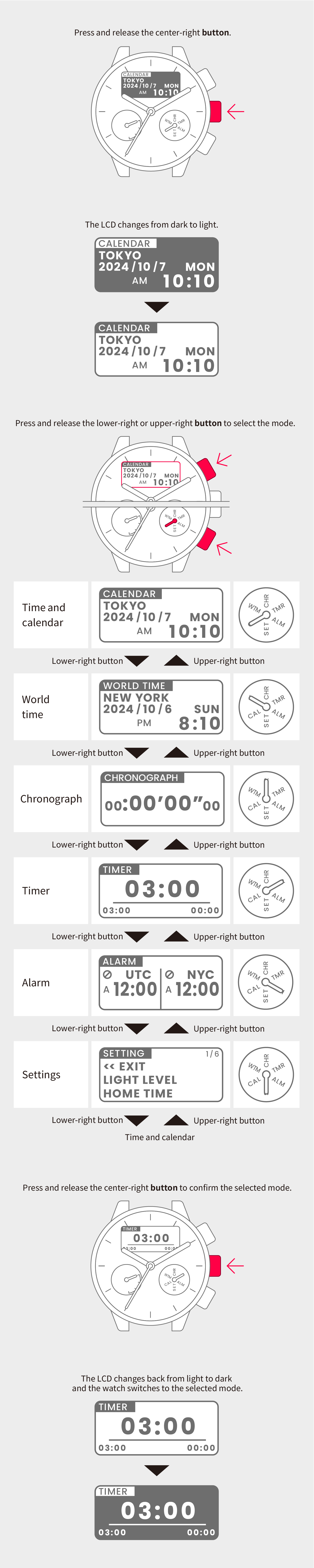
Switch to Time and calendar mode.
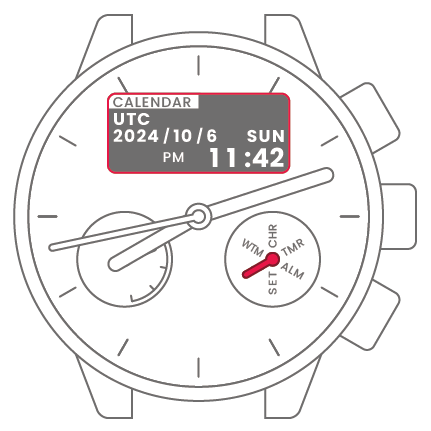

2
Press and hold the center-right
button for at least 2 seconds to
highlight the region.
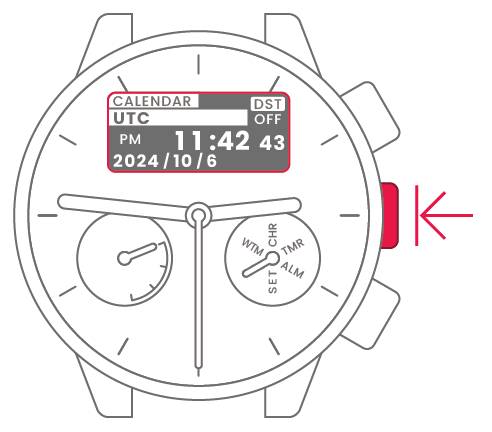
3
Press and release the lower-right
or upper-right button to select
the region.
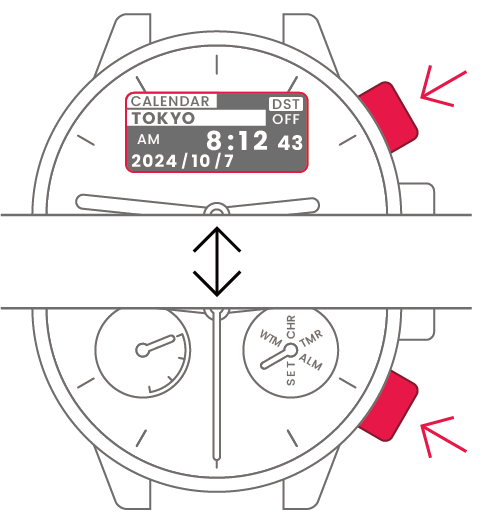
4
Press and release the
center-right button to confirm
the selected region.
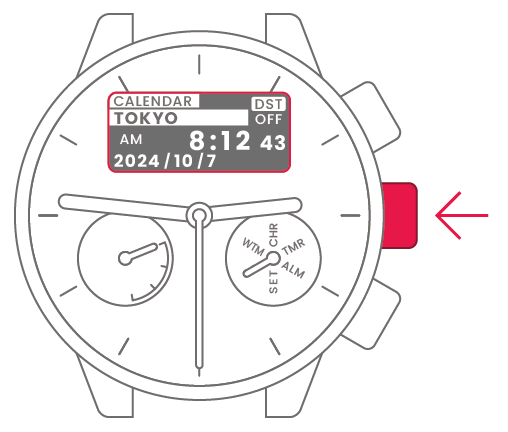
5
Press and hold the center-right
button for at least 2 seconds to
finish.
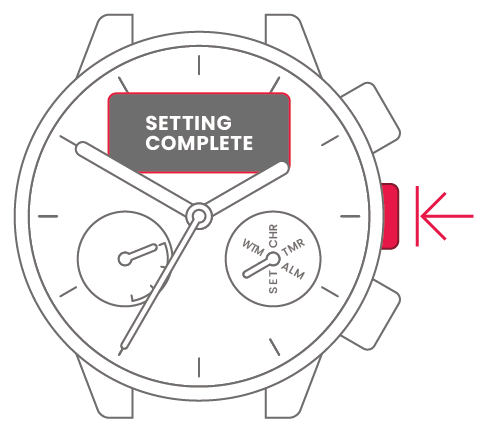
To set the watch to
summer time
(Daylight Saving Time)
To set the watch to
summer time
(Daylight Saving Time)
View in illustrations
1
Switch to Time and calendar mode.
2
Press and hold the center-right
button for at least 2 seconds to
highlight the region.
3
Press and release the lower-right
or upper-right button to select
the region.
4
Press and release the
center-right button to confirm
the selected region.
5
Press and release the lower-right
or upper-right button to select
daylight saving time (DST) or
standard time.
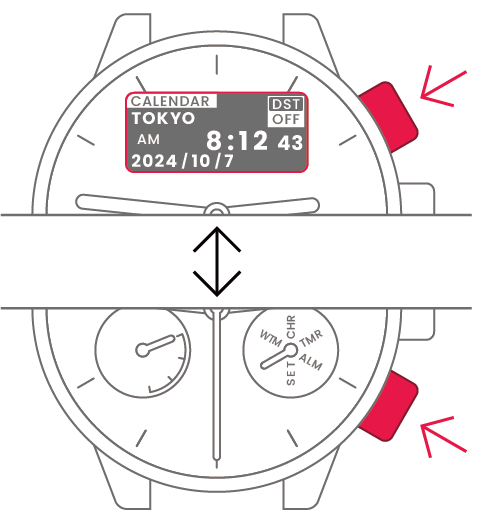
 |
Summer time |
 |
Standard time |
6
Press and release the
center-right button to confirm
daylight saving time or standard
time.
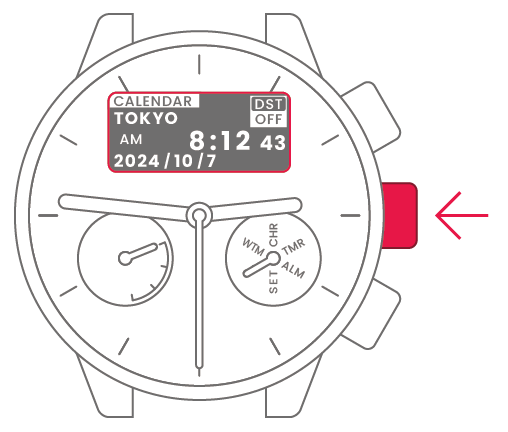
7
Press and hold the center-right
button for at least 2 seconds to
finish.
To correct the reference position
To correct the reference position
View in illustrations
1
Switch to Setting mode.
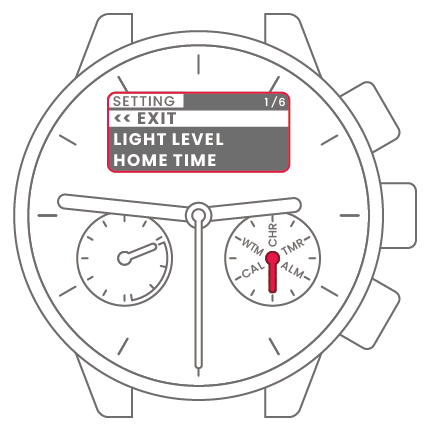
2
Press and release the lower-right
or upper-right button to select
“HAND POSITION”.

3
Press and release the
center-right button. The hands
each show the current reference
position.
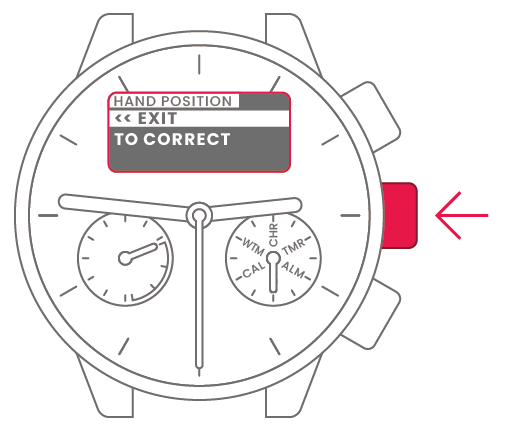
4
Press and release the lower-right
or upper-right button to select
“TO CORRECT”.
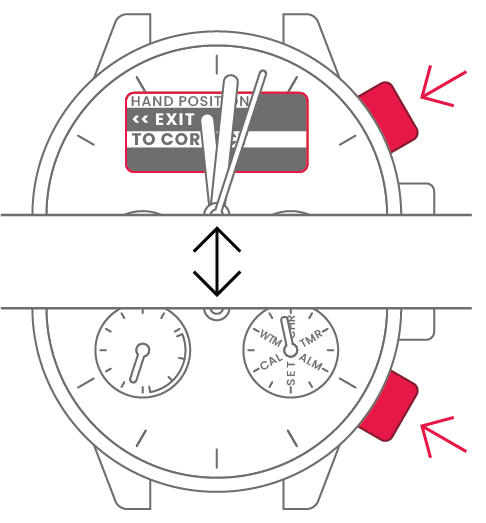
5
Press and release the
center-right button.
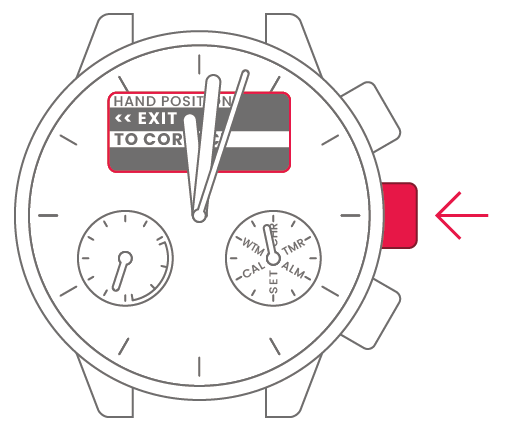
6
Press the lower-right or
upper-right button to move the
chronograph minute hand so that
it points directly up (CHR).

7
Press and release the
center-right button.
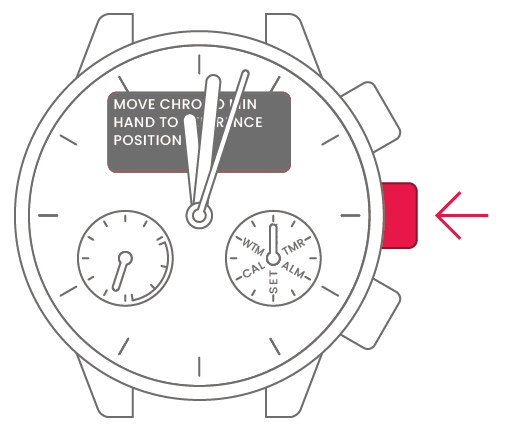
8
Press the lower-right or
upper-right button to move the
chronograph hour hand so that it
points directly down (0).

9
Press and release the
center-right button.

10
Press and release the lower-right
or upper-right button to set the
hour hand to “0 hours” and the
minute hand to “0 minutes”.
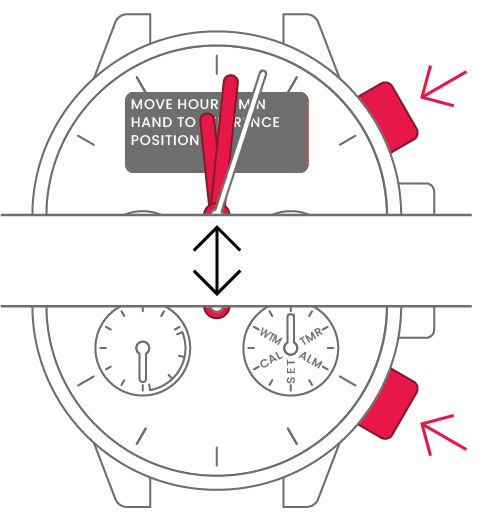
11
Press and release the
center-right button.
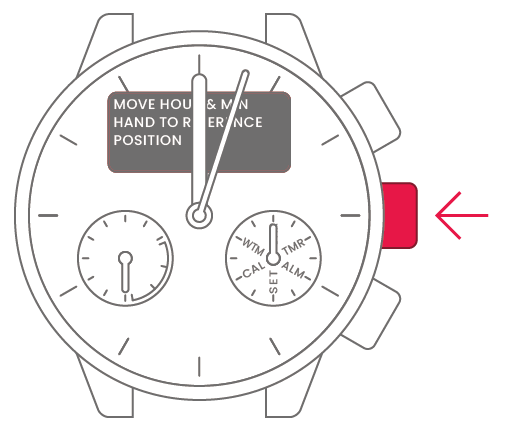
12
Press and release the lower-right
or upper-right button to set the
second hand to “0 seconds”.
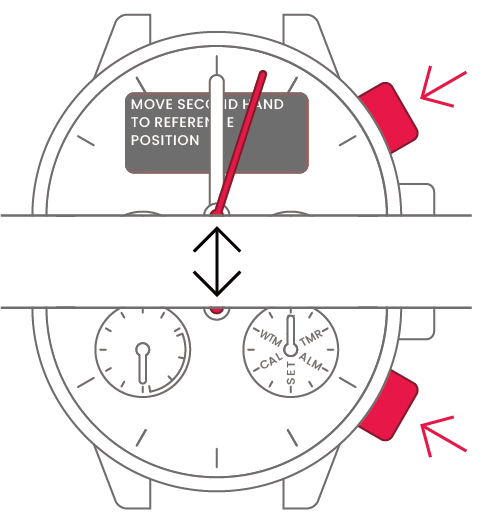
13
Press and release the
center-right button.

14
Press and release the lower-right
or upper-right button to select
“<<EXIT”.
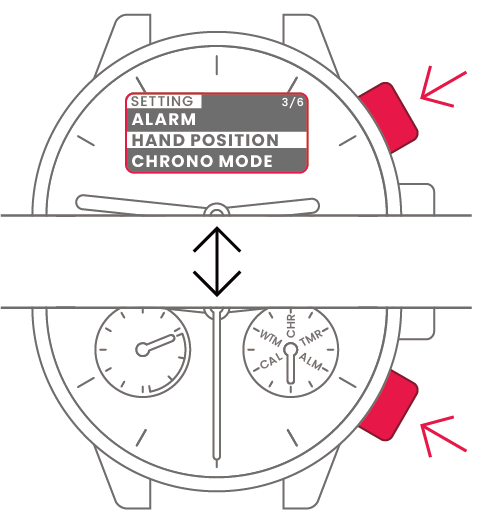
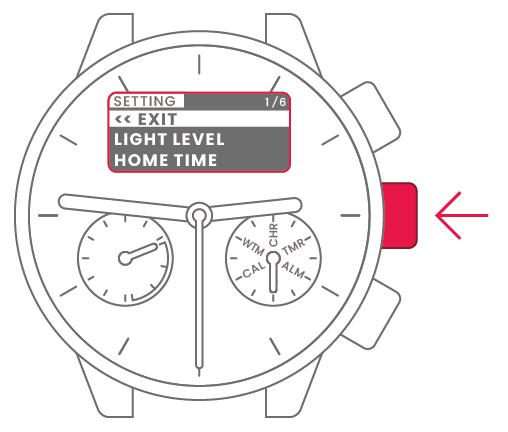
15
Press the center-right button to
finish.
To set the time and date
To set the time and date
View in illustrations
1
Switch to Time and calendar mode.
2
Press and hold the center-right
button for at least 2 seconds to
highlight the region.
3
Press and release the lower-right
or upper-right button to select
the region.
4
Press and release the
center-right button to confirm
the selected region.
5
Press and release the lower-right
or upper-right button to select
daylight saving time (DST) or
standard time.
|
Summer time |
|
Standard time |
6
Press and release the
center-right button to confirm
daylight saving time or standard
time.
7
Press and release the lower-right
or upper-right button to confirm
0 seconds.
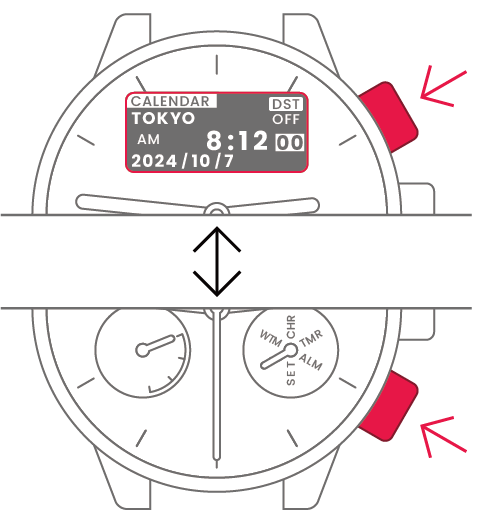
8
Press and release the
center-right button.
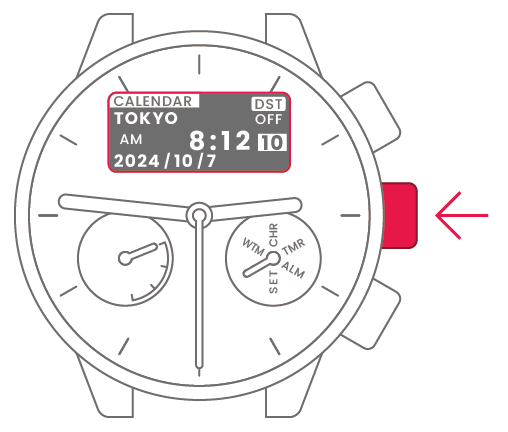
9
Press and release the lower-right
or upper-right button to change
the time and date.
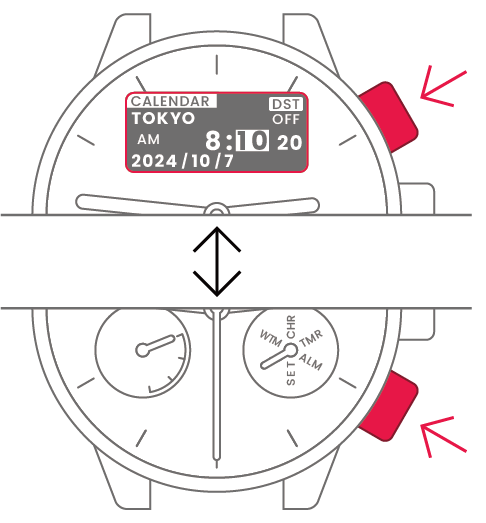
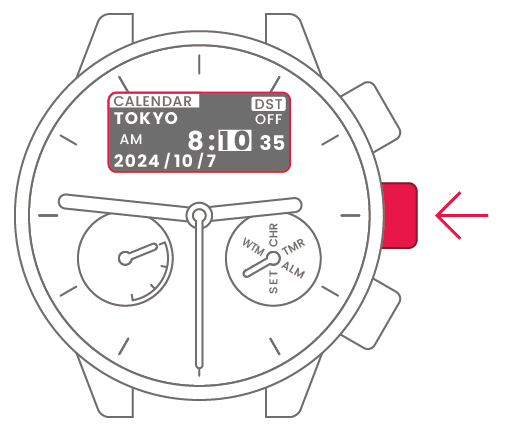
| Minute | Press and release upper-right or lower-right button to change. | 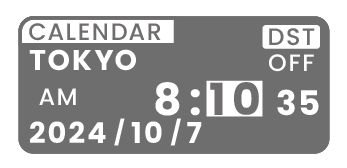 |
 |
Center-right button |
| Hour | Press and release upper-right or lower-right button to change. | 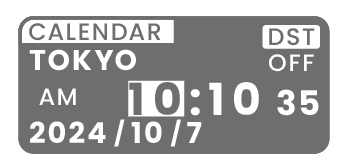 |
|
Center-right button |
| Year | Press and release upper-right or lower-right button to change. | 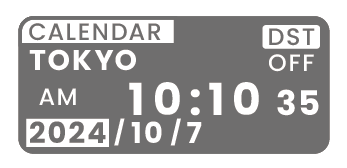 |
|
Center-right button |
| Month | Press and release upper-right or lower-right button to change. | 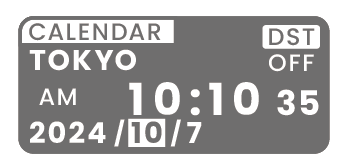 |
|
Center-right button |
| Day | Press and release upper-right or lower-right button to change. | 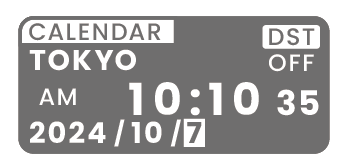 |
|
Center-right button |
| Setting complete |  |
To transpose the times
displayed for two regions
To transpose the times
displayed for two regions
View in illustrations
1
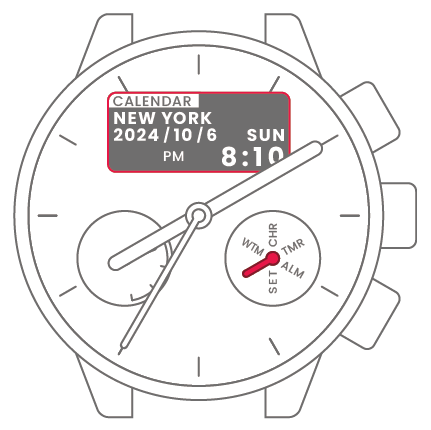
Switch to Time and calendar mode.
2
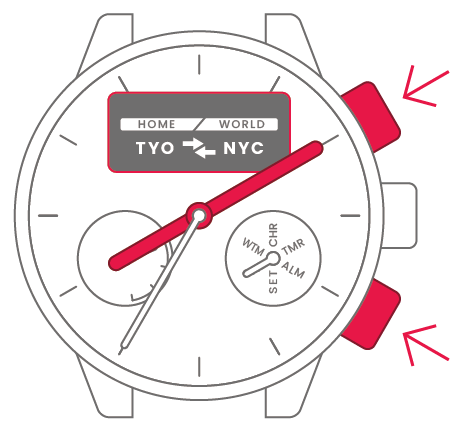
Simultaneously press and release
the lower-right and upper-right
buttons.
3
The times displayed for the two
regions are transposed.