
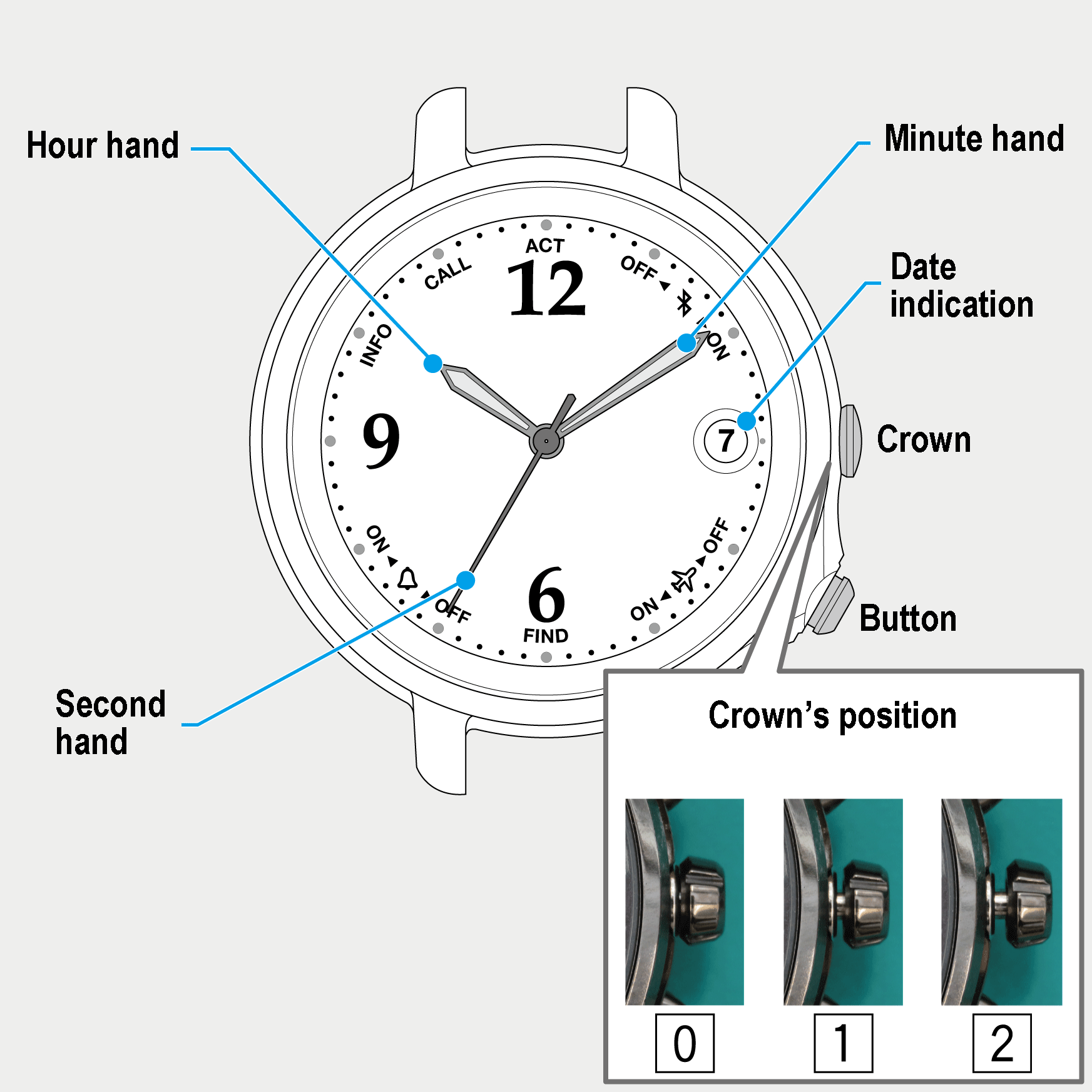
 Cal. No. W410
 Refine your search
W410
Connection/disconnection with the smartphone
Checking connection status
- Push the crown in to position 0.
- Press and release the button.
The second hand indicates the current connection status ( ON/OFF).
!
The second hand returns normal indication automatically in 10 seconds. Press the button to return the second hand to normal indication immediately.
!
The watch keeps correct time and calendar even while the second hand indicates connection status.
Indicating connection status
| ON | 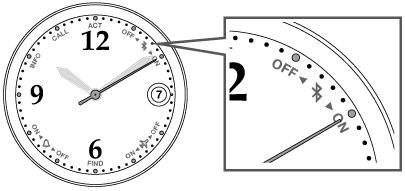 |
|---|---|
| The watch is connected with the smartphone. | |
| OFF | 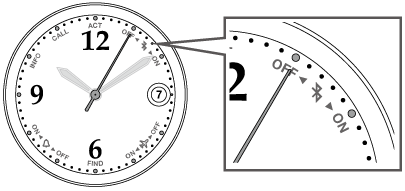 |
| The watch is disconnected with the smartphone. |