Movement No. 9054
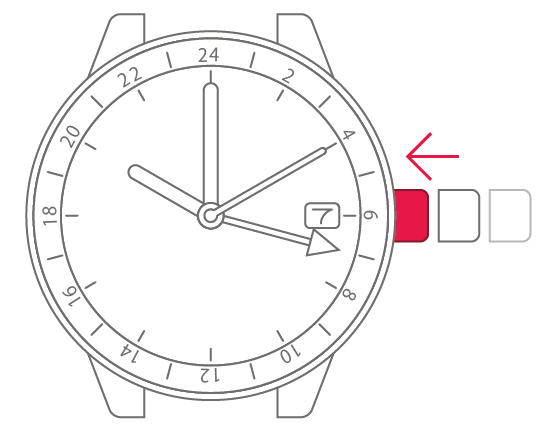
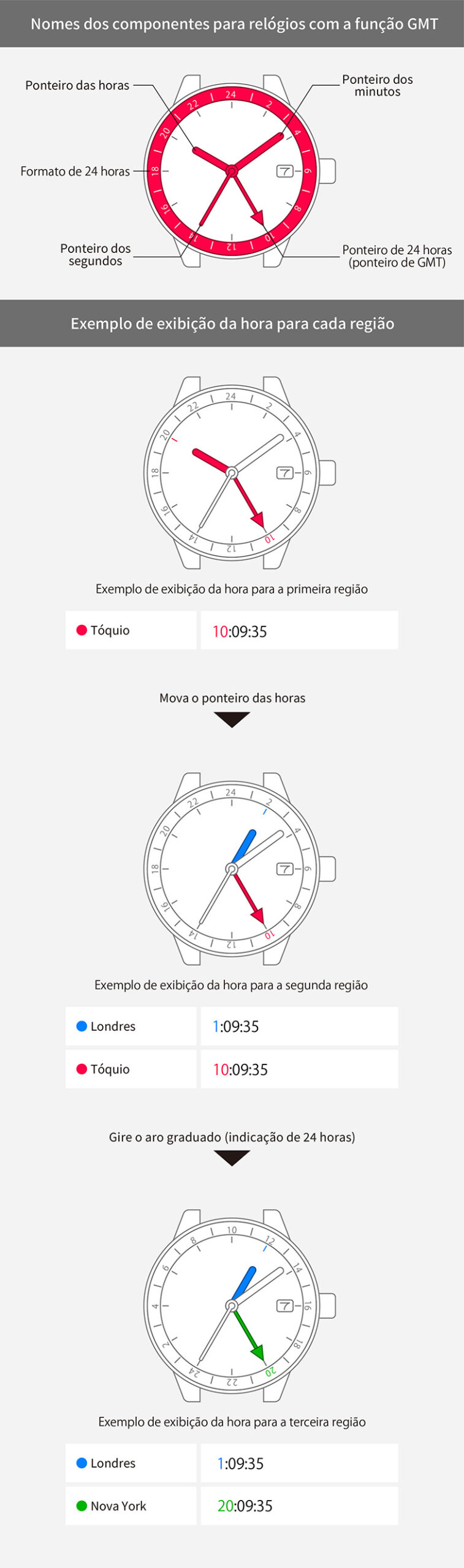
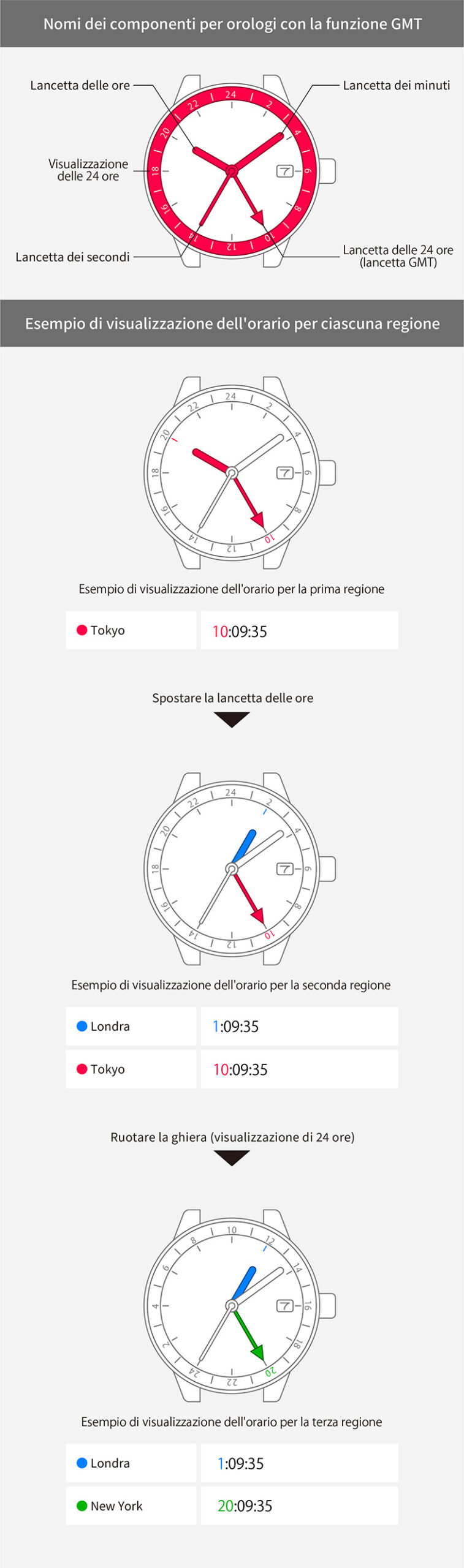
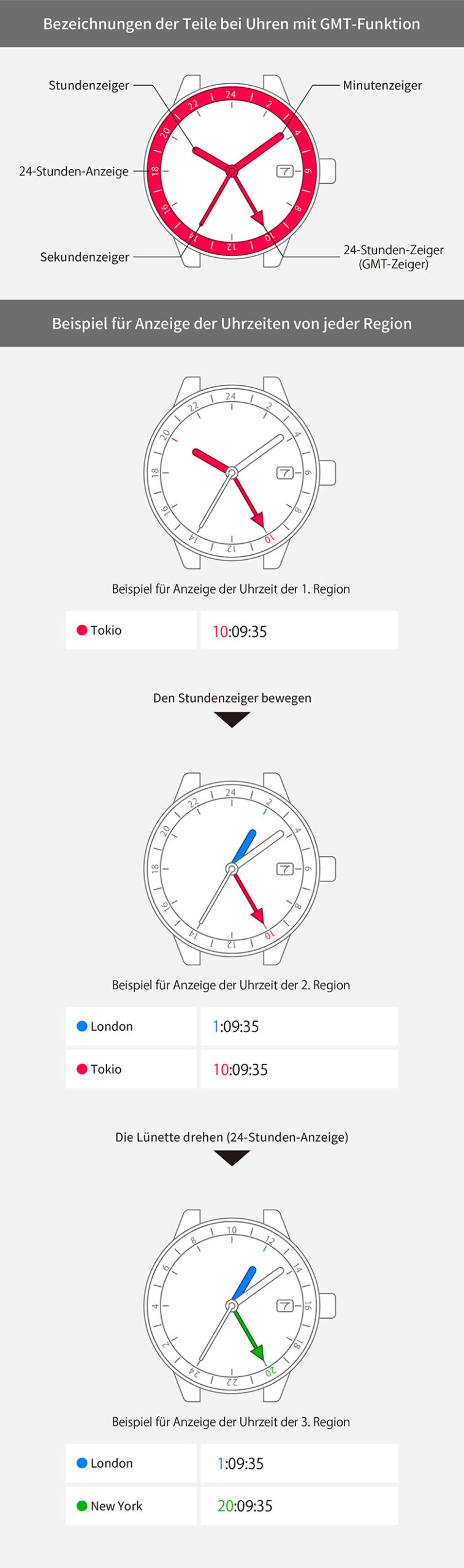
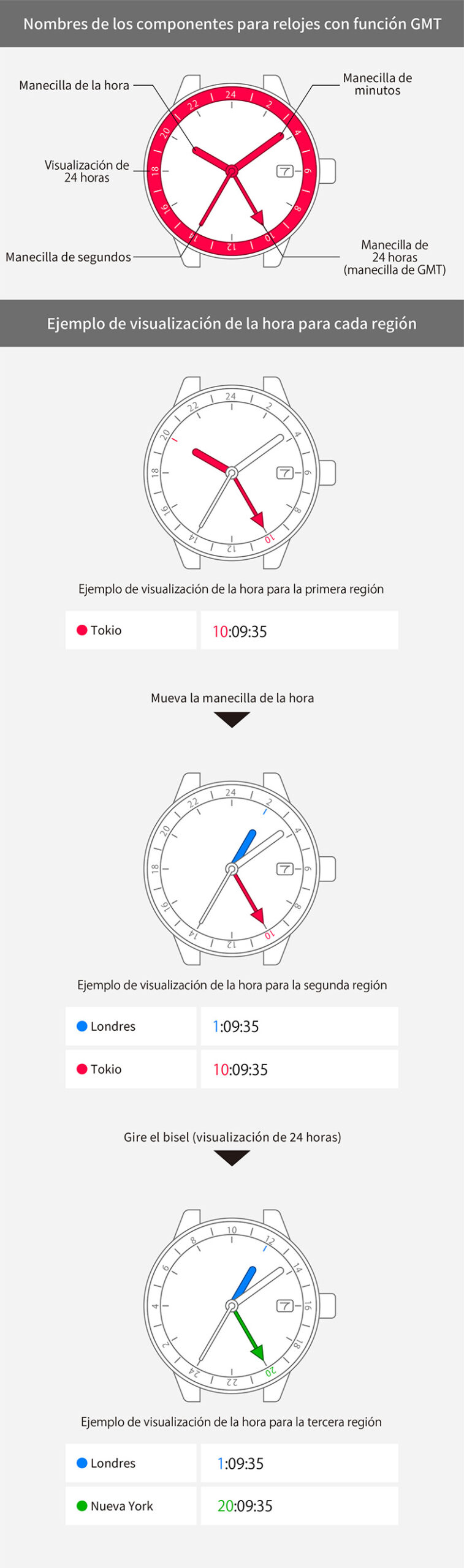
To set the 24-hour hand to another time



View in illustrations
1
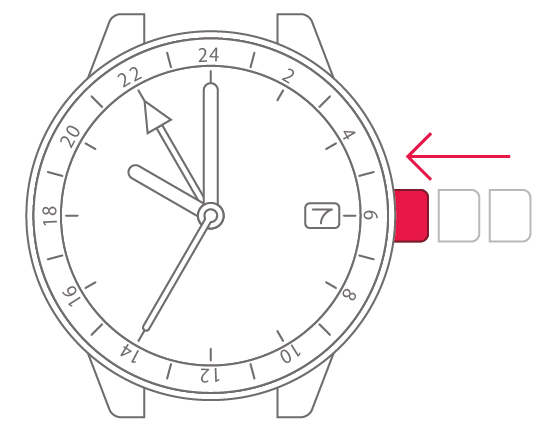
Check that the crown is fully
pushed in.

2
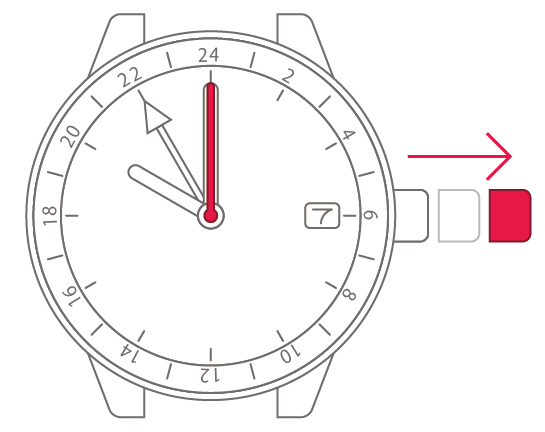
With the second hand pointing
to 0 seconds, pull the crown
out 2 steps.
3
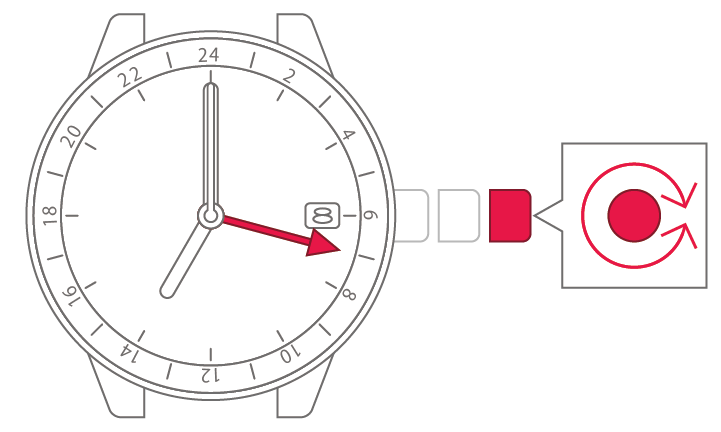
Turn the crown to set the minute
and hour (24-hour time).
4
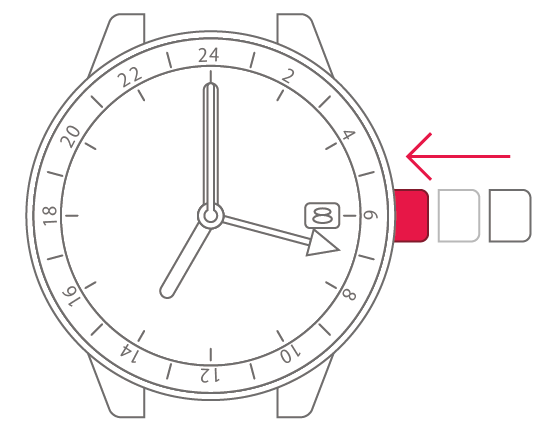
Push the crown back in when the
time matches the time signal or
other source.
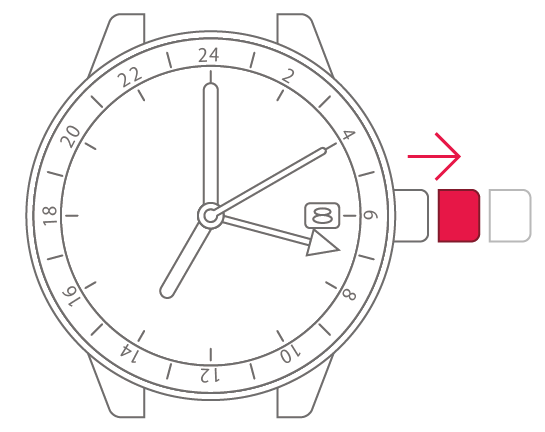
5
Pull the crown out 1 step.
6
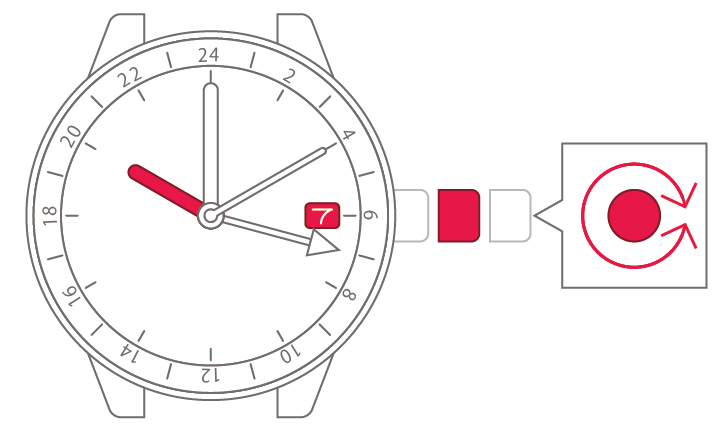
Turn the crown to set the time
and date.
7
Push the crown back in to
complete the process.